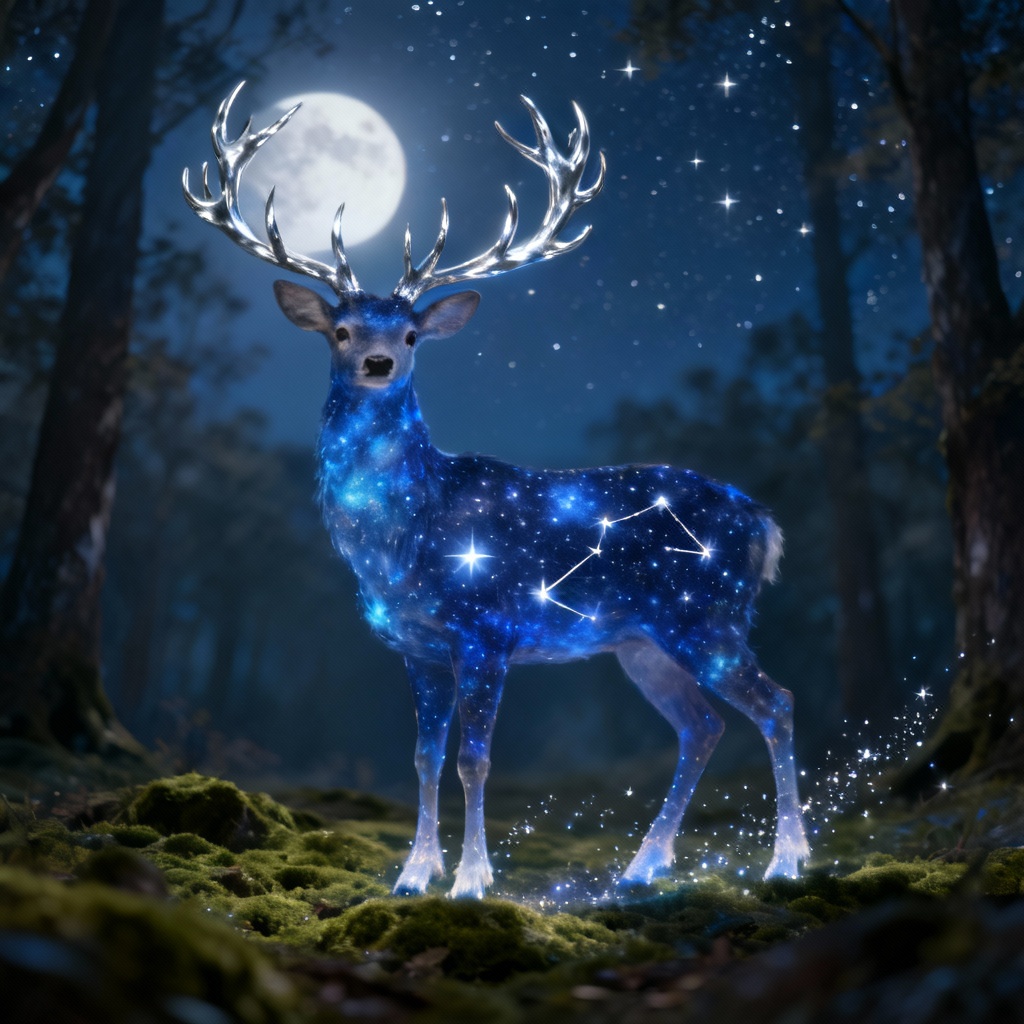
Seedream 4.5 AI Image Generator
Unlock the next level of visual creativity with Seedream 4.5, the specialized tool designed for artists and marketers who demand perfection. This model solves the biggest challenges in generative AI: maintaining character consistency, rendering legible small-font text, and blending multiple images seamlessly. Whether you are refining a portrait or designing a product mockup with embedded text, learn how to use Seedream to achieve studio-quality results. Experience the most advanced ai image generator engine that prioritizes coherence and detail over random generation.
Key Features of Seedream 4.5 AI Image Model
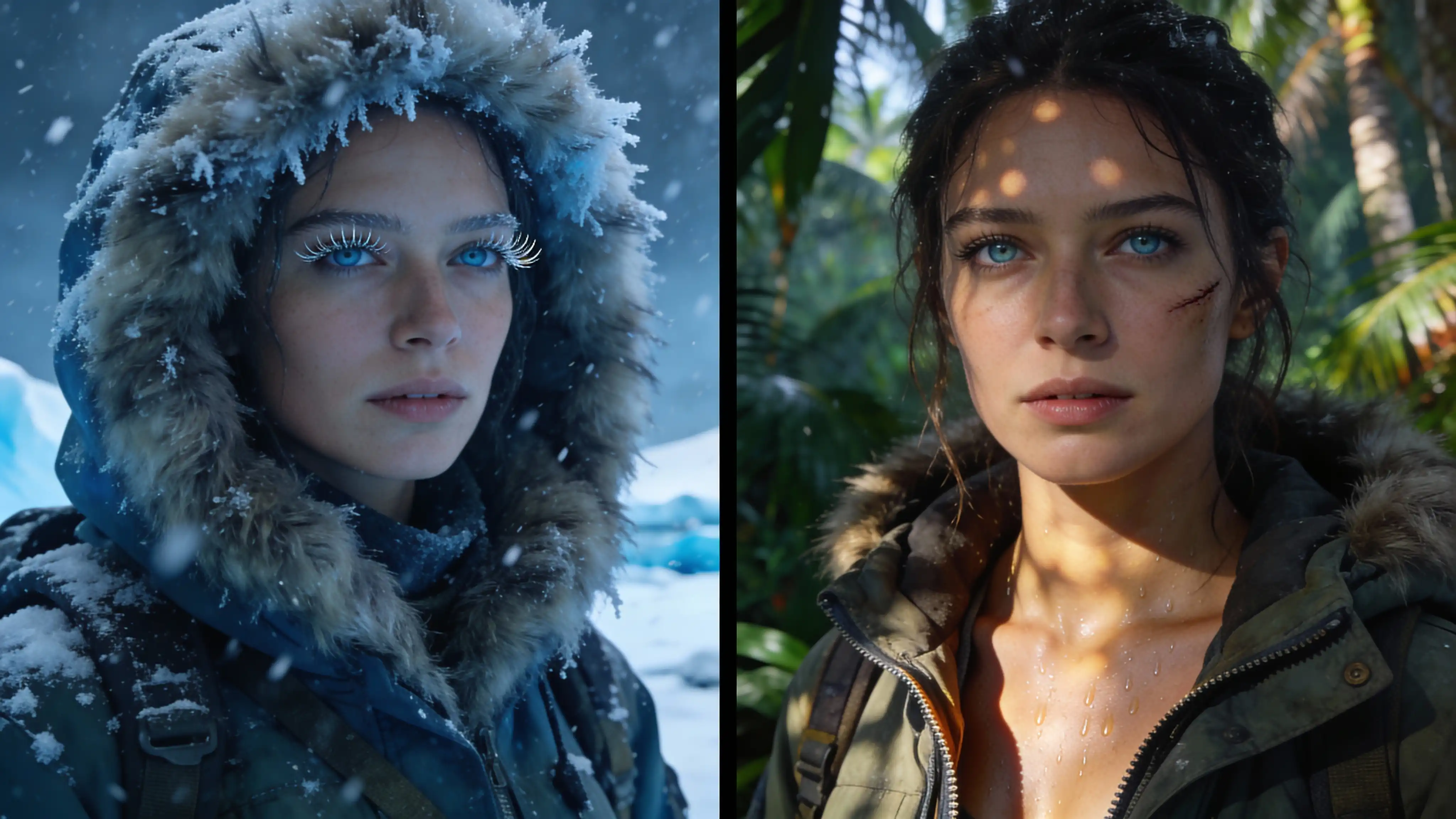
Superior Editing Consistency: Forget about random mutations when editing your work. **Seedream 4.5** excels at maintaining visual coherence throughout your entire workflow. It intelligently locks onto critical elements—subject details, shadow placement, and color grading—ensuring that every edit feels natural and integrated. It’s perfect for storyboarding and consistent character generation.
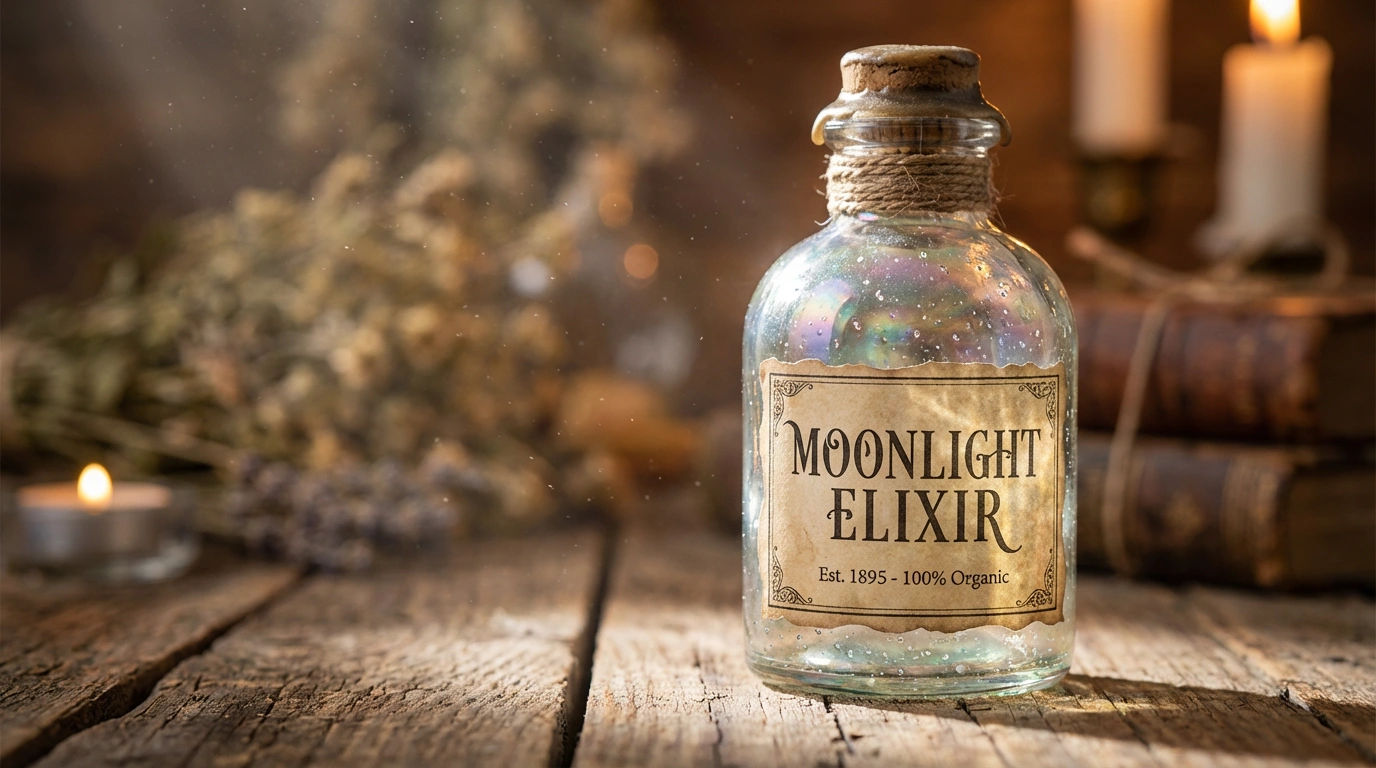
Precise Small Text Rendering: One of the standout capabilities of **Seedream 4.5** is its ability to generate clear, legible small text within images. Unlike previous models that produce gibberish, this engine renders characters on signs, labels, and packaging with impressive accuracy. It is the ideal solution for creating marketing materials, book covers, and product mockups where typography matters.
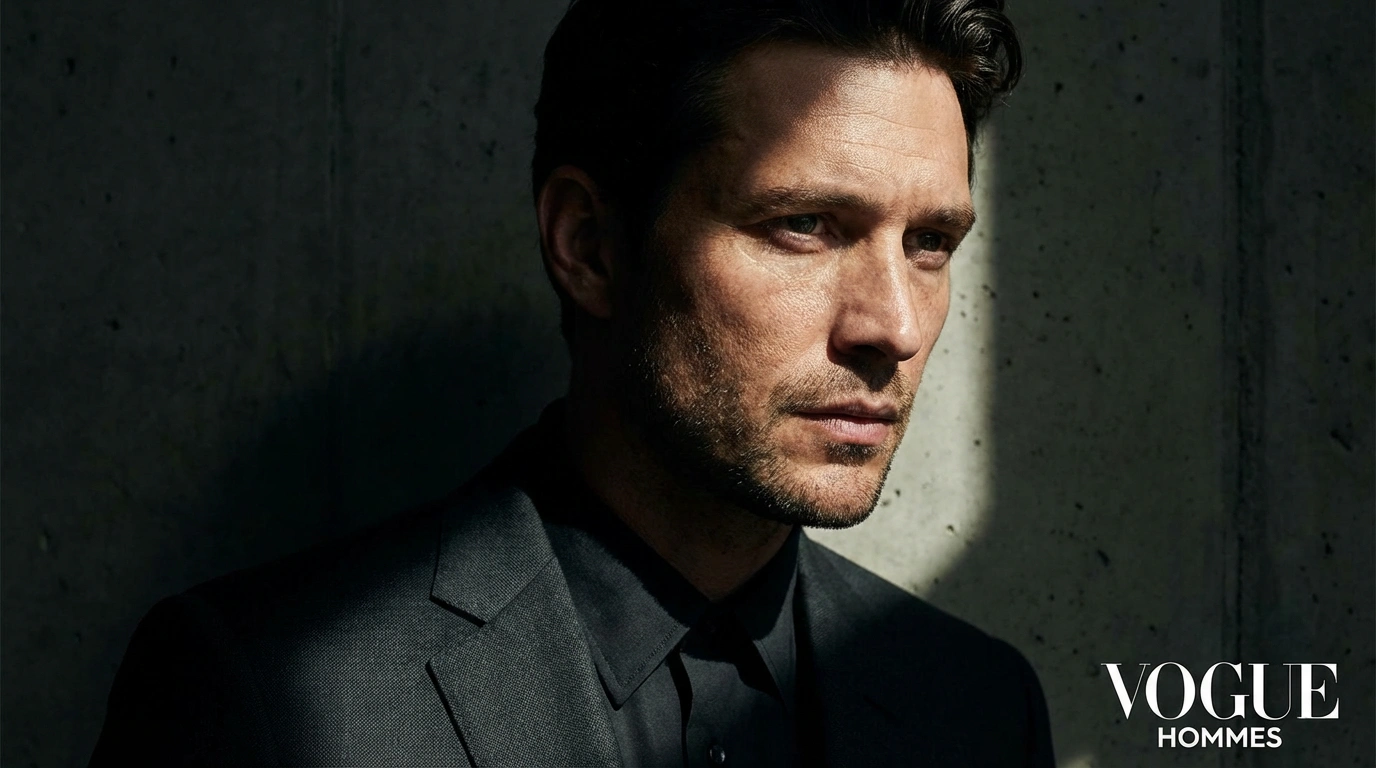
Advanced Portrait Beautification: Take portrait generation to a professional level. **Seedream 4.5** utilizes intelligent beautification algorithms to enhance facial features while preserving skin texture and authenticity. The result is a naturally refined look that avoids the "plastic" or over-processed appearance common in other AI models, making it perfect for fashion and lifestyle content.
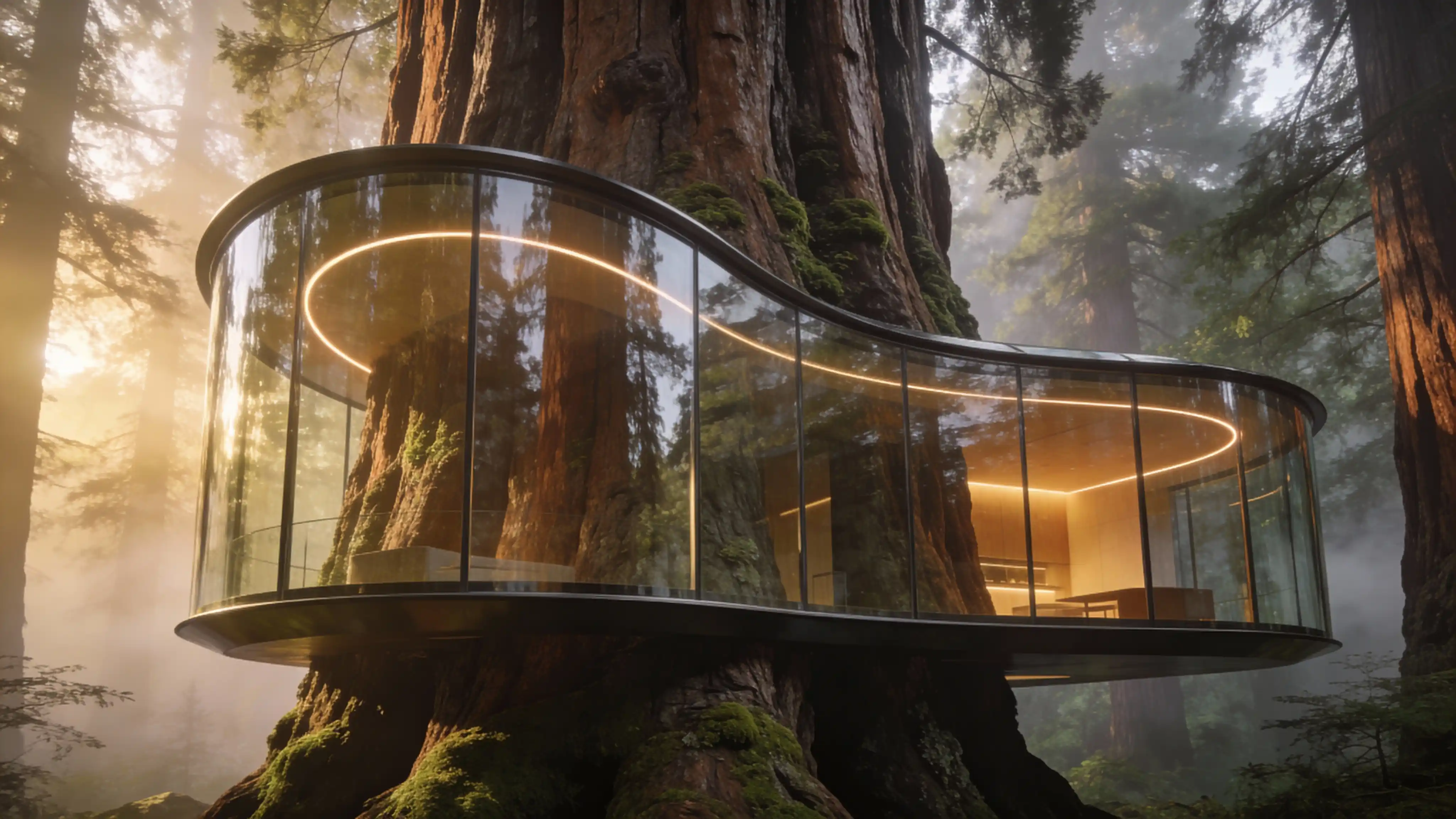
Enhanced Multi-Image Composition: Seamlessly combine multiple visual elements into one cohesive masterpiece. **Seedream 4.5** significantly improves multi-image combination capabilities, harmonizing lighting, perspective, and color tones across different source images. Whether you are blending reference photos or creating complex collages, the results appear naturally unified rather than awkwardly merged.
How to Use Seedream 4.5 AI Image Model
Select the Model
Open the interface and choose **Seedream 4.5** from the model selection menu to access the latest features in consistency and text rendering.
Input Details & References
Describe the image you want to create in natural language. You can also upload reference images to guide the composition, utilizing the enhanced multi-image blending capabilities.
Generate & Download
Configure your final settings (aspect ratio, style), click 'Create', and watch as **Seedream 4.5** brings your vision to life with pixel-perfect accuracy.
FAQs about Seedream 4.5

Seedream 4.0 vs Seedream 4.5 — Comparison
Editing Consistency
Standard Stability
**Superior / Preserves Details
Text Rendering
Abstract Shapes
**Precise & Legible Small Text
Portrait Quality
Basic Enhancement
**Advanced Natural Beautification
Multi-Image Blending
Basic Merge
**Intelligent Lighting & Tone Harmony
Use Case
Concept Art
**Professional Design & Mockups
Editing Consistency
Standard Stability
**Superior / Preserves Details
Text Rendering
Abstract Shapes
**Precise & Legible Small Text
Portrait Quality
Basic Enhancement
**Advanced Natural Beautification
Multi-Image Blending
Basic Merge
**Intelligent Lighting & Tone Harmony
Use Case
Concept Art
**Professional Design & Mockups


_1755857046713_8fe5d478.png)