


A Strategist's Deep Dive: My Honest Adobe Firefly Review
Article Summary: This article provides a professional, hands-on review of Adobe Firefly from a marketing strategist's perspective. It assesses its capabilities in image and video creation for commercial use, highlighting its strengths in workflow integration while also pointing out its limitations for advanced, high-quality visual production.
In the fast-paced world of digital marketing, the demand for high-volume, high-quality visual assets is relentless. As a strategist, I'm constantly evaluating tools that can streamline our creative workflow without sacrificing quality. When Adobe, a titan in the creative software space, seriously entered the AI picture with Adobe Firefly, I knew I had to move beyond the hype and conduct a thorough, hands-on assessment.
This article isn't just another feature list. It’s my field report from the front lines of AI-driven content creation. You'll get my unvarnished insights into where Firefly shines for marketing applications, where it falls short, and how it stacks up for professionals who need more than just basic mockups.
First Impressions: A Seamless, Yet Familiar, Experience
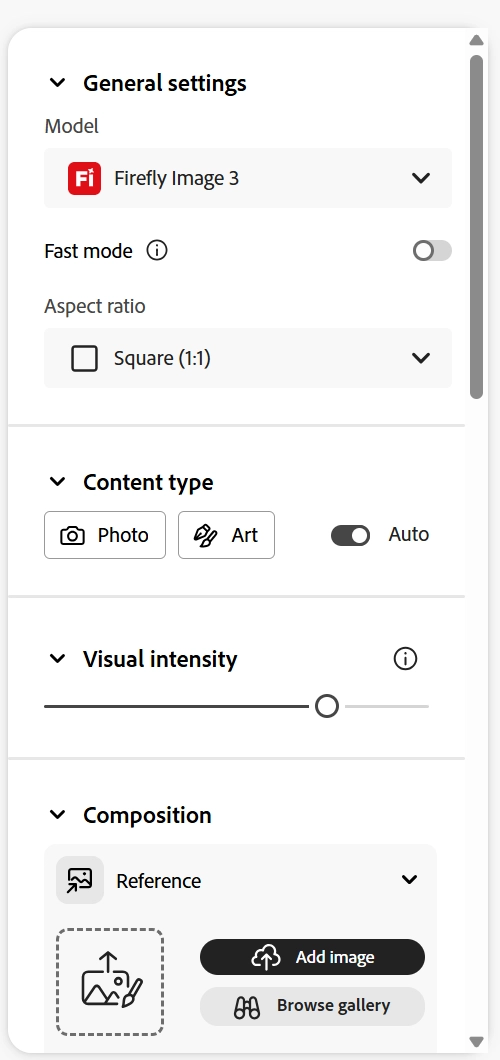
My initial foray into Firefly was refreshingly straightforward. The user interface is clean, intuitive, and will feel immediately familiar to anyone within the Adobe ecosystem. The true power at the outset is its native integration with Creative Cloud apps like Photoshop and Illustrator. The ability to craft an image and then seamlessly bring it into Photoshop for refinement using features like Generative Fill is a significant workflow advantage. This interconnectedness is Adobe’s key differentiator.
However, a sleek interface is only half the battle. The real test lies in the quality and relevance of the output. I decided to run a series of tests based on common marketing and branding use cases.
My Firefly Test Bench: From Product Shots to Abstract Art
To give the tool a proper evaluation, I tested it with three distinct prompts, rating each on a five-star scale based on prompt adherence, quality, and commercial viability.
Test 1: The Photorealistic Product Mockup
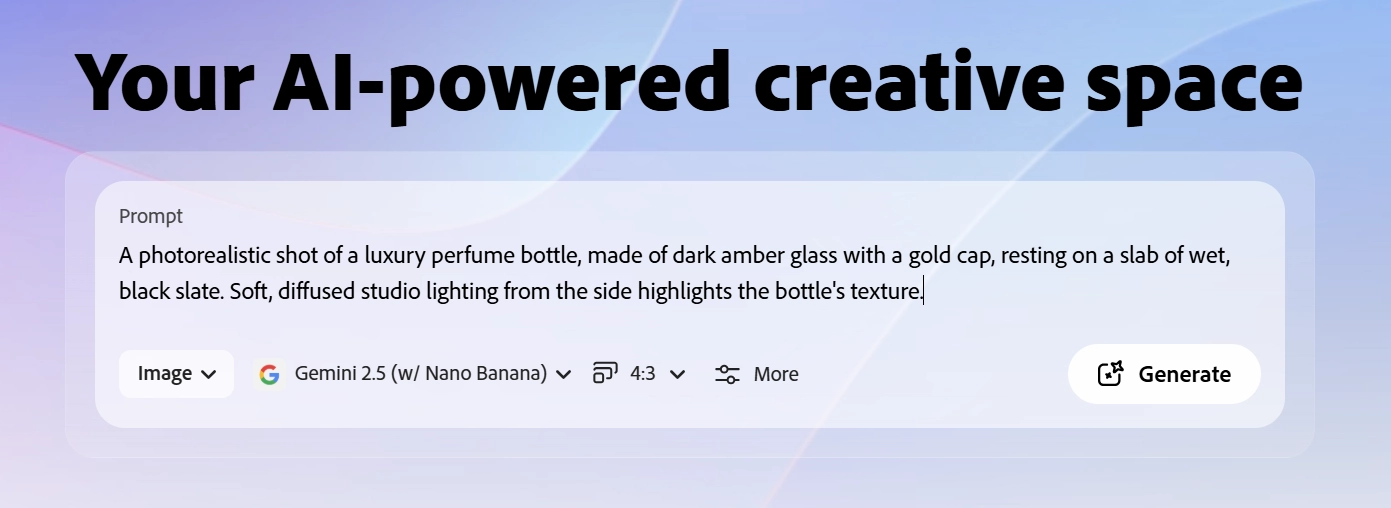
Prompt: A photorealistic shot of a luxury perfume bottle, made of dark amber glass with a gold cap, resting on a slab of wet, black slate. Soft, diffused studio lighting from the side highlights the bottle's texture.
- Result: The output was impressive. The lighting was well-executed, and the texture of the glass was believable. However, the AI struggled with the text on the bottle, rendering it as garbled nonsense—a common issue with many current AI models. For a quick concept, it works, but it requires significant editing for final use.
- Rating: ★★★☆☆


Test 2: The Abstract Website Hero Image
Prompt: An abstract, energetic background for a tech startup's website. A dynamic wave of iridescent light, mixing shades of deep blue and electric violet, on a dark canvas. Minimalist and sophisticated.
- Result: Firefly excelled here. It produced several beautiful, high-resolution abstract images that were perfect for background use. The compositions were balanced, and the color palettes were striking. This is a clear strength for creating non-specific brand assets.
- Rating: ★★★★★

Test 3: The Complex Lifestyle Scene
Prompt: A top-down view of a bustling farmers' market stall. Display crates are filled with colorful, fresh vegetables like heirloom tomatoes, carrots, and leafy greens. Two customers are visible, their hands reaching for produce. The scene is bright and sunny.
- Result: This is where I encountered limitations. The image composition was awkward, with distorted perspectives. While the vegetables looked vibrant, the human hands were unnaturally positioned and slightly malformed. The scene lacked the organic chaos of a real market.
- Rating: ★★☆☆☆

Motion in the Works: Evaluating the Firefly Video Model (Beta)
As short-form video dominates social strategy, I was particularly keen to see if Adobe could translate its "commercially safe" image success into the motion space. The Firefly Video Model (Beta) is Adobe's answer to the industry's pivot toward dynamic storytelling. Here is how it performed in my strategic stress tests:
Test 4: The Atmospheric Nature Loop
Prompt: A high-angle cinematic shot of turquoise ocean waves crashing against dark, jagged basalt rocks. White sea foam spraying into the air. Golden hour lighting creates a warm, hazy atmosphere.
- Result: The fluid dynamics were surprisingly realistic. The weight of the water and the way the foam dissipated felt natural, not "floaty" like some early-stage AI video. For background textures or B-roll in travel content, this is highly viable.
- Rating: ★★★★☆
Test 5: The Dynamic Macro Creature
Prompt: Macro shot of a tiny, curious baby dragon made of obsidian and glowing lava, scuttling through a smoky volcanic cave. The camera pans right, following its movement.
- Result: While the textures of the "lava skin" were visually arresting, the motion consistency faltered slightly during the camera pan. The dragon’s limbs occasionally blurred into the background. It captures the "vibe" perfectly, but struggle with precise anatomical movement during complex pans.
- Rating: ★★★☆☆
💡 Practical Techniques: The standout feature here isn't just the prompt-to-video capability, but the Camera Motion Control. Adobe allows you to manually set the zoom, tilt, and pan intensity. From a strategist's view, this is a massive win for "directorial intent," giving us the power to dictate the pacing of a shot rather than leaving it to AI randomness.
However, the current limitation is duration and complexity. While it excels at 5-second cinematic bursts, it isn't yet ready to replace traditional stock footage for complex human interactions or long-form narrative. It is, for now, a powerful tool for "visual seasoning" rather than the main course.
Key Capabilities and Professional Hurdles
📌 Best Practices: I found that using reference photos for both style and composition dramatically improves the output. This feature gives you more directorial control, moving beyond the pure lottery of prompt-based creation.
While testing, it became clear that while Adobe Firefly offers a solid foundation, it has some hurdles for high-stakes professional work. The platform's commitment to using commercially safe training data (Adobe Stock, open-licensed, and public domain content) is a major plus for legal peace of mind.
Here are two authoritative resources that delve deeper into the importance of ethical AI data sourcing:
- Stanford University's HAI - Foundation Model Transparency Index:
https://hai.stanford.edu/news/introducing-foundation-model-transparency-indexThis provides a framework for evaluating the transparency of AI models, a crucial factor for enterprise use. - The U.S. Copyright Office - Copyright and Artificial Intelligence:
https://www.copyright.gov/ai/This official resource offers the latest on the legal landscape surrounding AI-created works, essential reading for any commercial creator.
On the downside, the inability to use negative prompts (specifying what not to include) is a significant inconvenience. I often found myself re-running a process to remove an unwanted element that a simple --no command could have prevented. This comprehensive adobe firefly review shows that while the tool is powerful, it still has room for growth.
Beyond the Basics: Finding the Right AI Tool for Ambitious Projects
My experience with Firefly was valuable, confirming it as a potent tool for ideation and basic asset creation. But what happens when the goal is not just a "good enough" image, but a truly groundbreaking visual? For high-impact campaigns, you need access to a more diverse and powerful suite of specialized AI models.
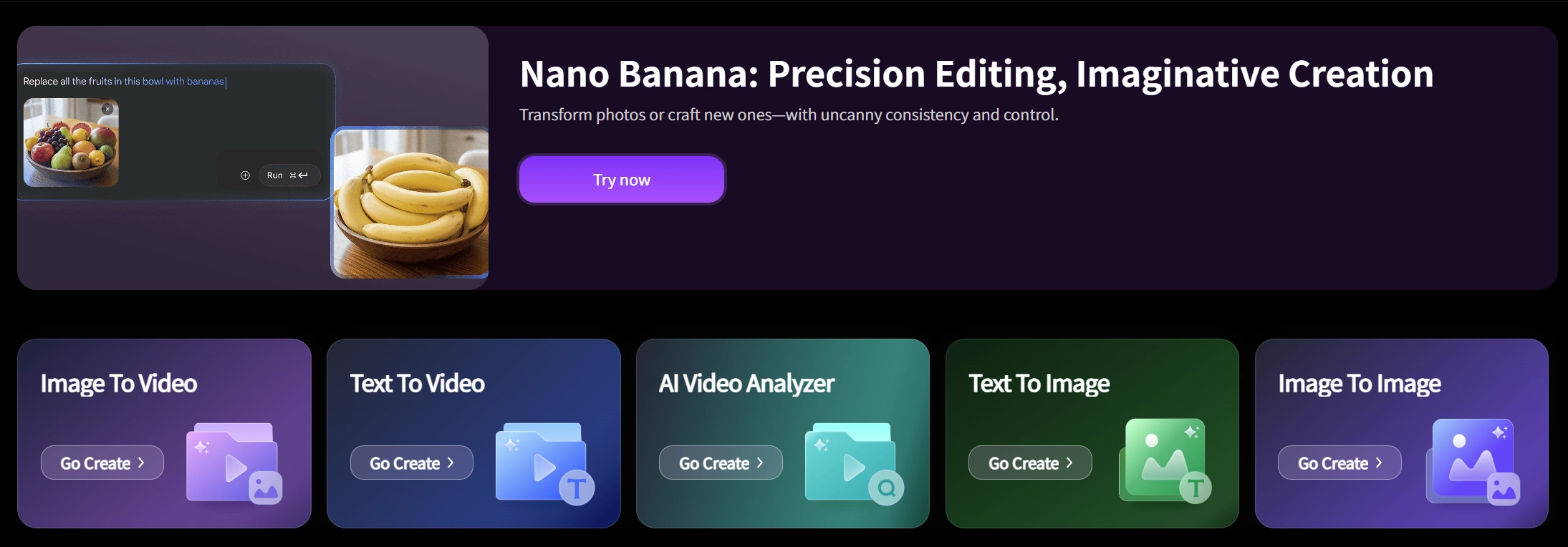
This is where a platform like Genmi AI truly distinguishes itself. Instead of being locked into one provider's ecosystem, it offers a versatile, all-in-one workspace. For professionals, this means you can match the right model to the right task. For instance, you can leverage the unique aesthetic of models like FLUX for stylistic projects or explore advanced techniques for turning a simple idea into a polished visual.
The creative ceiling is simply higher. If a project requires a photorealistic image, you can use a powerful AI image apparatus and then explore turning that concept from image-to-image for further refinement. The platform is designed for a workflow that demands both flexibility and power, serving as a comprehensive hub for today’s most advanced creative technologies.
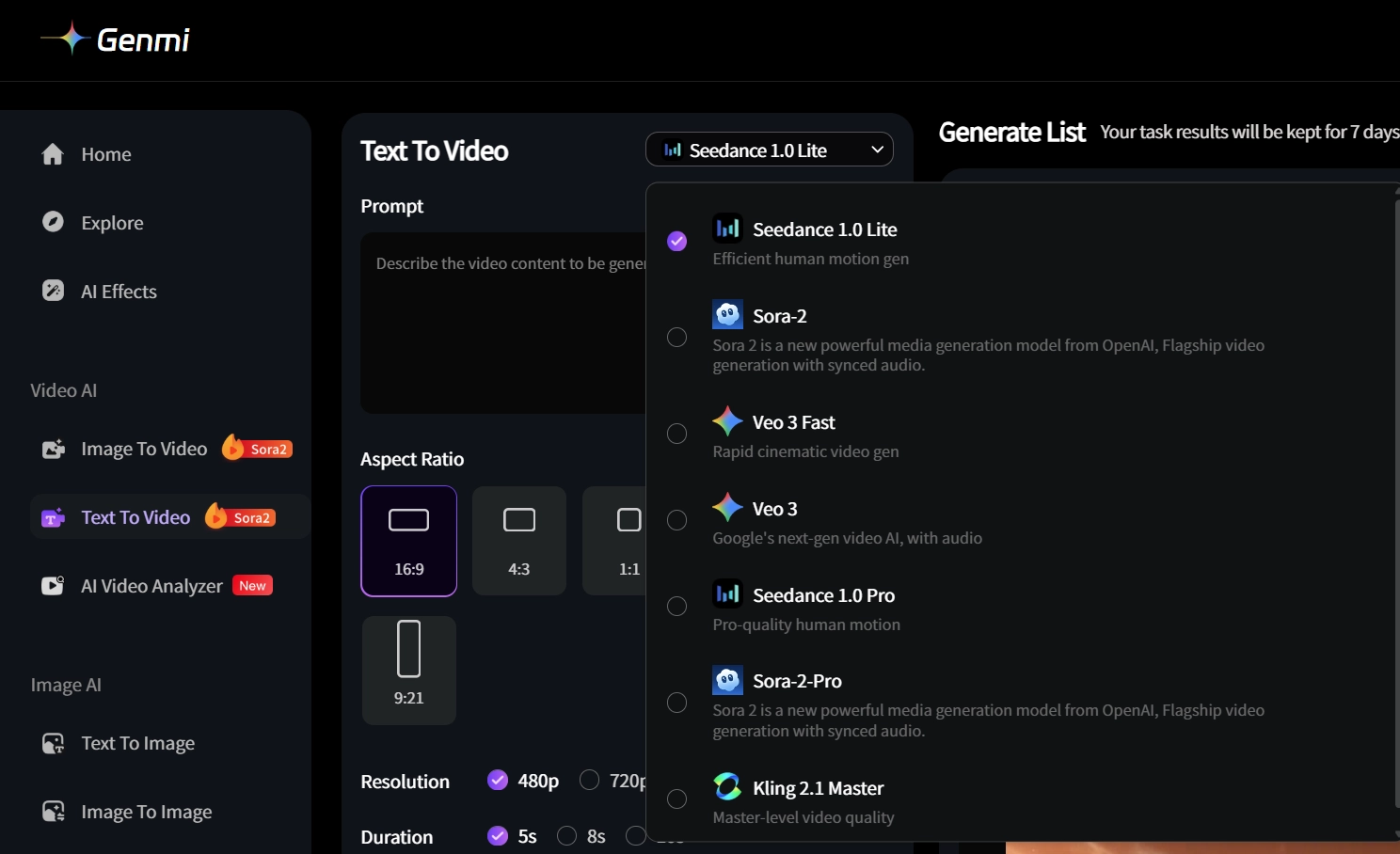
Furthermore, keeping up with the rapidly evolving world of AI video is critical. Understanding the nuances between different video models is key to success. In-depth analyses, like this Sora 2 review or this look at Stable Video Diffusion, provide the expert insights needed to make informed decisions. Having access to these different tools and the knowledge to wield them effectively is what separates standard work from exceptional results. Ready to see what's possible? Explore Genmi AI's full capabilities.
Conclusion
After my deep dive, my verdict is that Adobe Firefly is a formidable and user-friendly tool, especially for creators already invested in the Adobe Creative Cloud. Its strengths lie in its seamless integration, fast asset creation for mockups and abstract designs, and its commercially safe approach. For marketers, designers, and social media managers who need to produce visuals quickly, it’s a solid starting point.
However, for those of us pushing creative boundaries, the journey doesn't end there. To achieve truly professional-grade, unique, and imaginative results, you need a more diverse and powerful toolkit. This journey has shown me that while integrated platforms are convenient, specialized, multi-model platforms are where the future of high-end creative AI lies.
Empower Your Creative Vision
Stepping up your creative output is about more than just prompts; it's about having the right tools at your fingertips. See how a truly comprehensive AI workspace can transform your projects. Begin your creative evolution with Genmi AI today.
Recommended Articles

An Expert Review of Dreamina AI: Does It Live Up to the Hype?
Our honest, hands-on Dreamina AI review tests its video, image, and avatar tools. Discover its pros, cons, and if it's right for your creative workflow.

How to Use Kling AI: Your Ultimate Guide to Cinematic Video Creation
Learn how to use Kling AI for stunning video creation. This guide covers everything from writing effective prompts to advanced techniques for cinematic results.

Mastering AI Image Prompts: Your Definitive Guide to Crafting Stunning Visuals
Unlock the full potential of AI art. Learn to write effective AI image prompts to create breathtaking visuals.