


Fotor AI Image Generator Review: My Honest Test on Its Capabilities and Limits
Article Summary: This article provides an in-depth review of the Fotor AI image generator, evaluating its text-to-image capabilities and integrated editing tools. It offers practical tips for optimizing workflows, highlights critical limitations in photorealism, and suggests advanced alternatives for professional creative projects.
In the saturated market of digital creation tools, finding a platform that balances ease of use with professional utility is challenging. Recently, I decided to rigorously test the Fotor AI image generator, a tool that promises to democratize art creation through advanced algorithms. As a content strategist who regularly experiments with visual synthesis tools, I wanted to see if Fotor could truly deliver on its claims of simplifying complex design workflows.
This review goes beyond the surface features. I spent a week integrating Fotor into my daily creative process, testing everything from its text-to-image capabilities to its AI-powered editing suite. Whether you are a graphic designer looking for quick mockups or a hobbyist exploring digital art, this article will provide a detailed, unbiased analysis of its performance, helping you decide if it deserves a spot in your toolkit.
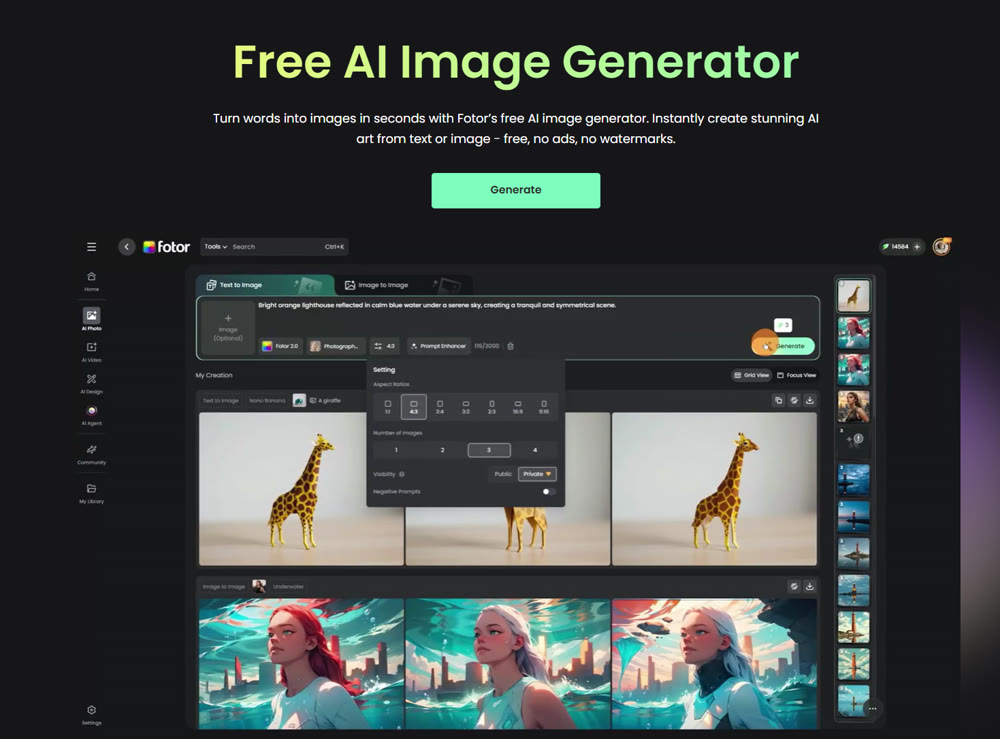
🎨 Visual Synthesis: From Text to Canvas
The core offering of the platform is its ability to transform textual descriptions into visual assets. Unlike some competitors that require complex prompt engineering, Fotor aims for accessibility.
Testing the Limits: Text-to-Image
To gauge its versatility, I started with a fundamental test.

Prompt: "A futuristic cyberpunk city street at night, neon lights reflecting on wet pavement, towering skyscrapers with holographic ads, cinematic lighting."
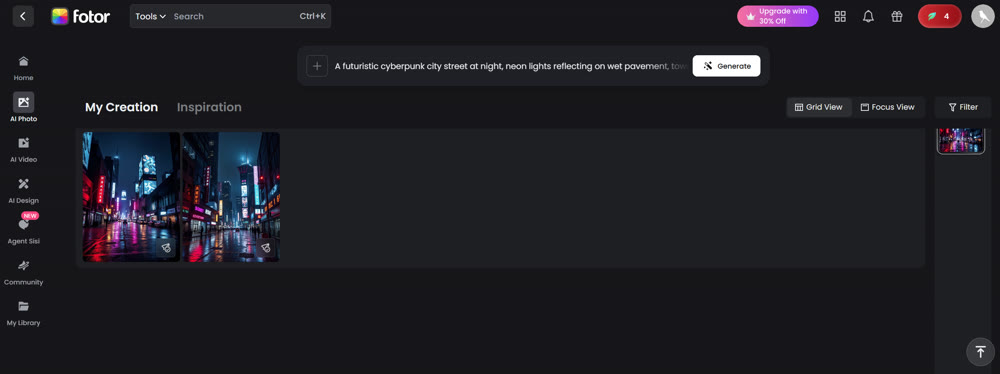
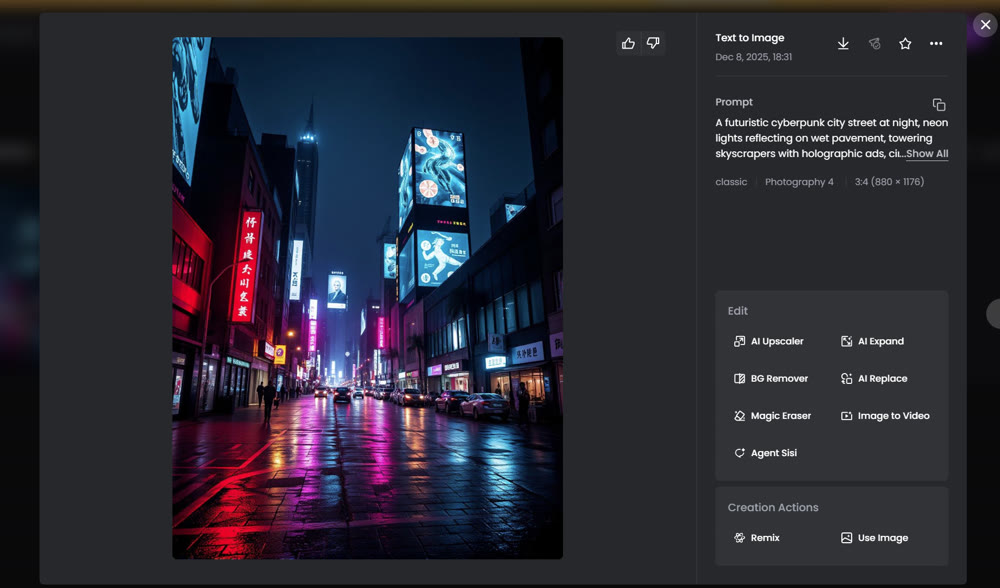
(Caption: Fotor's interpretation of a cyberpunk cityscape, showcasing its handling of lighting and texture.)
The result was visually striking. The model successfully captured the "neon-noir" aesthetic, handling the reflections and atmospheric lighting with surprising competence.
I then pushed for something more abstract:
Prompt: "A surreal portrait of a clock melting over a tree branch in a desert, in the style of Salvador Dali, dreamlike atmosphere, high detail."
The output successfully mimicked the surrealist style, blending elements seamlessly. However, upon closer inspection, some details—like the specific numbers on the clock face—lacked the precision found in more specialized models.
🛠️ The Editing Suite: Enhancing the Output
What sets the Fotor AI image generator apart from basic synthesizers is its integrated editing ecosystem. It doesn't just create; it allows you to refine.
💡 Practical Techniques: AI Magic Tools
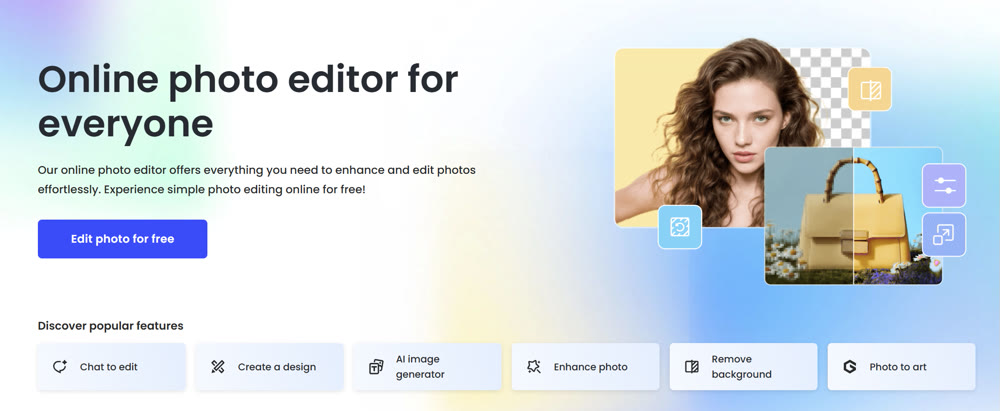
Fotor includes a suite of "Magic Tools" designed to fix common AI artifacts. Here is a breakdown of my experience with them:
- Magic Eraser: I used this to remove an unwanted artifact from a generated landscape. The process was intuitive—simply brush over the object, and the AI fills the gap. While effective for simple backgrounds, complex textures sometimes resulted in noticeable blurring.
- AI Upscaler: Essential for print media. I took a standard generation and upscaled it by 200%. The tool successfully sharpened the edges without introducing significant noise, making it viable for web banners.
📌 Best Practices for Workflow
- Batch Processing: If you are working on a project requiring multiple assets, use the batch edit feature to apply consistent filters or watermarks across all images simultaneously.
- Prompt Refinement: Use the "Negative Prompt" feature (if available) to explicitly exclude unwanted elements like "blurry text" or "extra limbs."
🚧 Critical Limitations to Consider
While the tool is powerful, my Fotor AI image generator review would be incomplete without addressing its drawbacks.
- Photorealism Struggles: When tasked with creating hyper-realistic human faces, the model occasionally produced the "wax figure" effect common in early AI models. Eyes and hands remain a challenge for complex poses.
- Speed and Ads: The free version is heavily laden with ads, which disrupts the creative flow. Furthermore, generation times can lag during peak hours, sometimes taking over a minute to render a complex scene.
- Customization Depth: While great for beginners, advanced users might find the lack of granular control over model parameters (like seed numbers or specific sampler methods) limiting.
🚀 Expanding Creative Possibilities with Genmi AI
While Fotor serves as a solid entry point for general image tasks, professional workflows often demand a more integrated and versatile ecosystem. This is where Genmi AI distinguishes itself.
For creators who need precise control over their visual assets, Genmi's text-to-image capabilities allow for high-fidelity concept creation that adheres strictly to your prompt's technical specifications. But the creative journey doesn't stop at static images. Genmi bridges the gap between still art and motion, allowing you to transform scripts into dynamic video scenes seamlessly.
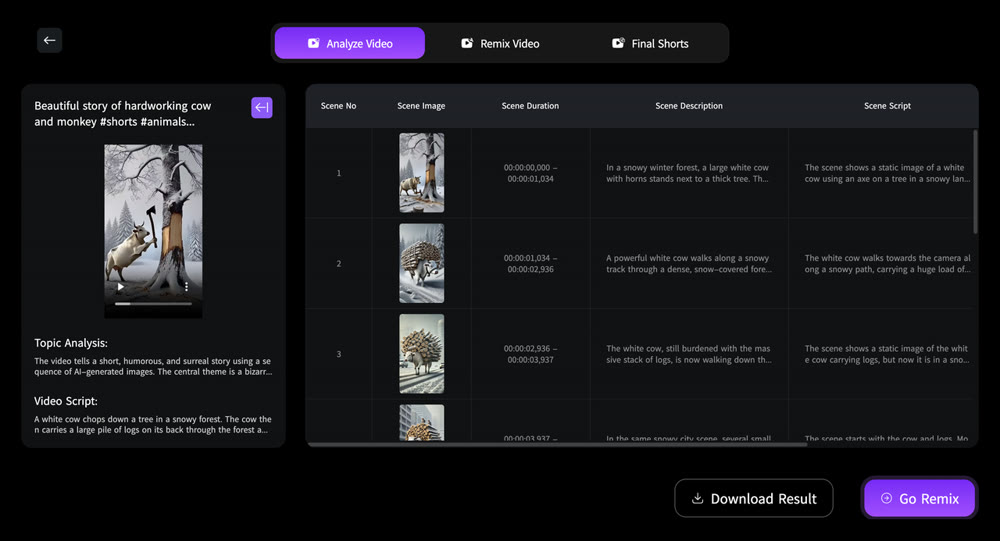
Furthermore, consistency is paramount in branding. The platform enables you to animate existing static assets, bringing products or characters to life while maintaining their exact visual identity. If you need to refine specific details without regenerating the entire image, the image-to-image tools offer granular editing power. By housing these diverse capabilities under one roof, the Genmi AI platform empowers professionals to manage the entire creative pipeline efficiently.
Conclusion
Fotor is a competent all-rounder that lowers the barrier to entry for AI art. Its strength lies in its "one-stop-shop" approach, combining generation with essential editing tools. It is an excellent choice for social media managers, bloggers, and hobbyists who need quick, visually appealing results without a steep learning curve.
However, for those requiring commercial-grade photorealism or a workflow that extends into video and complex animation, the limitations of Fotor become apparent. In such cases, exploring a more comprehensive ecosystem like Genmi AI may be the necessary step to elevate your creative output.
Take Control of Your Visuals
Don't let tool limitations stifle your creativity. Whether you are sketching a quick idea or building a comprehensive brand campaign, choosing the right platform is crucial. rigorous testing is the key to finding the workflow that best serves your artistic vision.
Recommended Articles

Hailuo 2.3 Review: Is This the New Standard for AI Commercial Cinematics?
Professional review of Hailuo 2.3. We test the latest AI video model for micro-expressions, physics, and product showcasing capabilities.
From Script to Viral Hit: The Ultimate Guide to Creating AI-Powered YouTube Shorts Blockbusters
Unlock viral growth on YouTube Shorts by mastering AI scriptwriting. This guide details how to turn story ideas into viral videos using AIGC tools and data.
How to Use AI for Making Viral YouTube Shorts? A Guide for New Creators
Discover why YouTube Shorts are the best way for new creators to gain traction. Learn how to leverage AIGC tools like Genmi AI to go viral and monetize.