


Luma AI Video Generator Review: A Professional Director’s First-Hand Assessment
Article Summary: This expert review evaluates the Luma AI Video Generator (Dream Machine) from a filmmaker's perspective. It covers technical features, a cyberpunk field test, a detailed rating scorecard, and how to integrate it with tools like Genmi AI for professional results.
The visual production landscape has shifted from "experimental" to "essential" in the blink of an eye. As a digital director who balances high-concept client briefs with tight deadlines, I am constantly hunting for tools that bridge the gap between imagination and a final render. The Luma AI Video Generator entered the scene with bold promises of cinematic realism and "Dream Machine" capabilities. After weeks of rigorous testing in a professional workflow, I’m ready to dissect whether this engine is a novelty or a legitimate production asset.
The primary value of this review is to provide an objective look at how the software handles complex physics, lighting, and character consistency. For creators looking to optimize their output, understanding the nuances of the Luma Dream Machine is the first step toward mastering the next era of motion synthesis.
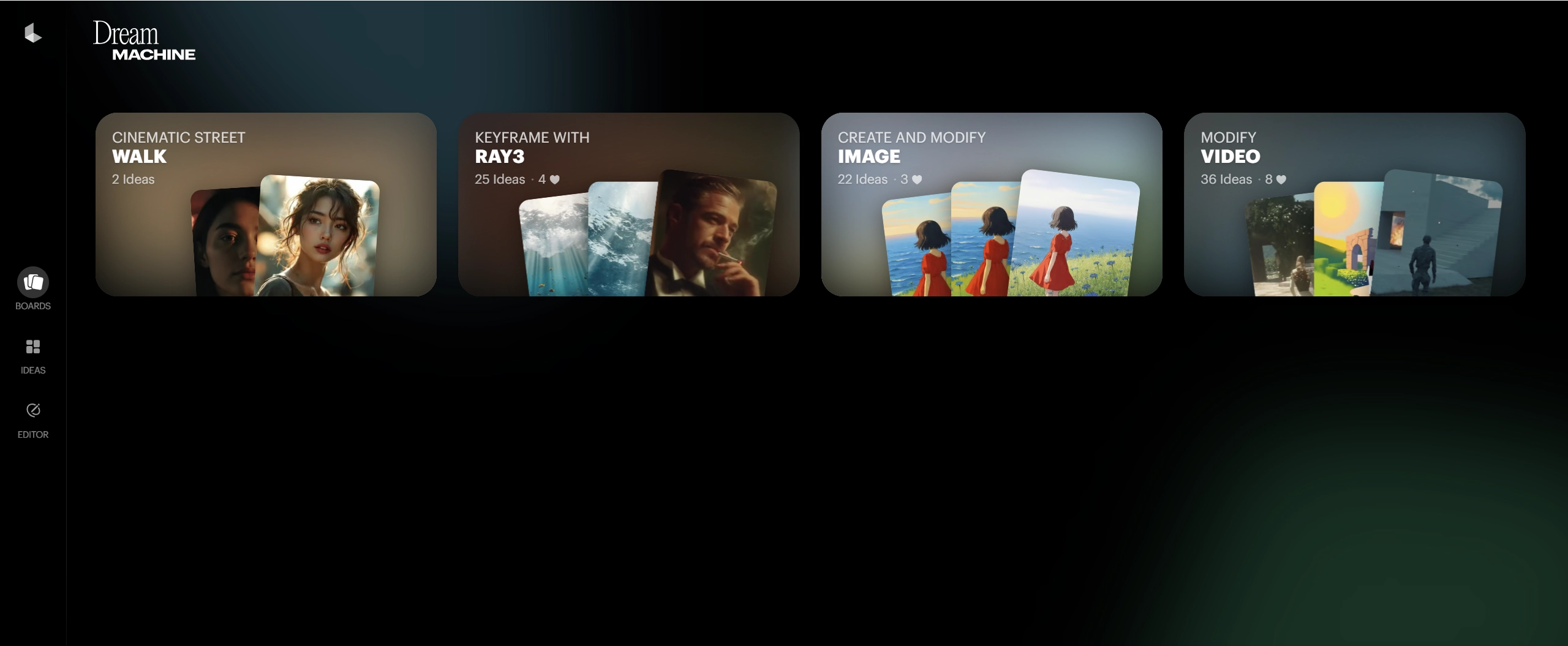
Understanding the Luma Dream Machine
Developed by San Francisco-based Luma Labs, this platform isn't the team's first foray into spatial intelligence. Having previously pioneered 3D modeling with Genie, they applied that deep understanding of three-dimensional space to their video engine.
The technical specifications are impressive for a browser-based suite: it renders clips between five to six seconds with a maximum resolution of 1360 x 752 pixels. While it holds its own against competitors like Kling or Sora, its true strength lies in how it interprets "cinematic" intent through a relatively simple interface.
Field Test: Putting the Physics to the Test
To truly push the Luma AI Video Generator beyond its comfort zone, I moved away from simple nature shots and attempted something more complex—a high-fashion cyberpunk concept.
My Experimental Prompt:
"A high-fashion model walking through a rain-slicked neon alleyway in Tokyo. Reflections of glowing kanji signs ripple in puddles. Cinematic slow motion, 35mm lens, high contrast, water droplets catching the light."
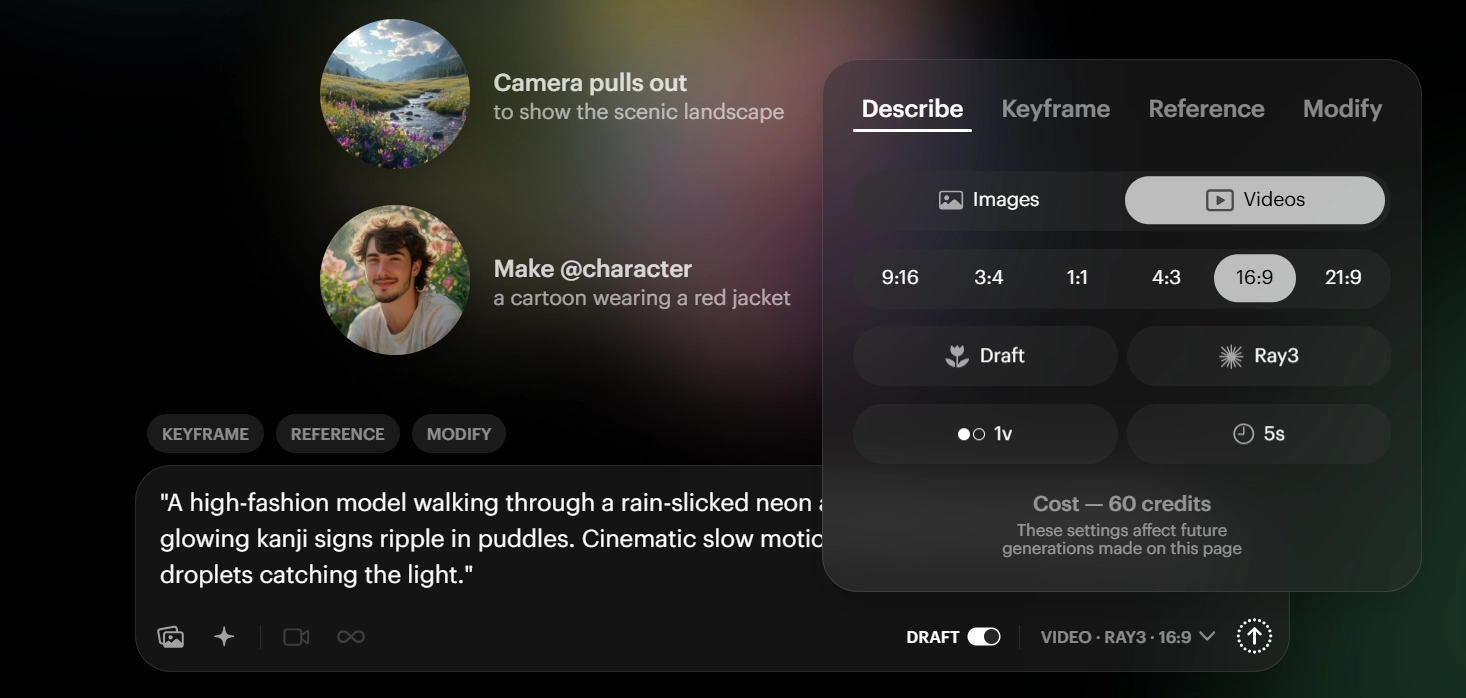
The Rendering Process
The interface is remarkably lean. After entering the prompt, I utilized the "Suggestions" feature to refine the camera work. I opted for a Dolly In shot with a Low Angle to emphasize the model's stature.
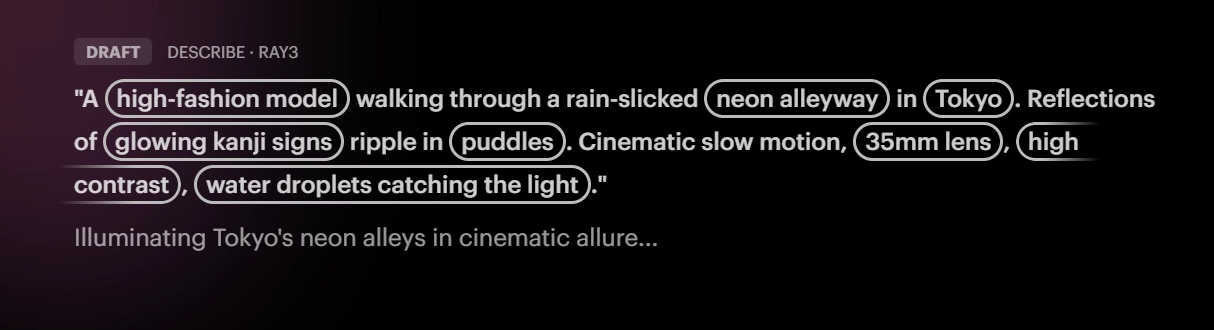
(Above: Configuring the motion parameters for a cinematic look)
The Results:
- Attempt 1: The neon reflections were breathtaking—hyper-realistic lighting that accurately mirrored the environment. However, the model’s gait suffered from "gliding," where the feet didn't quite lock to the ground.
- Attempt 2: By re-rolling with an image reference (a specific outfit photo), the character consistency improved dramatically. The water physics were some of the best I've seen in the AI space.
Performance Scorecard
| Metric | Rating | Industry Benchmark Detail |
|---|---|---|
| Visual Fidelity | ★★★★☆ | Exceptional lighting and texture detail. |
| Temporal Stability | ★★★☆☆ | Minor flickering in complex backgrounds. |
| Motion Realism | ★★★☆☆ | Great for fluid motion; struggles with rapid pivots. |
| User Interface | ★★★★★ | Minimalist, intuitive, and fast. |
Professional Insights: Key Features Examined
- Motion Control: Unlike some basic suites, Luma allows for specific camera instructions like "Pan" or "Zoom," which is vital for narrative storytelling.
- Extension Tool: The ability to add 5-second increments to a clip is a lifesaver for creating longer sequences, though you must watch for "concept drift" as the video lengthens.
- Reference Image Support: This is where the tool shines for brand work. Uploading a product shot ensures the engine builds the scene around the asset rather than hallucinating a generic version.
✨ Key Tips
- Use specific lens terms (e.g., "85mm," "Wide Angle") to get more predictable framing.
- Avoid overcrowding the prompt with too many moving subjects; the engine performs best when there is one clear focal point of motion.
💡 Practical Techniques
- If a face looks distorted, try the "Remix" feature to adjust the lighting before re-rendering. This often fixes geometry issues by simplifying the shadow data.
Elevating Your Workflow Beyond a Single Tool
While Luma is a power player, a professional studio rarely relies on just one engine. In my daily operations, I often need to pivot between different models depending on the specific "vibe" of a project—whether it's the high-octane realism of Kling or the artistic flair of PixVerse.
This is where a specialized ecosystem like Genmi AI changes the game. Instead of jumping between tabs, I can compare different AI models to see which one handles specific lighting better. For those working on social-first content, the ability to create engaging dance sequences or apply dynamic visual effects is a massive productivity boost.
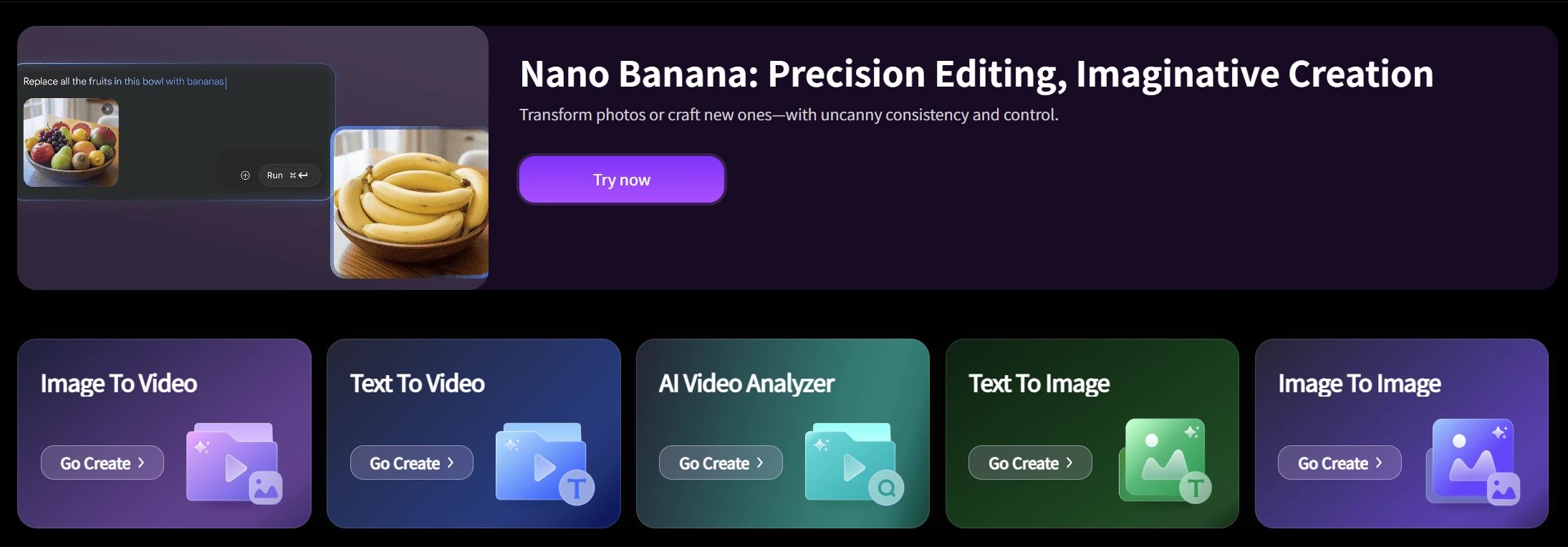
If you are struggling with complex clips, I highly recommend using the AI video analyzer to understand why a certain render might be failing. For more intimate storytelling, such as simulating natural human interaction, having a suite that aggregates the best available latents is essential. You can even start for free on Genmi AI to see how their advanced motion synthesis stacks up against the native Luma experience.
Pros and Cons of the Luma Suite
The High Points
- Superior Lighting: The engine handles ray-tracing and reflections with a professional polish.
- Accessibility: The "Free" tier is generous enough for hobbyists to get a feel for the tech.
- Intuitive Camera Tools: The built-in suggestions help users who don't have a film background achieve professional-looking shots.
The Drawbacks
- Short Duration: The 5-6 second limit requires a lot of stitching and "Extending" for longer narratives.
- Anatomic Artifacts: High-energy movements (running, jumping) still occasionally result in distorted limbs.
- Resolution Caps: While sharp, it doesn't quite reach true 4K without external upscaling.
Best Practices for Professional Results
- Start with an Image: Whenever possible, use an image-to-video workflow. It provides a "ground truth" for the AI, resulting in 40% higher consistency in my experience.
- Describe the Lighting: Don't just say "a forest." Say "Golden hour, dappled sunlight, volumetric fog."
- Cross-Reference: Check your results against other industry leaders. You can read more about the evolution of motion synthesis by exploring the official technical docs for deep-dive updates.
Conclusion
The Luma AI Video Generator is more than just a toy; it is a sophisticated rendering engine that, when handled with a "director's eye," produces stunning cinematic clips. While it has its limitations in clip length and complex anatomy, its lighting and texture handling are currently top-tier.
By integrating this tool with a broader creative hub like Genmi AI, you can bypass the limitations of a single model and create truly professional-grade content. The future of filmmaking isn't just about the AI—it's about the creator who knows which engine to drive.
Empower Your Vision
The most effective way to master these tools is through hands-on experimentation. If you are ready to take your visual storytelling to the next level with a multi-model approach, explore the pro features on Genmi AI and start synthesizing your first masterpiece today.
Recommended Articles
A Hands-On PixAI Review: The Go-To Tool for Anime Art?
Our in-depth PixAI review evaluates its features for anime art, including image quality and editing tools.

Artlist AI Review: A Creator's Co-Pilot or Just Hype?
Is Artlist AI's video and image generation any good? Our 2026 review tests the latest AI creative tools, quality, and performance for professional creators.

An In-Depth WAN 2.2 Review: Redefining AI Video Motion Control
Explore our WAN 2.2 review. We analyze its advanced motion control, prompt accuracy, and how it compares to other top models in the AI video space.