


Nano Banana Pro: A Comprehensive Review of Google DeepMind’s Image Tool
Article Summary: This review evaluates Nano Banana Pro’s advanced image creation and editing features, highlighting professional use cases, multi-image composition, and improved text rendering for designers, marketers, and educators.
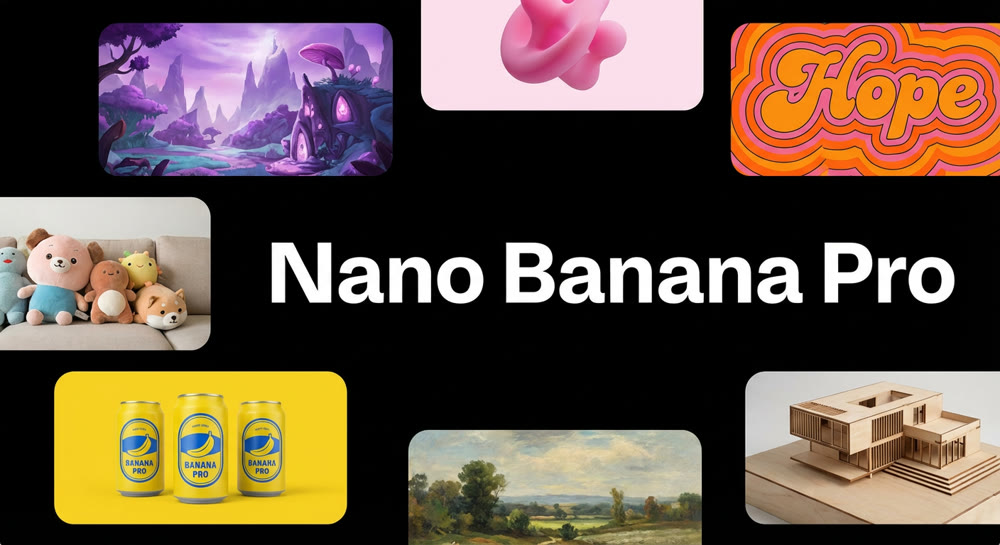
In an era where visual storytelling dominates digital communication, the tools we use to create imagery are critical to professional success. Google DeepMind’s Nano Banana Pro (Gemini 3 Pro Image) emerges as a powerful solution for designers, marketers, and educators seeking high-fidelity visuals and precise editing capabilities. This review explores how Nano Banana Pro transforms creative workflows, delivering not only photorealistic images but also advanced multi-image compositions and data-rich infographics.
For professionals who struggle with balancing speed, quality, and precision, Nano Banana Pro offers a new level of control. In this guide, you’ll discover how the tool addresses real-world creative challenges, explore practical use cases, and evaluate whether it meets the demands of modern design environments.
✨ Key Features of Nano Banana Pro
Nano Banana Pro is more than a simple image tool—it represents a substantial evolution in AI-assisted visual creation. Its primary capabilities include:
- High-resolution output: Native support up to 4K resolution allows for versatile aspect ratios, from square to widescreen and ultra-tall formats.
- Thinking Mode: A multi-step internal reasoning process refines drafts to produce outputs that closely match complex prompts.
- Search-grounded content: Integration with Google Search enables accurate real-time data for infographics, charts, or scene-specific information.
- Legible, multilingual text: Typography remains sharp and readable, supporting both short phrases and paragraphs across multiple languages.
- Multi-image composition: Fuse up to 14 images while maintaining consistency for up to five subjects, ideal for storyboards, product mockups, or educational content.
- Studio-grade editing controls: Adjust lighting, camera angles, depth of field, and aspect ratios without distorting the subject.
- SynthID watermarking: Invisible provenance watermarks preserve copyright, with optional visible marks depending on subscription level.
These features collectively make Nano Banana Pro a comprehensive tool for professional visual content creation, offering precise control and consistency.
💡 Practical Techniques: Using Prompts Effectively
A well-crafted prompt is essential to achieving the desired outcome. Here are two illustrative examples of how Nano Banana Pro performs in professional scenarios:
Hands-on tests showcase the versatility and precision of Nano Banana Pro:
Prompt Example 1: A serene mountain landscape at dawn
The tool generated a multi-layered scene with misty valleys, reflective lakes, and pine forests. Each element maintained spatial accuracy and depth, while the “Thinking Mode” enhanced atmospheric lighting, creating a harmonious balance between natural sunlight and shadow.
A misty mountain valley at sunrise, reflective lake in foreground, pine forests on slopes, soft warm light, cinematic atmosphere, 35mm lens, ultra-detailed textures.

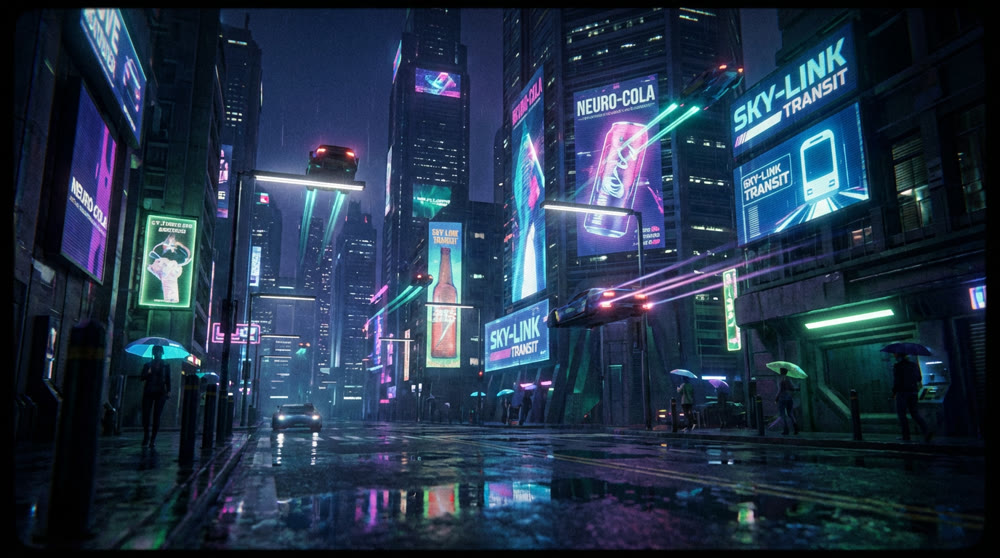
Prompt Example 2: A futuristic cityscape at night
With glowing neon signage, reflective streets, and hovering vehicles, Nano Banana Pro captured the complexity of a cyberpunk-style environment. Multi-image fusion ensured consistent architectural details and character placements across different layers, while maintaining clarity in small text and visual accents.
Futuristic cyberpunk city at night, neon lights reflecting on wet streets, flying cars, skyscrapers with holographic ads, cinematic perspective, depth of field, ultra-realistic lighting.
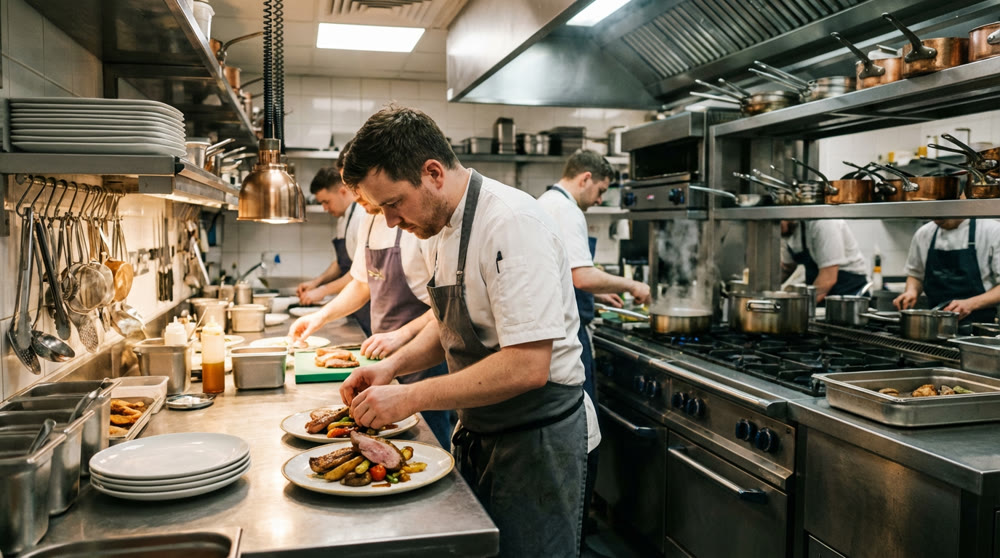
Prompt Example 3: A gourmet kitchen preparing a multi-course meal
The model depicted chefs working simultaneously at various stations, with realistic reflections on metallic surfaces and accurate depth-of-field effects. Lighting adjustments and camera-angle controls allowed precise focus on the main dish, while maintaining context across the entire kitchen scene.
Professional kitchen with chefs preparing multi-course meal, stainless steel surfaces, detailed utensils and dishes, focused foreground, soft overhead lighting, realistic textures, 50mm lens.
In all three scenarios, Nano Banana Pro consistently delivered outputs that merged creative vision with technical accuracy, proving its value for professional designers, marketers, and visual storytellers.
In these examples, it becomes clear that Nano Banana Pro not only meets but often exceeds expectations for professional visual tasks.
📌 Comparing Nano Banana Pro vs Nano Banana
| Feature | Nano Banana (Gemini 2.5 Flash Image) | Nano Banana Pro (Gemini 3 Pro Image) |
|---|---|---|
| Launch date | August 2025 | 20 Nov 2025 |
| Model sophistication | Optimized for speed | Advanced reasoning, real-world knowledge |
| Resolution & aspect ratios |
~1024 px, square only | Up to 4K, flexible ratios (16:9, 1:1, 2:1) |
| Prompt comprehension | Can miss details | Multi-step reasoning for iterative edits |
| Text rendering | Often illegible | Clear, multilingual text |
| Multi-image capacity | Limited | Fuse up to 14 images, maintain subject consistency |
| Editing controls | Basic | Region-specific lighting, camera, depth-of-field edits |
| Target use | Casual creators | Professionals, marketers, educators |
This comparison highlights the significant advancements of the Pro edition, including iterative editing and expanded compositional flexibility, which address common limitations of the original Nano Banana.
💡 Real-World Insights: DeeVid AI Perspective
Before public release, DeeVid AI tested Nano Banana Pro’s capabilities. The team confirmed that it supports native 2K output, upscales to 4K, handles multi-image composition, and allows precise region-specific editing. Use cases such as professional infographics, storyboard creation, and marketing visualizations benefit from the tool’s improved fidelity and intuitive interface.
While occasional artifacts and unexpected edits may occur, these are generally minor and outweighed by the enhanced speed, accuracy, and usability for complex projects.
Genmi AI Integration
For creators seeking complementary tools, Genmi AI offers robust features that work alongside Nano Banana Pro workflows:
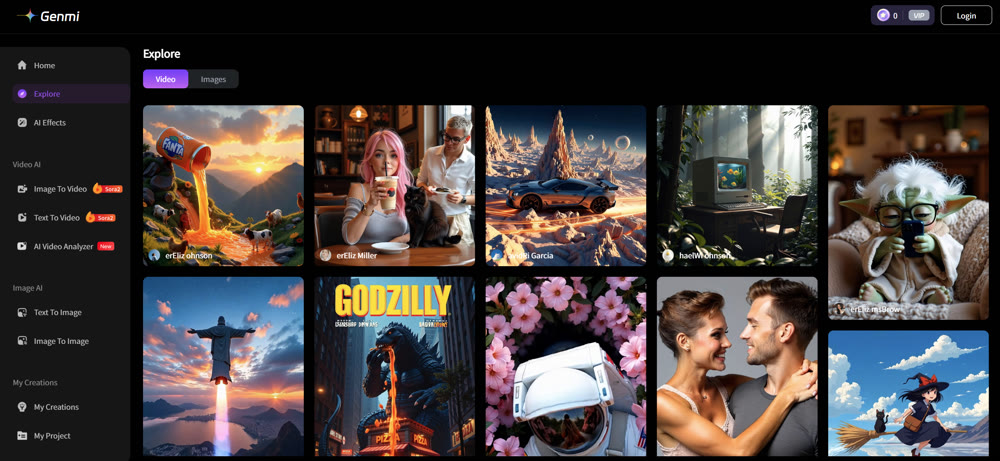
- Text-to-Video and Image-to-Video conversions enable animated storytelling.
- Text-to-Image and Image-to-Image support further visual experimentation.
- Genmi AI’s platform enhances creative flexibility for marketers, educators, and design teams needing rapid iteration and professional-grade outputs.
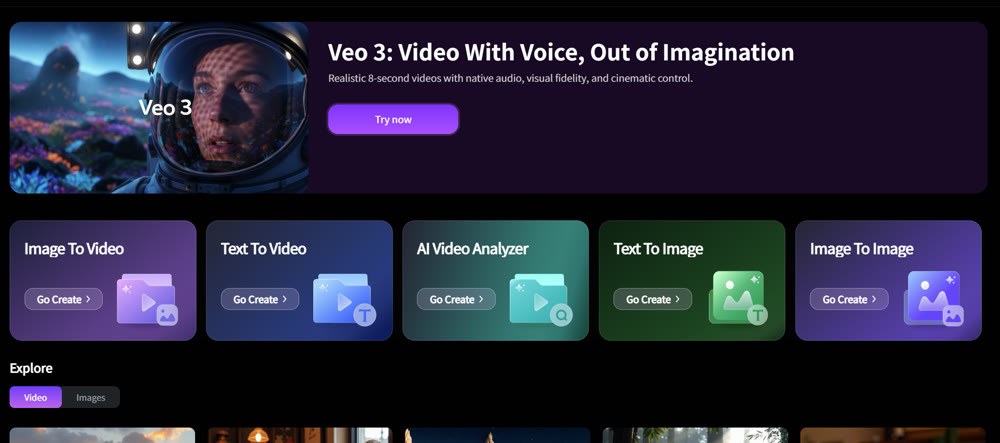
Using Nano Banana Pro for high-fidelity images and leveraging Genmi AI for multimedia projects creates a cohesive workflow for modern visual professionals.
Conclusion
Nano Banana Pro represents a significant leap forward in AI-assisted visual creation. With ultra-high-resolution outputs, multi-image composition, advanced editing controls, and accurate text rendering, it addresses key pain points of earlier models. Professionals can confidently use it to produce complex, consistent, and visually compelling content.
Integrating tools like Genmi AI amplifies creative potential, allowing seamless transitions between still images and video, ensuring your projects remain both innovative and professional.
Unlock the full potential of your visual projects with Nano Banana Pro and extend your creative capabilities through Genmi AI. From photorealistic scenes to detailed data-driven infographics, these tools empower professionals to execute complex concepts efficiently and with high fidelity
Recommended Articles
An Expert Review of Imagine AI: Is Meta's New Tool Worth It?
An expert, hands-on review of Meta's Imagine AI. We test its realism, style control, and editing features to see if it's right for professional creators.
PixVerse AI Video Generator Review: An Honest Look at Its Quality in 2025
Is PixVerse the right AI video tool for you? Our in-depth 2025 review tests its features, quality, and speed to help you decide if it's worth the hype.
OpenAI Sora: A Deep Dive into the AI Video Generator's Capabilities, Limitations, and Future
Discover OpenAI Sora, a groundbreaking text-to-video model. Analyze its strengths, limitations, and the exciting potential of its future version, Sora 2.