


Video Ocean: A Filmmaker's Hands-On Review of This Open-Source AI Model
Article Summary: A hands-on review of the open-source AI video model, Video Ocean, from a filmmaker's perspective. This article evaluates its performance through practical tests, analyzes its strengths and weaknesses, and provides a clear verdict for creative professionals.
As an independent filmmaker and AI artist, I'm constantly searching for tools that offer a blend of creative freedom and cinematic quality without the enterprise-level price tag. While mainstream models often dominate the conversation, there's a powerful undercurrent of open-source projects pushing the boundaries of what's possible. One such project that has captured my attention is Video Ocean, an AI video model derived from the Open Sora initiative.
This review is the result of my deep dive into its capabilities. I've spent weeks testing its limits, from simple prompts to complex narrative sequences, to see if it truly holds up in a professional creative workflow. I'll share my unfiltered opinions, practical test results, and a clear verdict on where Video Ocean shines and where it still needs refinement. By the end, you'll know if this tool is the right fit for your artistic endeavors.
Understanding Video Ocean: An Overview for Creators
Launched in late 2024 by the AI infrastructure firm Luchen Technology, Video Ocean quickly gained traction in the developer community for its open-source nature. This approach democratizes access, making it one of the most cost-effective ways to experiment with high-end AI video synthesis.
The release of Video Ocean V2.0 in early 2025 marked a significant leap forward. My initial tests confirmed its core improvements:
- Enhanced Visual Realism: The model demonstrates a more sophisticated understanding of light and shadow, resulting in more natural-looking scenes.
- Smoother Motion: Character movements and camera dynamics feel more fluid and less "jerky" than in its predecessor.
- Stylistic Versatility: V2.0 handles a broader range of artistic styles, from photorealism to 2D animation, with greater consistency.
My Hands-On Tests: Assessing Video Ocean's Performance
To gauge its real-world performance, I ran a series of tests designed to push its creative and technical boundaries.
Test 1: Simple Cinematic Scene
I started with a straightforward but atmospheric prompt to test its fundamental capabilities.
Prompt: "A vintage steam train crossing a stone bridge over a misty valley at sunrise, golden light, cinematic wide shot, 4k."
My Opinion:
For a simple prompt, the result was outstanding. Video Ocean perfectly captured the "golden light" and "misty" atmosphere. The visual quality was crisp, with impressive detail on the train and the bridge's stone texture. The camera movement was a slow, steady pan, adding to the cinematic feel. This test demonstrated its strength in creating beautiful, high-fidelity environmental shots.
Creative Quality Score: 9/10
Test 2: Complex Character Interaction
Next, I wanted to see how it handled more nuanced human action and interaction.
Prompt: "A close-up shot of two people playing chess in a dimly lit, wood-paneled library. One person smiles slightly as they move a chess piece. The camera slowly pushes in on their face. Focus on subtle facial expressions."
My Opinion:
This is where I began to see some of the model's limitations. While the overall scene was beautifully rendered—the lighting and environment were perfect—the character movements felt less refined. The "slight smile" was more of a twitch, and the motion of moving the chess piece lacked natural weight. It's clear that Video Ocean still struggles with the fine motor skills and subtle expressions that define realistic human interaction. The output was good, but not flawless.
Creative Quality Score: 7/10
📌 Best Practices from My Experience:
- For Environments, Go Detailed: Video Ocean excels at landscapes and architectural shots. Don't be afraid to use rich, descriptive language for lighting and atmosphere.
- For Characters, Keep It Simple: When animating people, focus on broader actions (walking, standing) rather than complex, subtle gestures (like intricate hand movements or nuanced facial expressions).
- Iterate on Your Prompts: The first output is rarely the best. I often run the same prompt three or four times and select the version with the most coherent motion.
What I Like Most About Video Ocean
After extensive use, three key aspects stand out to me as a creator.
1. Exceptional Visual Fidelity
The first thing that consistently impresses me is the sheer image quality. Even with basic prompts, the model produces sharp, high-resolution visuals with a strong sense of realism. The way it handles light and shadow, especially in outdoor scenes, is on par with some of the more expensive, closed-source alternatives.
2. Fluid Range of Motion
For broad character movements and camera dynamics, Video Ocean performs remarkably well. In my tests, scenes involving walking, flying, or general camera pans were smooth and consistent, without the strange frame glitches or "melting" artifacts that plagued earlier AI video models.
3. Broad Stylistic Versatility
As an artist who likes to experiment, I appreciate the model's ability to adapt to various styles. I've successfully used it to create everything from 3D animated shorts and photorealistic sequences to stylized cyberpunk and noir-inspired scenes. This flexibility makes it a powerful tool for visual prototyping and exploring new creative concepts.
A More Integrated Approach: The Genmi AI Creative Hub
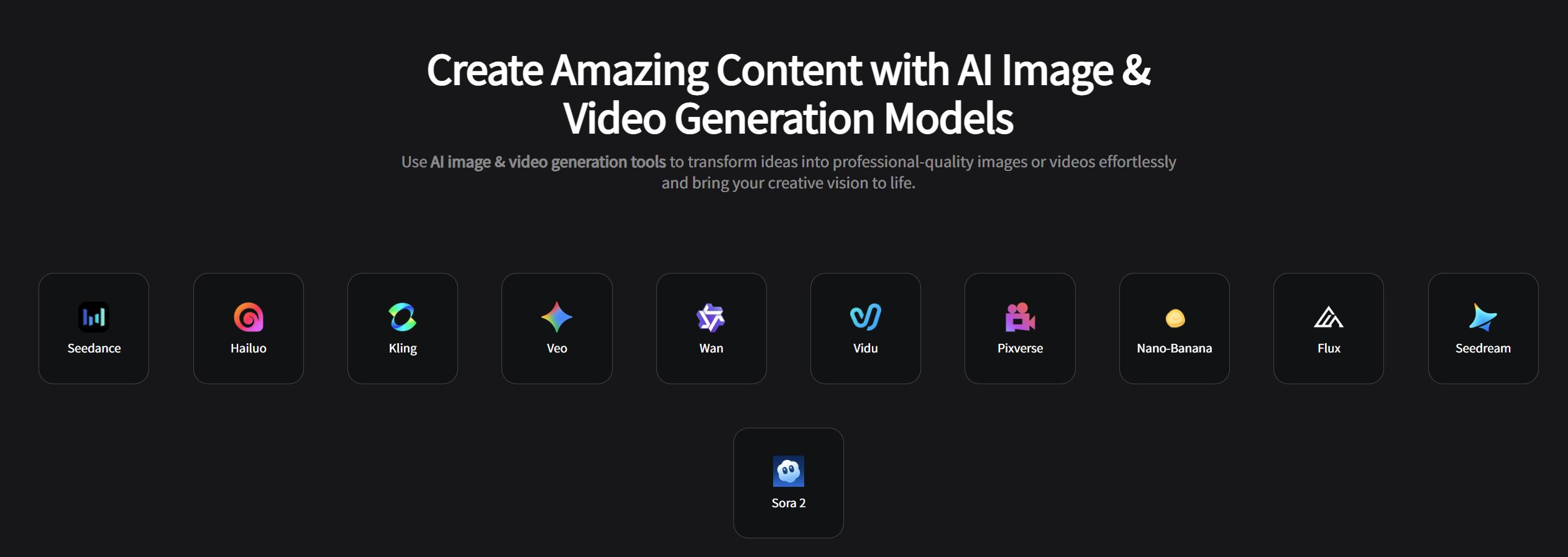
While Video Ocean is a fantastic open-source model, accessing it can sometimes be a challenge due to performance lags or server downtimes, which can disrupt a creative flow. In my professional work, I often turn to an all-in-one platform like Genmi AI, which provides seamless and reliable access to a curated suite of top-tier AI models, including Video Ocean.
Genmi AI acts as a central hub, allowing me to effortlessly switch between different engines to find the perfect tool for my specific needs. For example, if I'm working on a project that requires absolute photorealism, I might use the Wan or Nano Banana models for my still images. For complex video narratives with consistent characters, the Vidu model is my go-to. For more stylized or abstract visuals, I often experiment with PixVerse.
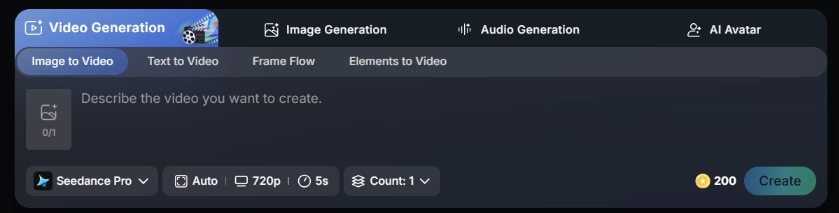
This multi-model approach is a game-changer. Within a single interface, I can use the AI Video Analyzer to deconstruct a trending video, use the text-to-image tool to storyboard my concept, and then bring it to life with the text-to-video engine. The ability to directly compare outputs from different models for the same prompt is incredibly valuable for finding the best possible result.
My Final Verdict
So, is Video Ocean worth your time? Absolutely. As an open-source model, it offers incredible power and visual quality, especially for environmental shots and simple character actions. It's a testament to how far democratized AI has come.
However, it has its limitations, particularly with nuanced character performance. For my professional projects, where reliability and access to a broad range of specialized tools are key, I rely on a comprehensive platform that integrates models like Video Ocean into a more robust and streamlined workflow. It gives me the best of both worlds: the creative potential of open-source innovation and the stability of a professional-grade service.
Ready to Start Your Creative Journey?
The most exciting part of this new era is the accessibility of powerful creative tools. I encourage you to experiment, push the boundaries, and find the workflow that best serves your unique vision. Whether you're diving into open-source models or leveraging an all-in-one platform, there has never been a better time to create. To see how a multi-model approach can elevate your projects, you can start creating on Genmi AI today.
Recommended Articles
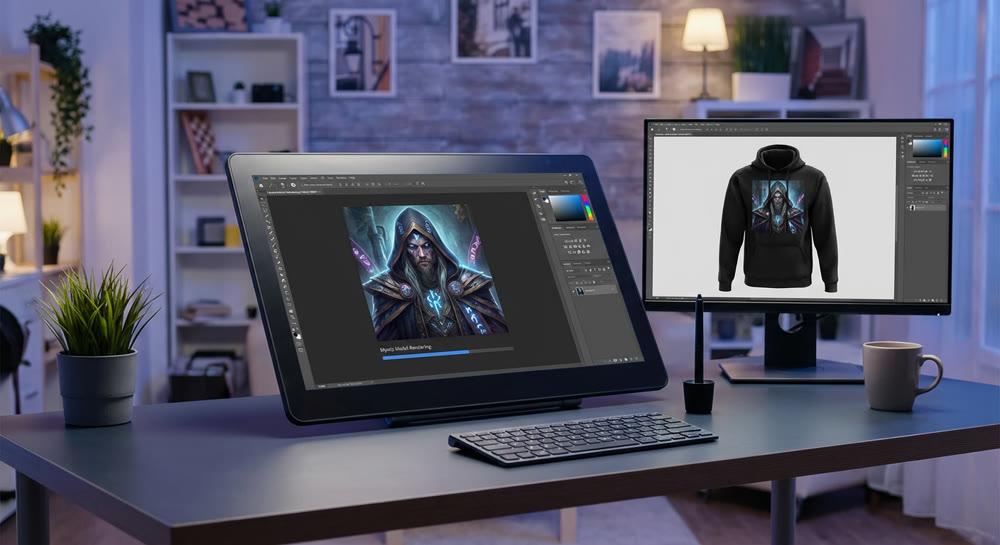
Freepik AI Image Generator: A Designer's Honest Review
A hands-on review of the Freepik AI Image Generator. We test its models, editing tools, and mockup feature to see if it's right for a pro design workflow.
YouTube Monetization Unlocked: A Deep Dive into YPP and Shorts Revenue for AIGC Creators
Unlock YouTube monetization with our deep dive into YPP, Shorts revenue, and RPM. Learn AIGC strategies to grow your channel and maximize earnings. Start now!
OpenAI Sora: A Deep Dive into the AI Video Generator's Capabilities, Limitations, and Future
Discover OpenAI Sora, a groundbreaking text-to-video model. Analyze its strengths, limitations, and the exciting potential of its future version, Sora 2.