


Scale Your Channel: The 8 Best YouTube Shorts Generator Tools for 2025
Article Summary: This comprehensive guide evaluates the leading AI-powered video software for 2025. We analyze eight top-tier platforms designed to automate editing, enhance engagement, and streamline the production of short-form content for maximum reach.
Are you struggling to keep up with the relentless demand for daily content? In the fast-paced world of social media, consistency is the key to algorithmic growth, yet the editing process remains a massive bottleneck for creators. The pressure to produce high-quality, engaging vertical video every single day leads to creative burnout faster than ever before.
This is where a professional YouTube shorts generator becomes your most valuable asset. These tools are no longer just simple trimmers; they are intelligent co-pilots that handle the tedious labor of captioning, resizing, and formatting. By automating the technical execution, you can reclaim hours of your week to focus on strategy and storytelling. Below, we break down the 8 best tools in the market to help you dominate the feed.
If you are tired of hitting paywalls or running out of daily credits, it's time to switch tools. We recommend exploring this AI video generator with no watermak and restriction, which allows you to unleash your full creative potential without the common limitations found in other software.
The Top 8 AI Tools for YouTube Shorts
We have analyzed the market to bring you the definitive list of software that is redefining content production. Whether you need to repurpose podcasts or create faceless channels, there is a solution here for you.
1. SendShort
Best for: Faceless channels and rapid automation.
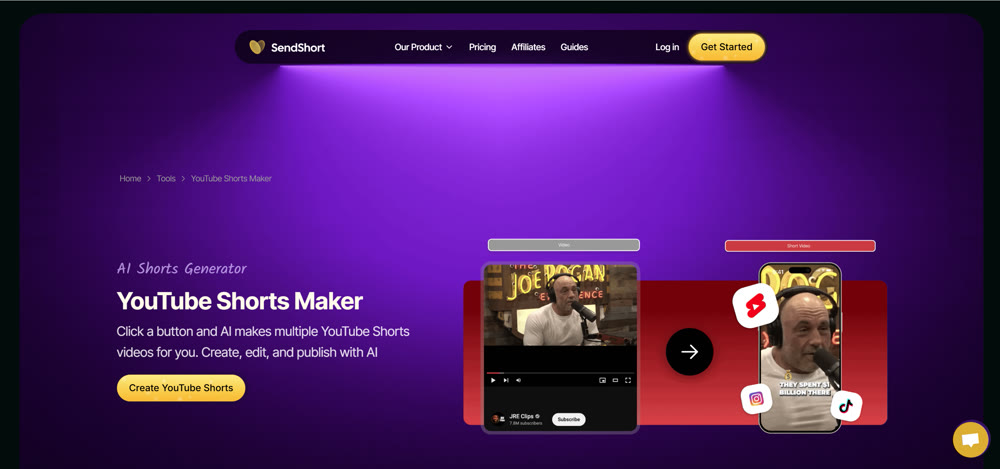
SendShort is built for efficiency. It excels at taking long-form content and instantly converting it into vertical clips. Its standout feature is the ability to handle "faceless" content creation seamlessly. With automated subtitles, jump cuts, and emoji integration, it removes the friction from the editing process, making it a favorite for creators who manage multiple niche channels.
2. InVideo AI
Best for: Prompt-to-video creation with stock media.
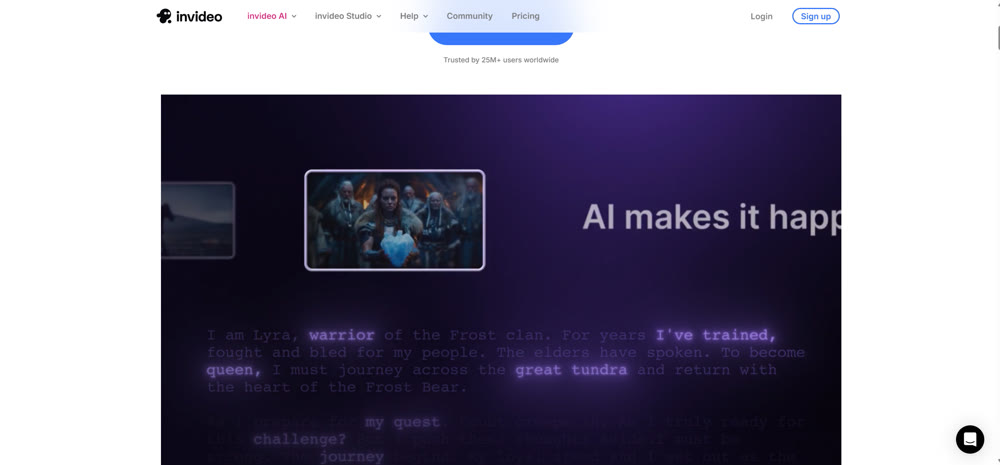
InVideo acts as a complete production studio. Instead of just editing existing footage, it can build videos from scratch using a vast library of stock assets. You simply type a topic, and the system assembles a script, voiceover, and relevant visuals. It is the ideal YouTube shorts generator for educational channels and listicle makers who need speed without filming.
3. Opus Clip
Best for: Repurposing podcasts and interviews.
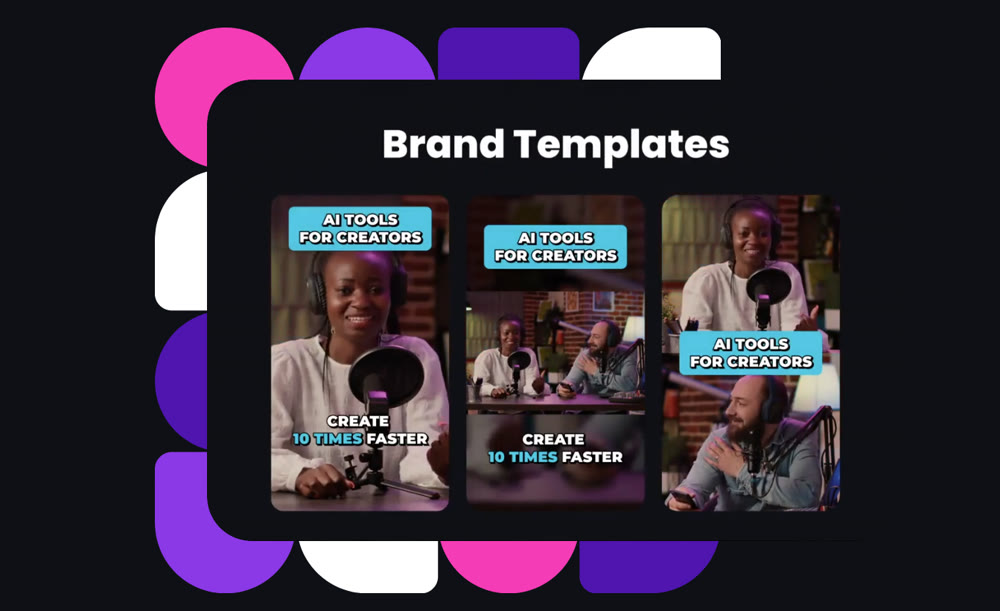
Opus Clip is the gold standard for "curation." You feed it a link to a long video, and its AI analyzes the conversation to extract the most viral-worthy hooks. It automatically reframes the speaker to vertical (9:16), adds dynamic captions, and assigns a "virality score" to each clip, ensuring you only post content with high potential.
4. VEED
Best for: Professional editing and collaboration.
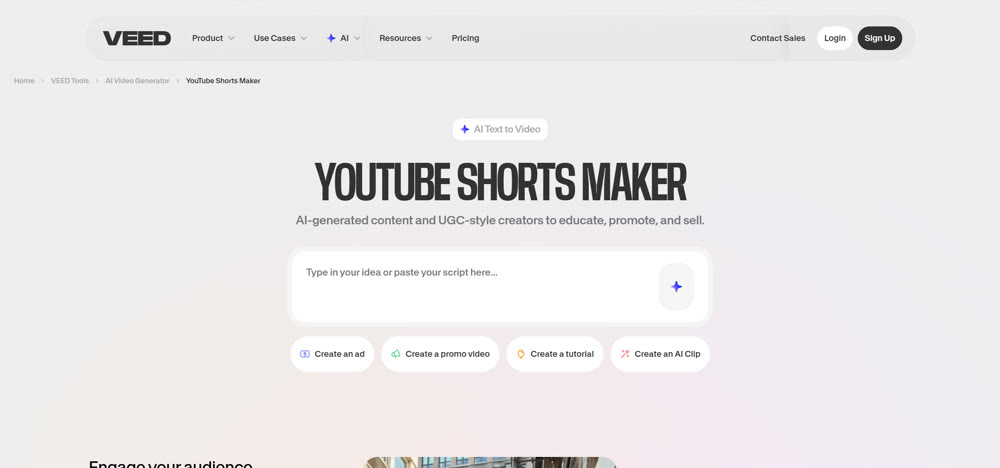
VEED is a robust online video editor that balances automation with manual control. While it offers powerful AI tools like "Magic Cut" to remove silences, it also provides a full timeline for precise adjustments. It is perfect for teams that need to collaborate on projects and require a higher degree of polish than fully automated tools provide.
5. Submagic
Best for: Trendy captions and B-roll.
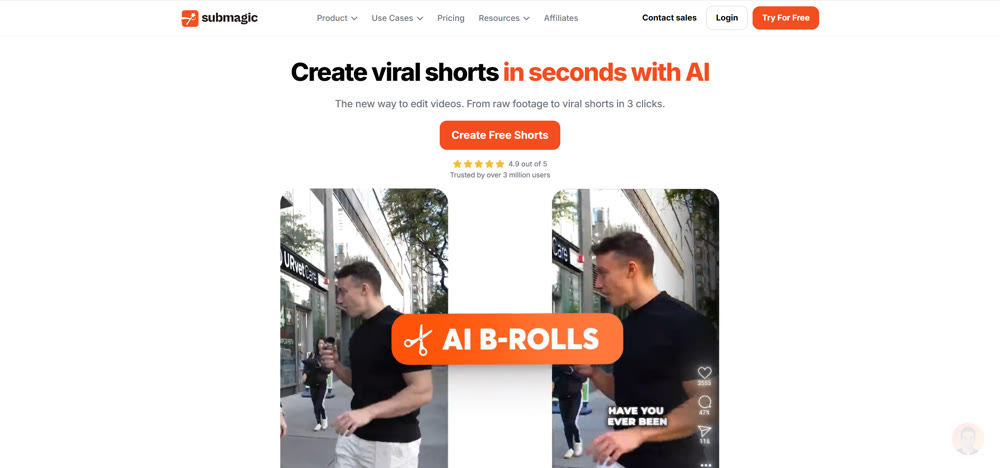
If your goal is to mimic the editing style of top influencers like Alex Hormozi, Submagic is the tool of choice. It focuses heavily on retention, using AI to generate trendy, colorful captions that pop. It also intelligently suggests B-roll and sound effects to keep the viewer's attention glued to the screen.
6. Munch
Best for: Trend intelligence and cross-platform distribution.
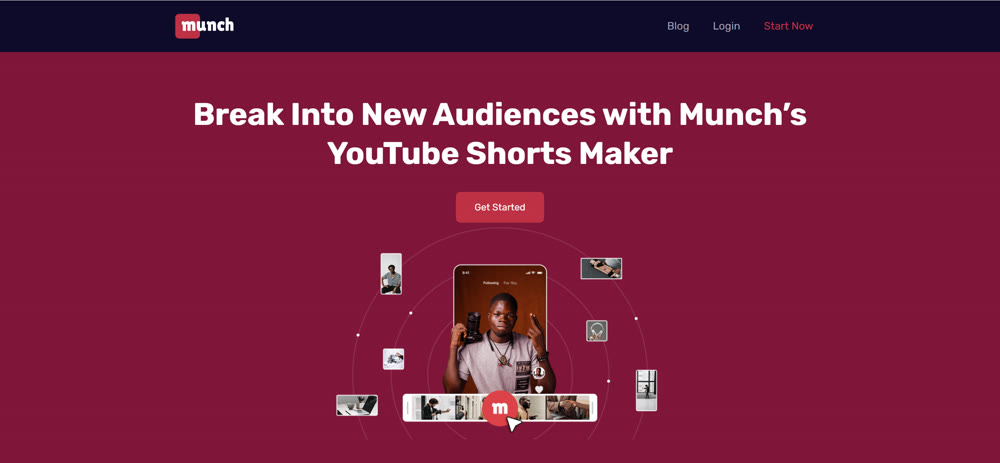
Munch goes beyond editing; it acts as a social media strategist. It analyzes current trends across YouTube, TikTok, and Instagram to extract clips from your long-form content that align with what is currently popular. It ensures your content is not just well-edited, but culturally relevant.
7. Synthesia
Best for: AI Avatars and corporate communication.
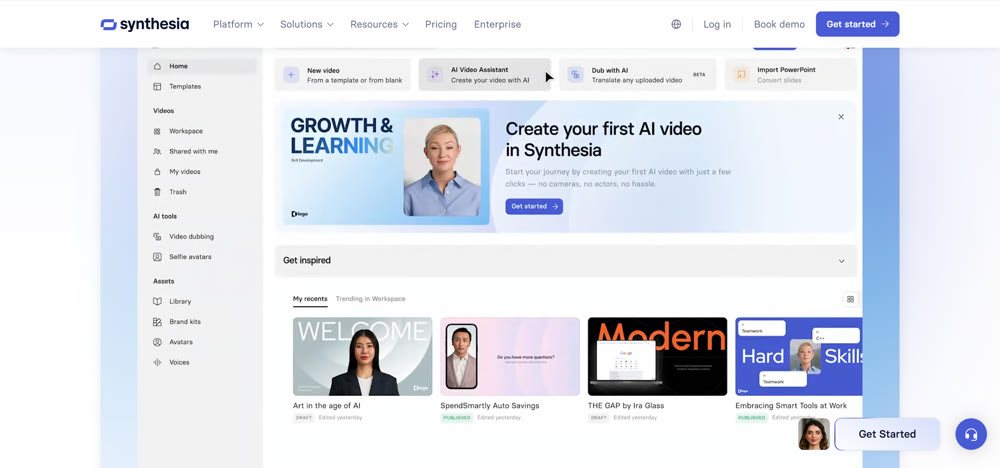
For those who don't want to be on camera, Synthesia offers hyper-realistic AI avatars. You type the script, and a digital presenter delivers it perfectly. This is excellent for professional updates, educational shorts, or brand announcements where a human touch is needed without the hassle of a studio setup.
8. Deepbrain
Best for: Text-to-speech and virtual presenters.
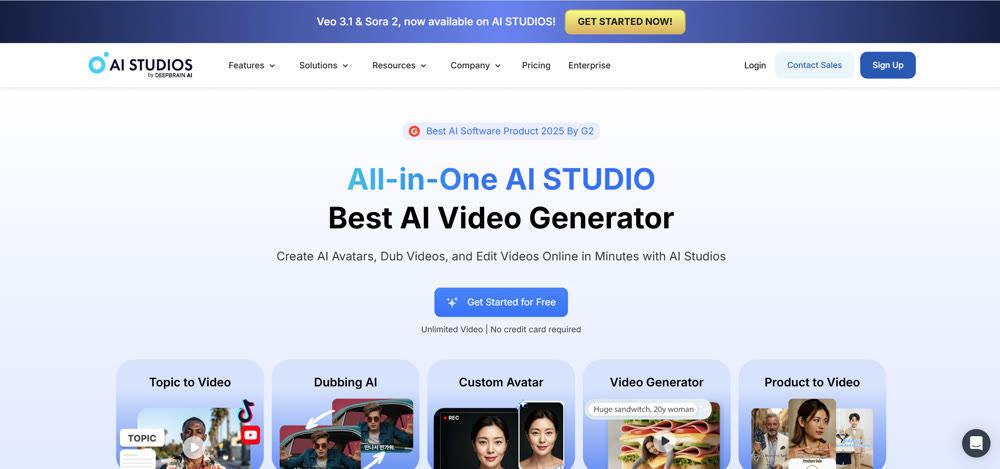
Similar to Synthesia, Deepbrain focuses on reducing production costs by replacing cameras with AI. It offers a quick way to generate news-style shorts or explainer videos using text inputs, making it a strong contender for businesses scaling their video output.
Comparison: Finding Your Perfect Match
To help you decide, here is a breakdown of how these tools compare on the metrics that matter most to creators.
| Tool Name | Primary Strength | Best Use Case | Free Plan? |
|---|---|---|---|
| SendShort | Speed & Faceless Auto-Edit | Niche Channels | Yes |
| InVideo | Stock Media Compilation | Explainers / How-To | Yes |
| Opus Clip | Viral Segment Extraction | Podcasts / Interviews | Yes |
| VEED | Full Suite Editing | Professional / Teams | Yes |
| Submagic | Caption Styling & FX | Influencer Style | Trial |
| Munch | Trend Analysis | Marketing Teams | Trial |
| Synthesia | AI Avatars | Corporate / Edu | No |
| Deepbrain | Virtual Presenters | News / Updates | No |
Once you have mastered Shorts, this guide to creating long-form AI videos can help you pivot to higher RPM content.
Going Beyond Editing: Creating Cinematic Visuals
While the tools listed above are excellent for editing and repurposing, what if you need to create high-end visuals from scratch without stock footage?
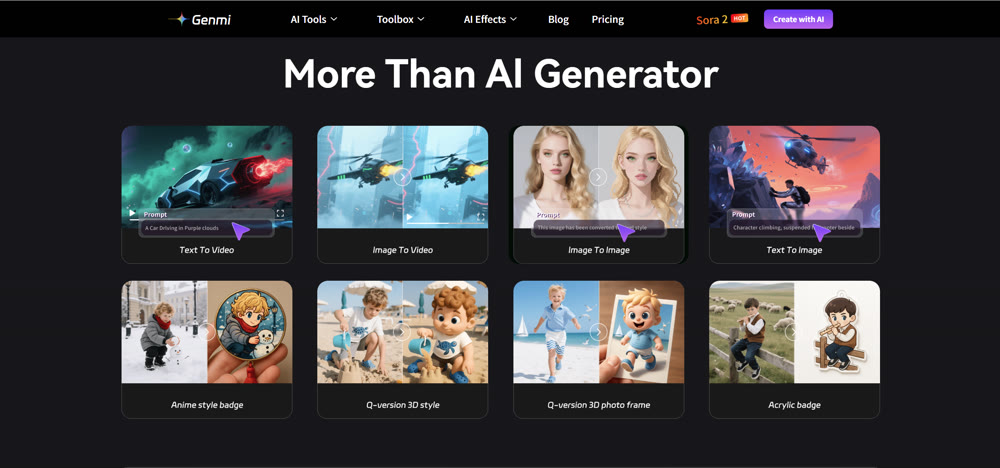
This is where Genmi AI enters the conversation. Unlike standard editors, Genmi is an advanced creative engine designed for high-fidelity visual synthesis. If you have a script but lack the footage, its text-to-video capability allows you to generate cinematic 3D or realistic scenes directly from your imagination.
Furthermore, for creators who want to animate static concepts, the image-to-video feature brings still images to life with fluid motion. For channels that demand unique, non-generic visuals to stand out in a sea of stock footage, adding Genmi to your toolkit provides a distinct creative advantage.
🎬 Pro-Quality Tip: Don't let platforms crush your image quality. Master how to compress a video on iPhone to keep your content looking sharp across all social networks.
Conclusion
The landscape of content creation has shifted. Success on YouTube Shorts is no longer about who can edit the fastest manually, but who can leverage the best technology to maintain consistency. By utilizing a top-tier YouTube shorts generator, you free yourself from the "grind" and gain the ability to scale your output exponentially.
Whether you choose Opus for your podcasts, Submagic for your captions, or Genmi AI for high-end visual creation, the key is to start automating today. The creators who will own the future are those who combine human creativity with the speed of AI. Choose the tool that fits your workflow, and watch your channel grow.
Recommended Articles
The Best AI 3D Animation Tools of 2026: A VFX Supervisor's In-Production Guide
A VFX supervisor's guide to the best AI 3D animation tools. Learn which tools to use for cinematic ideation, professional control, and pipeline acceleration.

Getimg AI Review: Is It the Ultimate Tool for Custom Visual Synthesis?
We tested Getimg AI's custom model training and image synthesis capabilities. Read our professional review on its output quality, features, and best use cases.
Nano Banana Pro: A Comprehensive Review of Google DeepMind’s Image Tool
Explore Nano Banana Procapabilities, from high-resolution visuals to advanced multi-image editing. Read our detailed review and workflow insights.