


12 Best Free AI Video Generators No Watermark: Latest Expert Picks
Article Summary: This article delivers a comprehensive, expert-tested review of the 12 best free AI video generators that offer watermark-free outputs. It evaluates each platform's capabilities—from cinematic synthesis and realistic avatars to content repurposing—providing actionable insights for creators seeking professional results without the cost.
In the creator economy, the visual quality of your content is your currency. Nothing undermines a polished brand message or a creative portfolio faster than a distracting, clumsy watermark stamped across your footage. For professionals and enthusiasts alike, the search for a truly free ai video generator no watermark is often fraught with frustration—endless sign-ups, hidden paywalls, and low-resolution downloads.
Having spent years testing the boundaries of synthetic media tools, I understand the nuance between a "toy" and a professional asset. It is not just about removing a logo; it is about finding a platform that respects the integrity of your visual narrative. I have rigorously tested dozens of platforms to curate a list of 12 tools that actually deliver clean, professional outputs without the branding clutter.
Whether you are a marketer scaling ad campaigns, an educator building courseware, or a creator experimenting with narrative storytelling, this guide provides the hands-on insights you need. Below, I break down the top tools that merge accessibility with high-fidelity performance, starting with the most robust all-in-one solution available today.
Feature Comparison Overview
Before we dive into the detailed hands-on reviews, here is a quick overview of our top 12 picks. This table is designed to give you an at-a-glance understanding of each platform's core focus, watermark policy, and key strengths, helping you quickly identify the tools that best align with your project goals.
| Platform | Core Focus | Watermark-Free on Free/Trial? | Best Use Case | Key Differentiator |
|---|---|---|---|---|
| Genmi AI | All-in-One Creative Suite | ✅ Yes (Trial) | Professional Creators, Filmmakers |
Integrates elite models (Sora, Kling, Veo) in one hub. |
| HeyGen | Social Media Avatars | ✅ Yes (Limited Credits) | Social Media & Marketing | Huge template library and quality voice cloning. |
| Synthesia | Corporate Training Avatars | ❌ No (Free Demo Only) | Enterprise L&D | 160+ diverse, high-realism corporate avatars. |
| Clipchamp | User-Friendly Editing | ✅ Yes (Free Plan) | Beginners, Casual Content | Excellent free tier with 1080p watermark-free exports. |
| invideo AI | Content Marketing | ✅ Yes (with in-video branding) | Marketing Teams | "Magic Box" prompt workflow and 5,000+ templates. |
| Pictory | Content Repurposing | ✅ Yes (Limited Trial) | Bloggers, Podcasters | Excellent AI summarization and natural voiceovers. |
| Toki AI | Realistic Photo Animation | ✅ Yes (Limited Trial) | Digital Spokespeople | Creates lifelike talking avatars from a single photo. |
| AdsDrive | UGC-Style Ad Videos | ✅ Yes (Trial) | E-commerce Marketers | Animates static photos into authentic testimonial videos. |
| Virbo | Rapid Multilingual Avatars | ✅ Yes (Trial) | Global Businesses | Extremely fast rendering and 150+ language accents. |
| Fotor | Artistic Video Styles | ✅ Yes (Limited Trial) | Artists, Social Media | Wide range of creative filters and video style transfers. |
| Renderforest | Animated Explainers | ❌ No (Watermarked on free plan) | Startups, Educators | Massive library of pre-made 2D/3D animation scenes. |
| AI Studios | All-in-One Business Video | ✅ Yes (Trial) | Corporate Teams | Multiple inputs (URL, PPT) and integrated ChatGPT. |
1. Genmi AI – The Ultimate Creative Command Center
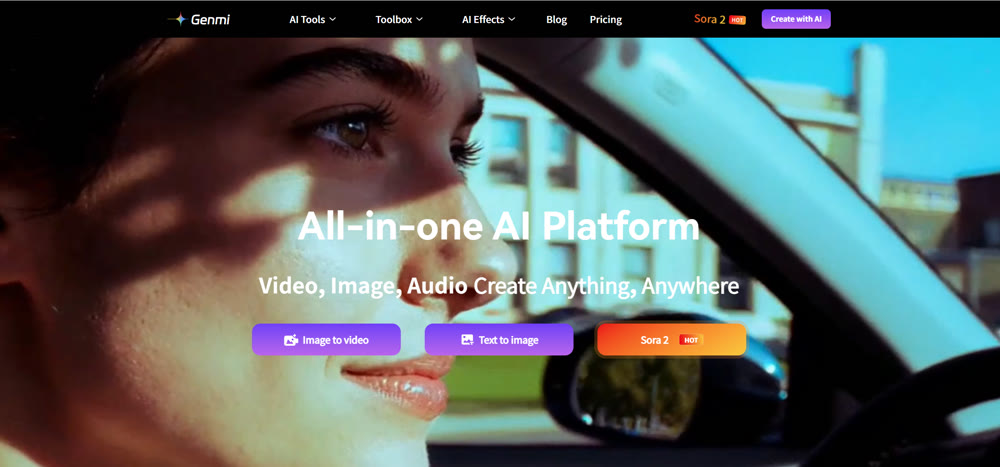
When evaluating the landscape of AI video creation, Genmi AI stands apart not just as a tool, but as a comprehensive ecosystem. While many platforms restrict users to a single proprietary model, Genmi AI functions as a unified hub, integrating the industry's most powerful engines into one seamless interface. This agnostic approach ensures that creators are never limited by the capabilities of a single algorithm.
Why It Is The Professional's Choice
Genmi AI excels by aggregating top-tier technology. For creators looking to visualize complex narratives from scratch, the platform’s text-to-video conversion tools offer unparalleled semantic understanding, translating scripts into fluid motion with remarkable accuracy. If you already possess high-quality static assets, the image-to-video capabilities allow you to breathe life into photography or digital art, adding cinematic movement without distorting the original subject.
Access to Elite Models
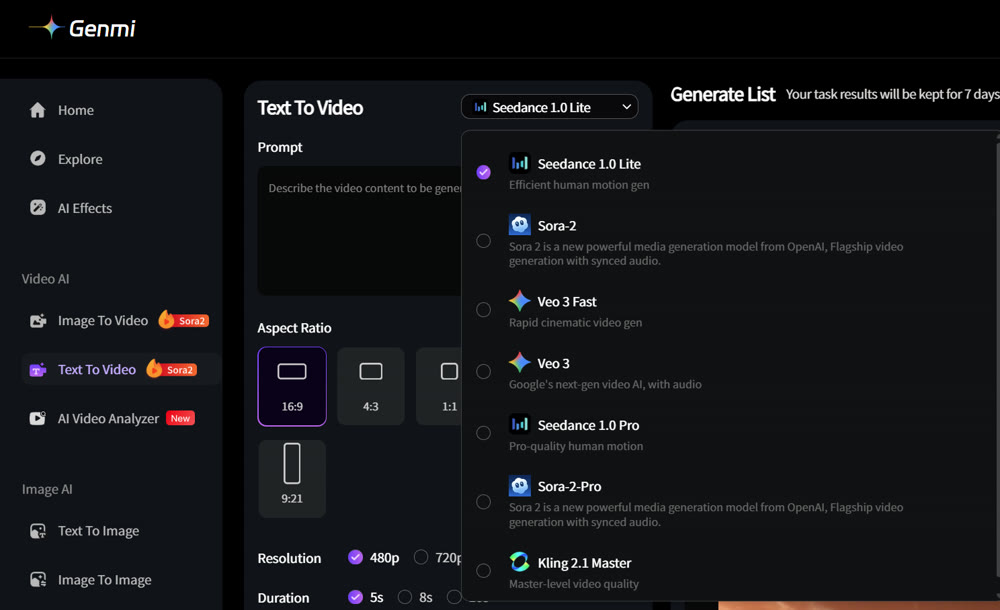
What truly elevates Genmi AI is its integration of state-of-the-art models that are often inaccessible elsewhere. Users can leverage the physics-defying realism of OpenAI's Sora for high-end production needs, or utilize the dynamic motion capabilities of Kling AI for character-driven sequences. Additionally, for those seeking specific aesthetic outputs, the platform includes access to Hailuo AI and the highly detailed Google Veo model.
Viral Tools and Community Features
Beyond professional workflows, Genmi AI caters to social engagement trends. The platform includes specialized funnels for creating viral content, such as the trending AI kissing effect, which has taken social media by storm. Whether you are producing a commercial or a meme, the output remains clean, high-resolution, and free of intrusive watermarks, empowering you to publish directly to your audience.
| Pros | Cons |
|---|---|
| ✅ Aggregated Power: Access top models (Sora, Kling, Veo) in one dashboard. |
❌ Advanced Features: High-tier model usage requires credit consumption. |
| ✅ Versatility: Seamlessly switch between text-to-video and image-to-video. |
❌ Learning Curve: The sheer number of tools may overwhelm total beginners. |
| ✅ Clean Output: Offers high-definition downloads without watermarks. |
|
| ✅ Trend Ready: Specialized tools for viral content creation. |
💡 Practical Technique: Use Genmi’s "Image-to-Video" feature with a mid-journey generated image to create a cinemagraph effect for your website header—it adds production value without heavy bandwidth usage.
2. HeyGen – Best for Scalable Localization
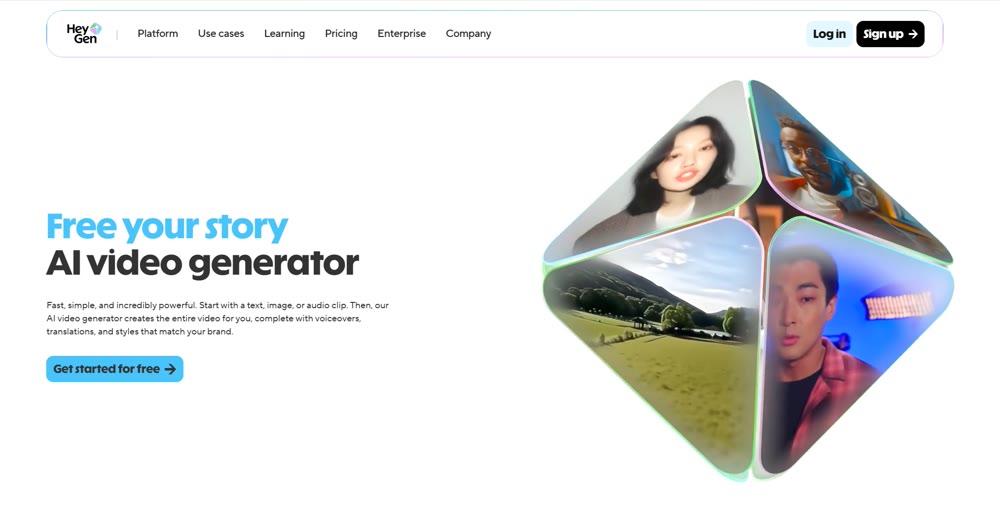
HeyGen has carved out a massive niche in the corporate and marketing sectors. It is less of a creative sandbox and more of a productivity powerhouse for creating "talking head" videos. Its standout feature is video translation, which not only translates the audio but also lip-syncs the avatar to the new language, making it indispensable for global teams.
Performance Verdict:
The templates are polished and modern, perfect for LinkedIn or corporate training. The "Free" tier allows for testing, and clever users can utilize screen recording or specific trial offers to get clean footage, though high-res watermark-free exports usually require a subscription.
| Pros | Cons |
|---|---|
| ✅ Lip-Sync Accuracy: Industry-leading synchronization for translations. |
❌ Creative Limits: Strictly focused on avatars; poor for cinematic scenes. |
| ✅ Template Library: Over 300 professional layouts ready to use. |
❌ Cost: High-resolution watermark-free export is premium-gated. |
| ✅ Integrations: Connects seamlessly with Zapier and Canva. |
Rating: ★★★★☆
3. Synthesia – The Corporate Training Standard
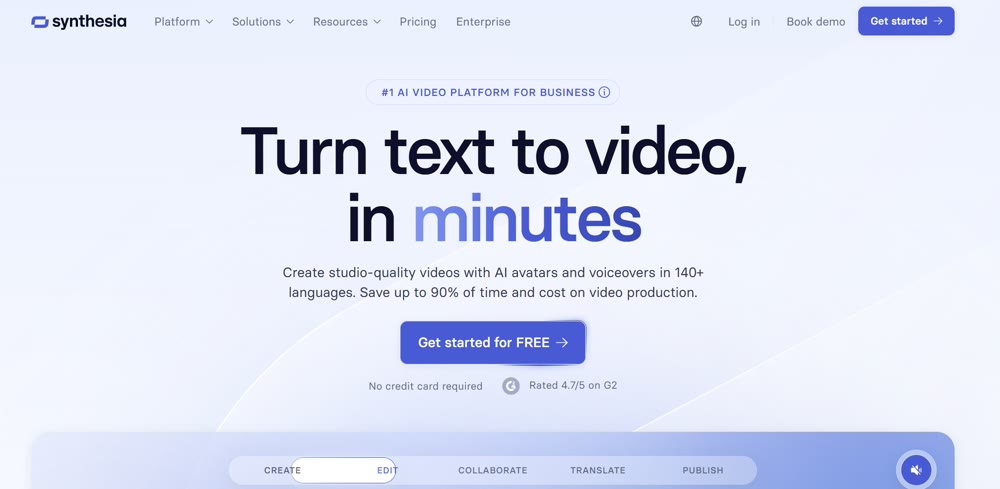
Synthesia is widely regarded as the enterprise standard for AI avatars. If your goal is to replace a text-heavy PDF employee handbook with engaging video content, this is the tool. It offers over 160 diverse avatars and voice synthesis in 120+ languages.
Performance Verdict:
The avatars are hyper-realistic, avoiding the "uncanny valley" effect better than most competitors. While the free demo is restrictive, the platform is essential for large organizations. The clean UI allows for collaborative editing, functioning much like Google Docs for video.
| Pros | Cons |
|---|---|
| ✅ Avatar Diversity: Massive selection of inclusive, diverse avatars. |
❌ Render Time: Can be slower than competitors during peak hours. |
| ✅ Collaboration: Excellent features for team-based editing. |
❌ Strict Guidelines: Heavy moderation on script content. |
| ✅ Consistency: Reliable brand kit integration. |
Rating: ★★★★☆
4. Clipchamp – Best for Microsoft Ecosystem Users
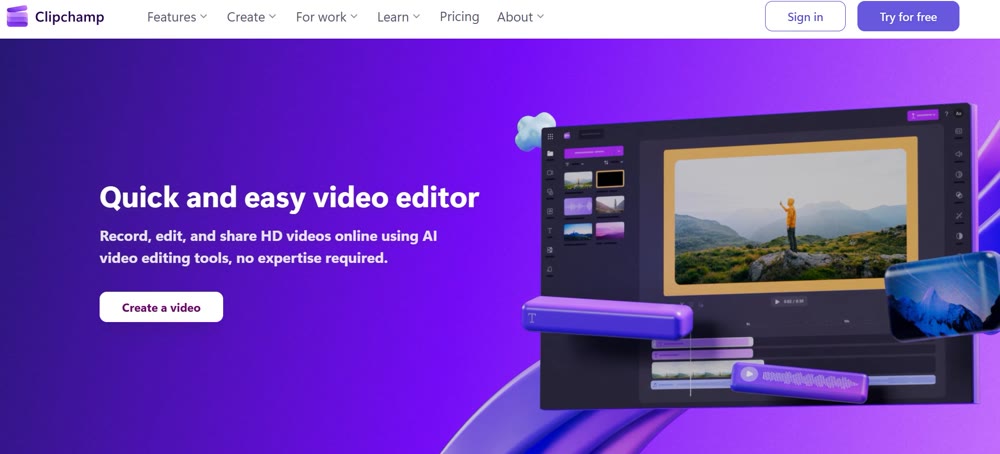
Acquired by Microsoft, Clipchamp has become the default editor for Windows users, but its AI capabilities are underrated. It offers a "quick create" feature that assembles video slideshows from media and text. Because it is a desktop-class editor first and an AI tool second, it offers granular control over the final output.
Performance Verdict:
It is the most accessible tool on this list. While it doesn't generate video from scratch like Genmi or Sora, its AI editing (auto-captioning, text-to-speech) is watermark-free at 1080p for free users.
| Pros | Cons |
|---|---|
| ✅ Free 1080p: No watermarks on standard exports. |
❌ Limited Synthesis: Cannot create video from text prompts (generative). |
| ✅ User Interface: Familiar timeline-based editing. |
❌ Stock Audio: Free music library is somewhat limited. |
| ✅ Platform: Native integration with Windows and OneDrive. |
Rating: ★★★★☆
5. Invideo AI – The Content Marketer's Copilot
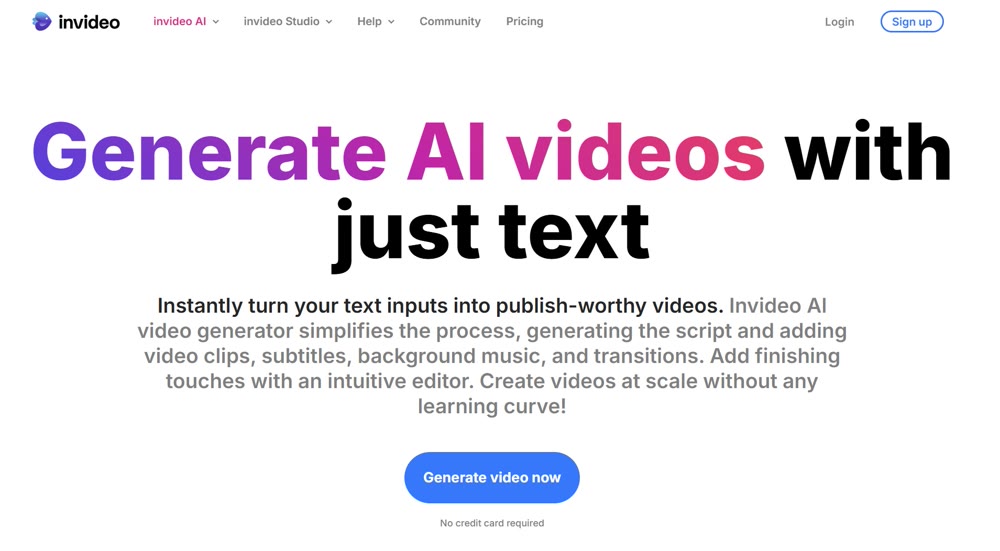
Invideo AI utilizes a prompt-based workflow where you act as the director. You type a command like "Create a 30-second promo for a vegan bakery for Instagram," and it scrapes stock footage, writes a script, adds a voiceover, and edits it together.
Performance Verdict:
It is a fantastic tool for "faceless" YouTube channels. Finding a reliable free ai video generator no watermark can be tough, but Invideo allows you to export watermarked drafts freely, and they occasionally offer watermark-free incentives or trial periods that are highly valuable. The standout feature is the ability to edit the video via text commands (e.g., "Change the background music to jazz").
| Pros | Cons |
|---|---|
| ✅ Text-Based Editing: Modify video elements using natural language. |
❌ Stock Reliance: Dependent on stock footage rather than generative creation. |
| ✅ 4K Export: Available (mostly on paid plans). |
❌ Export Time: Rendering can take significant time. |
| ✅ Scripting: Built-in LLM writes decent first-draft scripts. |
Rating: ★★★☆☆
6. Pictory – Best for Repurposing Long-Form Content
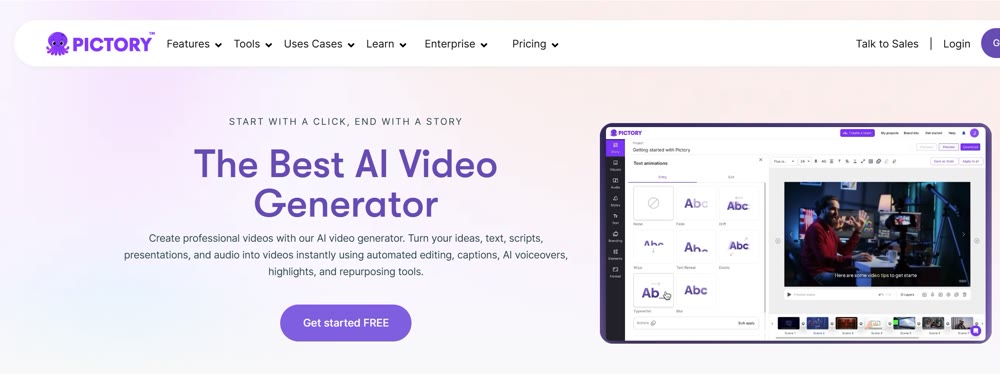
Pictory is the ultimate efficiency tool for podcasters and bloggers. It uses AI to read long-form content (blogs, Zoom recordings) and automatically extracts the "golden nuggets," turning them into short, shareable clips with captions.
Performance Verdict:
The AI highlights are surprisingly accurate in identifying key conversational points. It creates clean, captioned videos that are perfect for TikTok or Reels. The free trial allows for 3 videos without a watermark if you utilize specific download methods or trial offers.
| Pros | Cons |
|---|---|
| ✅ Summarization: Excellent at condensing long text/video. |
❌ Voiceovers: AI voices can sound slightly robotic compared to others. |
| ✅ Auto-Captioning: High accuracy saving hours of manual work. |
❌ Visuals: Stock footage selection can sometimes feel repetitive. |
| ✅ Blog-to-Video: Instantly visualizes written articles. |
Rating: ★★★★☆
7. Toki AI – Best for Realistic Photo Animation
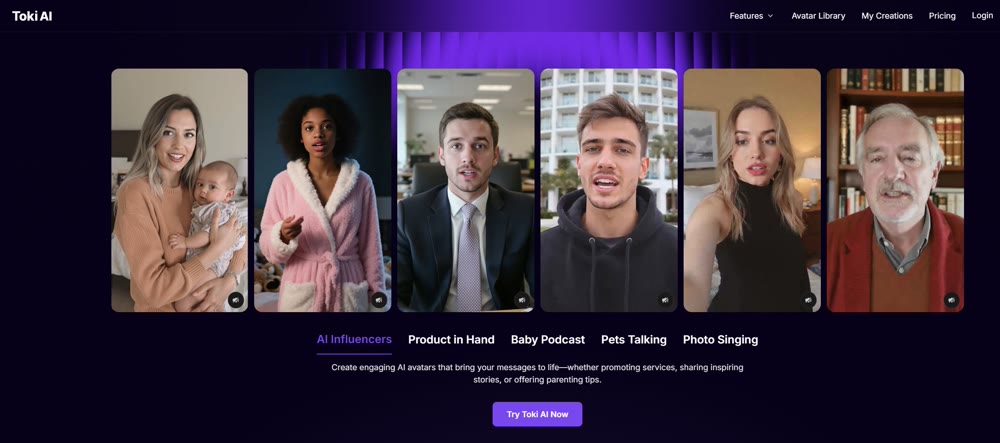
Toki AI focuses on a specific magic trick: turning a single static photograph into a talking, moving avatar. Unlike cartoonish animators, Toki strives for photorealism, creating facial micro-movements that sync with the audio input.
Performance Verdict:
This is ideal for bringing historical figures to life for education or animating a CEO's headshot for an internal memo. The lip-sync is precise, and the "jitter" often found in these tools is minimized.
| Pros | Cons |
|---|---|
| ✅ Ease of Use: Only requires one photo to start. |
❌ Duration: Free tier limits video length significantly. |
| ✅ Realism: Avoids the "bobblehead" effect of cheaper tools. |
❌ Motion: Limited to head/shoulder movement mostly. |
| ✅ No Setup: No complex 3D rigging required. |
Rating: ★★★☆☆
8. AdsDrive – Best for UGC-Style Advertising
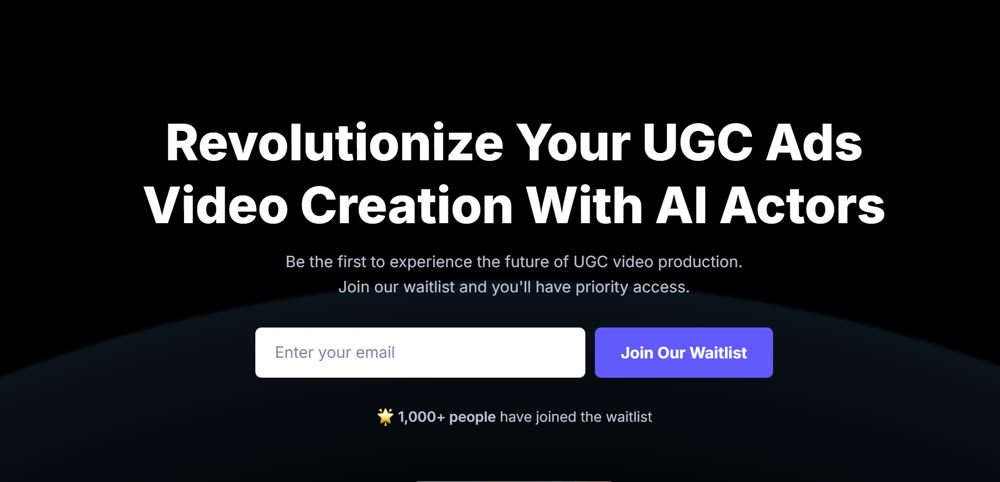
AdsDrive is designed to mimic User-Generated Content (UGC). It takes static images of "everyday people" and animates them to speak your ad script. This bypasses the need to hire influencers or ship products for shoots.
Performance Verdict:
For dropshippers and e-commerce brands, this is a goldmine. The output feels authentic enough for a scrolling social feed where users often watch without sound or with split attention. It converts well because it looks like a real customer testimonial.
| Pros | Cons |
|---|---|
| ✅ Ad Performance: Designed specifically for high CTR visuals. |
❌ Niche: Only good for ads; not for artistic video. |
| ✅ Speed: Rapid A/B testing of different scripts. |
❌ Voice Emotion: Can struggle with highly dramatic scripts. |
| ✅ Cost: Eliminates UGC creator fees. |
Rating: ★★★☆☆
9. Virbo – Best for Multilingual Speed
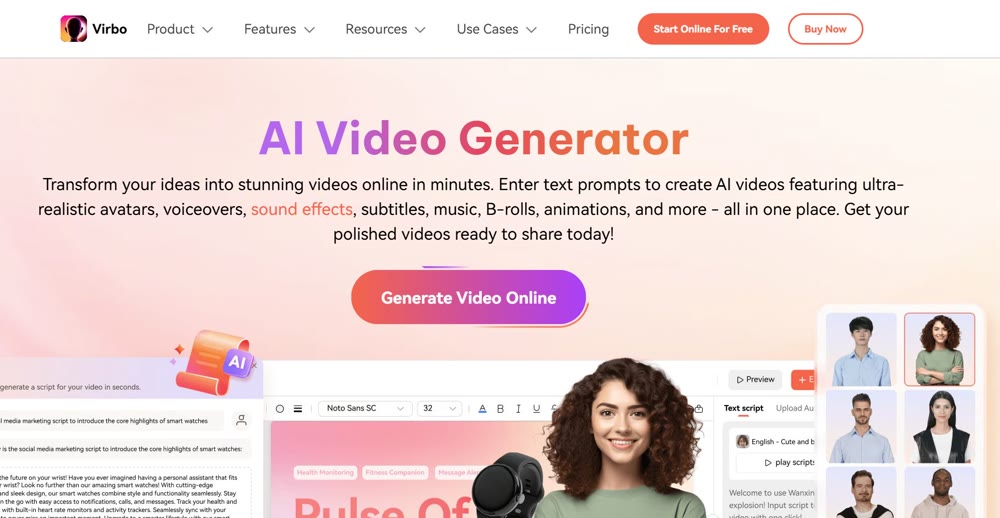
Created by Wondershare, Virbo is built for speed. It boasts one of the fastest rendering engines on the market. Its primary strength is its massive database of accents and languages, ensuring your video resonates locally, regardless of the target region.
Performance Verdict:
If you need to produce a daily news briefing in 5 languages, Virbo is the tool. The "AI Script" feature helps overcome writer's block, and the avatars are serviceable for information-heavy content.
| Pros | Cons |
|---|---|
| ✅ Speed: Renders videos in minutes. |
❌ Templates: Fewer aesthetic choices than HeyGen. |
| ✅ Localization: 150+ accents available. |
❌ Editing: Very basic post-production tools. |
| ✅ Cross-Platform: Good mobile app availability. |
Rating: ★★★☆☆
10. Fotor – Best for Artistic Style Transfer
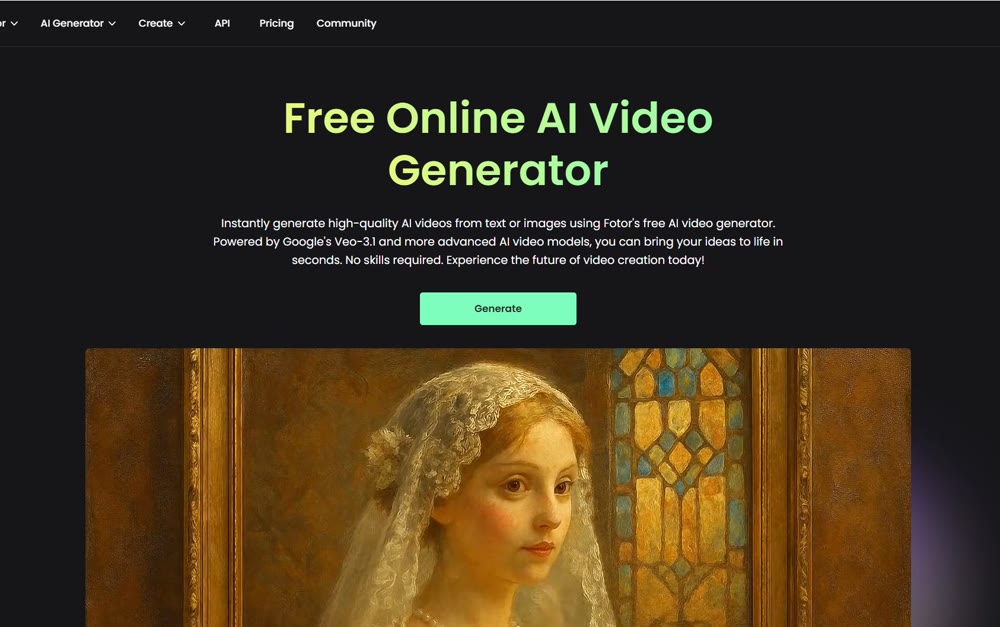
Fotor is primarily a photo editor, but its video synthesis tools are robust for artistic creators. It excels at applying artistic styles (e.g., Van Gogh, Cyberpunk, Watercolor) to existing footage or generating clips from scratch.
Performance Verdict:
This is the tool for creatives who want a "vibe" rather than a talking head. It allows for the merging of clips and high-level stylistic experimentation. The watermark policy is generous on the trial, allowing for clean artistic renders.
| Pros | Cons |
|---|---|
| ✅ Aesthetics: High-quality artistic filters and styles. |
❌ Coherence: Video consistency can flicker between frames. |
| ✅ Mobile: Excellent app for on-the-go creation. |
❌ Control: Hard to direct specific character actions. |
| ✅ Creativity: Best for music videos or art projects. |
Rating: ★★★★☆
11. Renderforest – Best for Animated Explainers
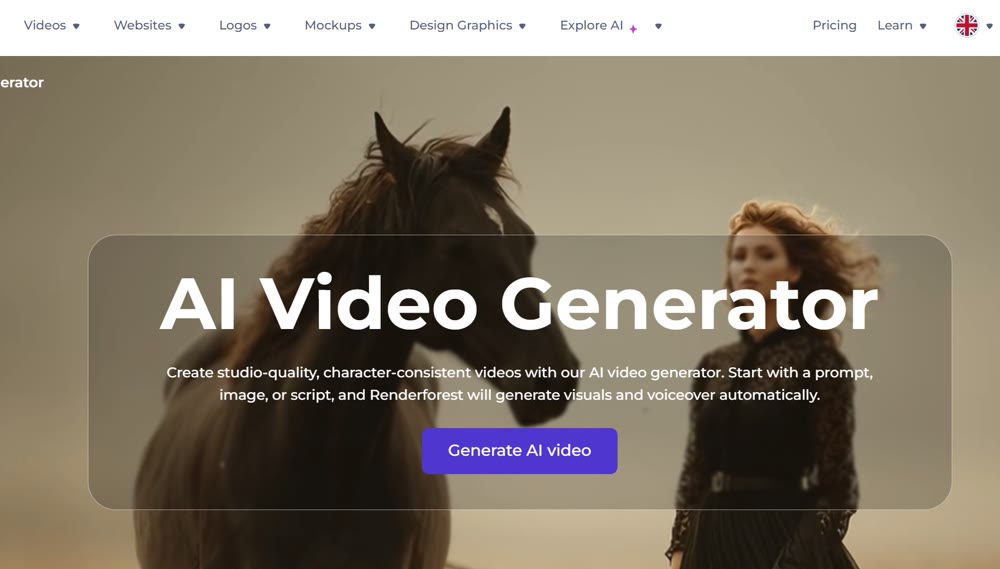
Not everyone needs a realistic human avatar. Renderforest dominates the 2D and 3D animation space. It provides thousands of pre-rigged animated scenes (whiteboard, kinetic typography, cartoon) that you can assemble like LEGO bricks.
Performance Verdict:
For startups explaining a complex SaaS product, this is the industry standard. It's distinct from the generative video tools as it relies on assets, but the AI helps match scenes to your script.
| Pros | Cons |
|---|---|
| ✅ Animation: Best-in-class whiteboard and 3D toolkits. |
❌ Rigid: Limited to the movements in the library. |
| ✅ Brandable: Easy color matching to brand palettes. |
❌ Generative: Not a "true" AI generator (asset-based). |
| ✅ Pricing: Affordable entry points. |
Rating: ★★★★☆
12. AI Studios – The All-Rounder
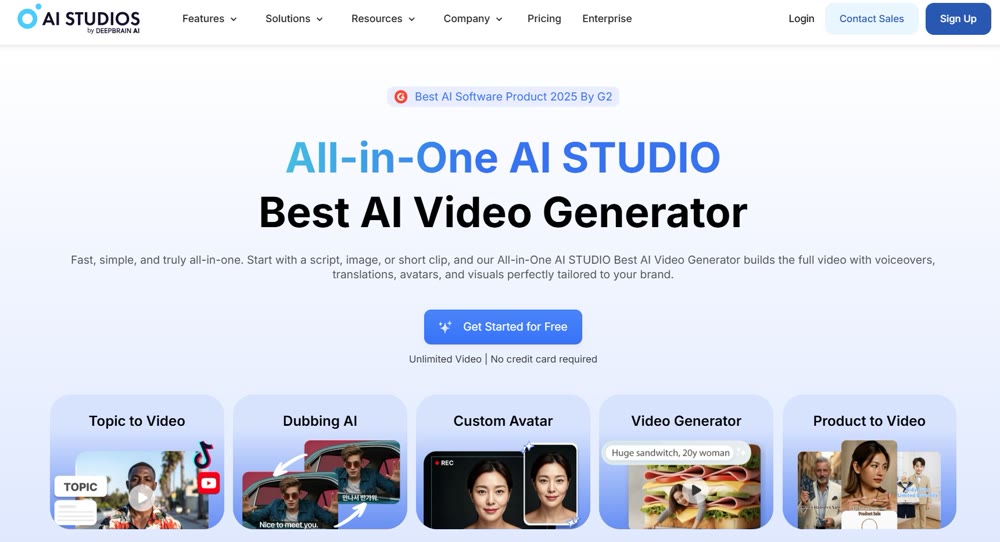
DeepBrain's AI Studios allows for a unique input method: PowerPoint to Video. You can upload a PPT file, and the AI will generate a presenter to read the slide notes.
Performance Verdict:
This is a massive time-saver for enterprise users converting old decks into engaging video formats. The collaboration features are robust, and the AI script assistant is helpful for polishing rough notes.
| Pros | Cons |
|---|---|
| ✅ PPT-to-Video: Unique feature for business users. |
❌ Customization: Hard to break out of the "news anchor" look. |
| ✅ Scripting: Strong ChatGPT integration. |
❌ Learning Curve: Interface is dense with features. |
| ✅ Collaboration: Good for teams. |
Rating: ★★★☆☆
🆓 Free & Simple: Zero learning curve. Read our AiEase AI Image Generator review.
Conclusion
The landscape of free AI video tools has shifted from experimental novelties to essential workflow assets. While tools like Clipchamp and Pictory offer incredible utility for editing and repurposing, and Synthesia leads in corporate avatars, the need for a unified, creative engine is clear.
For creators who refuse to compromise on quality or get bogged down by multiple subscriptions, Genmi AI represents the new standard. By aggregating the power of elite models into a single, watermark-free environment, it empowers you to move from ideation to final render without friction. Whether you are generating cinematic scenes or capitalizing on viral trends, the ability to execute freely is paramount.
Empower Your Visual Storytelling
Your ideas deserve a canvas that doesn't brand your work as someone else's. Break free from restrictive platforms and fragmented workflows. Experience the full potential of creative freedom with Genmi AI and start producing professional, watermark-free content that truly belongs to you.
Recommended Articles
Craiyon AI Review: The Right Creative Tool for You?
Explore our in-depth Craiyon AI review. Discover its strengths, weaknesses, and whether this popular AI art tool is the right fit for your creative projects.

Mastering YouTube Publishing: The AIGC Creator's Guide to SEO & Algorithm Hacking
Maximize YouTube channel growth. Learn advanced SEO, algorithm secrets for Shorts & long-form video, and AIGC optimization strategies. Start now!

AI Model Selection: The Ultimate Guide for AIGC Content Creators
Learn how to choose the right AI models for image and video generation. This guide covers quality, cost, and efficiency for your AI workflow.