


Google Veo 3.1 Review: A VFX Pro's Verdict on the New Frontier of Video Synthesis
Article Summary: This professional review analyzes Google Veo 3.1 from a VFX perspective, testing its Native Audio, Frames to Video, and Ingredients features. It evaluates the model's production readiness and highlights how integrating it via Genmi AI offers superior workflow flexibility.

In the high-stakes world of post-production and digital storytelling, the "uncanny valley" has always been our greatest adversary. As someone who has spent two decades compositing shots and managing render pipelines, I approach every new AI release with a healthy dose of skepticism mixed with hope. Google has just unveiled its latest iteration, Veo 3.1, an upgrade built upon the architecture of Veo 3. For creators eager to test its limits immediately rather than just reading about them, the model is now accessible via Genmi AI’s Veo integration, but the real question remains: does it hold up in a professional workflow?
I spent the last week pushing this model to its breaking point—testing its adherence, audio capabilities, and temporal consistency—to see if it’s a viable tool for creators or just another toy.
The Upgrade: What’s Under the Hood?
Google hasn’t just tweaked the algorithm; they’ve introduced workflow-centric features that aim to bridge the gap between prompt engineering and actual directing. The standout updates include Ingredients to Video for asset locking, Frames to Video for interpolation, and Extend Video for narrative flow.
For deep technical context on the underlying architecture, I recommend reading Google DeepMind’s official release notes.
✨ Key Tips: In my testing, I found that Google Veo 3.1 responds significantly better to prompts that describe lighting and camera lenses (e.g., "anamorphic lens flare," "soft diffusion") than previous iterations.
Putting the Tech to the Test
I didn't want to run simple prompts. I wanted to simulate a storyboard-to-screen scenario. Here is how the model performed across three critical categories.
1. Native Audio Synthesis
The Test: Can it distinguish between ambient layers and specific foley sounds?
Prompt: "Cyberpunk alleyway at night, neon rain reflecting on wet pavement. A futuristic motorcycle idles with a low, throbbing hum. Distant sirens wail, and heavy raindrops hit a metal dumpster in the foreground."
Result: The visual fidelity was high. Audio-wise, the low throb of the engine was distinct and synced well with the vibration of the bike. However, the "heavy raindrops on metal" sounded more like generic white noise. It captured the atmosphere but missed the specific texture of the requested sound effect.
2. Frames to Video (Interpolation)
The Test: Creating a smooth transition between two contrasting emotional states.
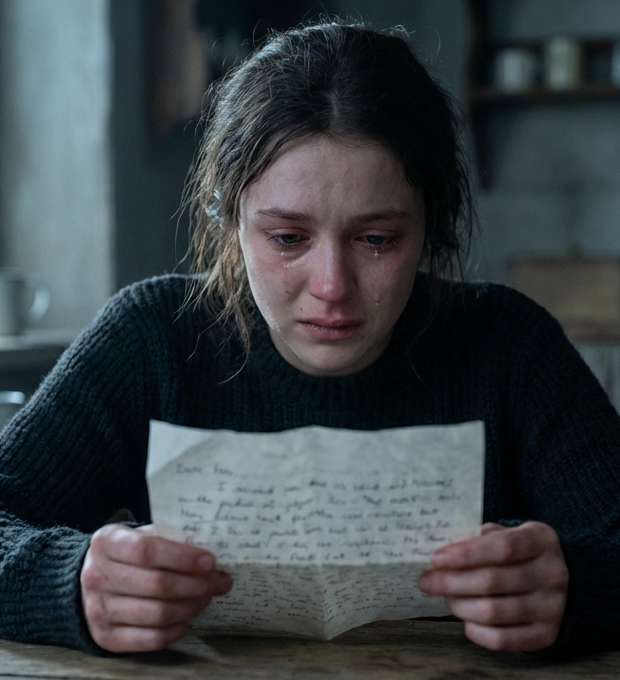

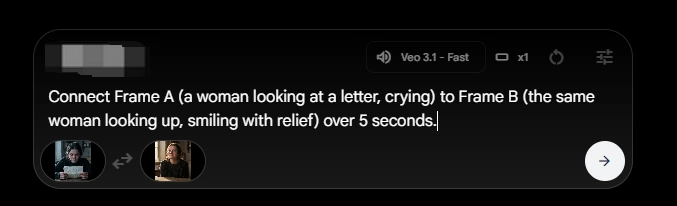
Prompt: Connect Frame A (a woman looking at a letter, crying) to Frame B (the same woman looking up, smiling with relief) over 5 seconds.
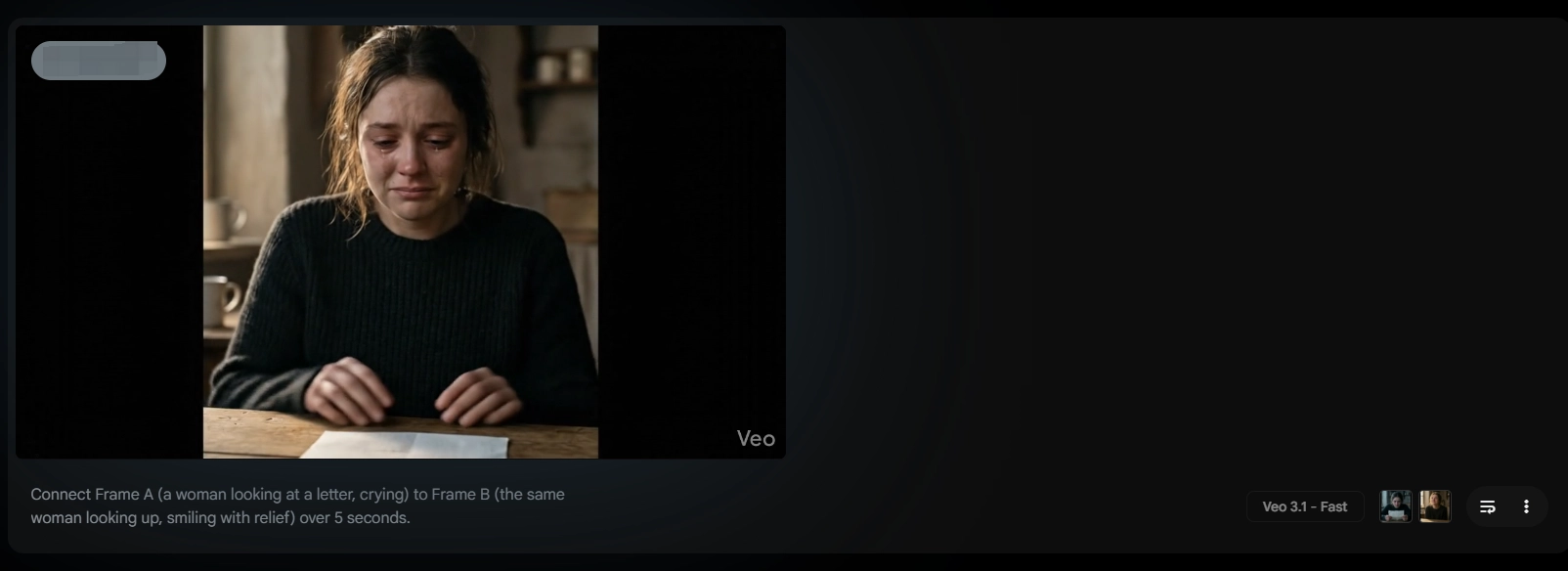
| Start Image | End Image | Output Consistency | Transition Smoothness |
|---|---|---|---|
| Frame A: Sorrowful expression, downcast eyes. |
Frame B: Radiant smile, upward gaze. |
High: Facial structure remained identical. |
Medium: The shift in emotion felt slightly accelerated, lacking the micro-expressions of a natural reaction. |
3. Ingredients to Video (Asset Locking)
The Test: Maintaining character consistency from a concept art reference.

Prompt: "A steampunk robot barista pouring steaming liquid into a porcelain cup, brass gears visible and spinning." (Reference image provided: A specific rusty, brass robot design).
Result: This was the strongest category. The model successfully mapped the texture of the rust and brass from the reference image onto the 3D movement. The gears spun in a way that felt physically plausible.
Workflow Guide: Maximizing Asset Fidelity
To get the most out of the "Ingredients" feature, you need to prep your assets correctly.
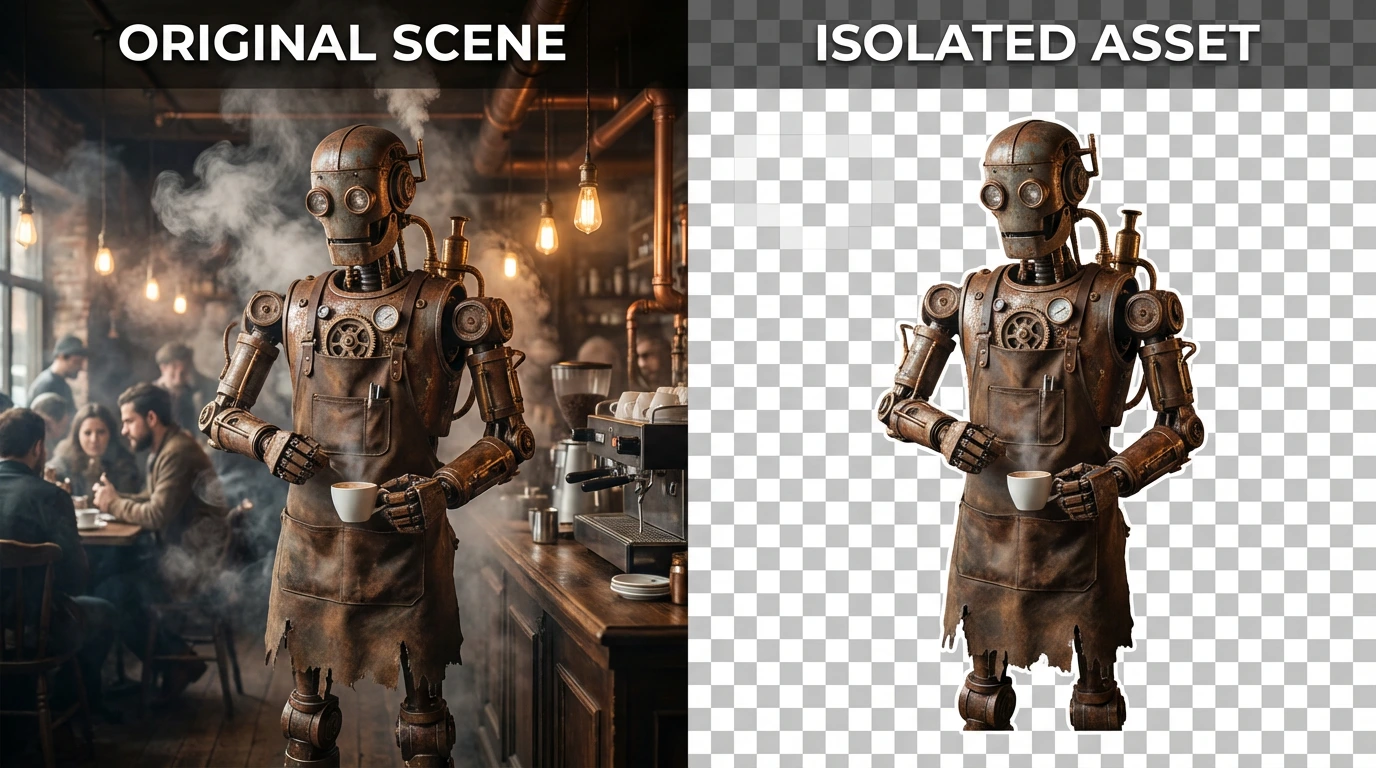
Step 1: Isolate Your Subject
Ensure your reference image has a clean background if you only want the character transferred.
Step 2: Descriptive Prompting
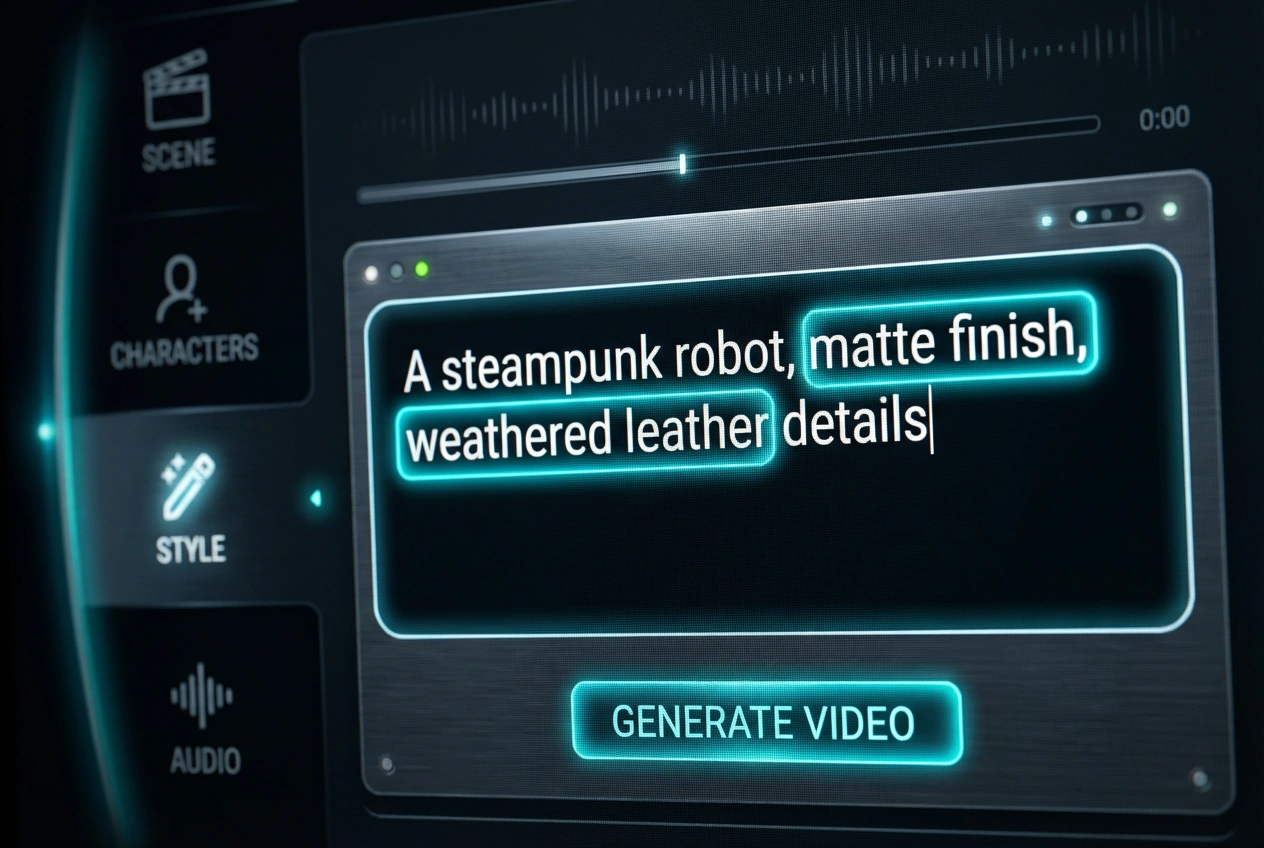
Don't rely solely on the image. Describe the material of the object in the prompt (e.g., "matte finish," "weathered leather") to help the AI understand how light should interact with it.
Step 3: Iterative Refining
Run the synthesis 3-4 times. Select the clip with the best physics, even if the lighting is slightly off—lighting is easier to fix in post than bad geometry.
Production Readiness Score
Based on my tests, here is how I rate the current capability for professional use:
- Visual Fidelity: ★★★★☆ (Excellent texture and lighting)
- Motion Coherence: ★★★☆☆ (Struggles with complex interactions)
- Audio Sync: ★★★☆☆ (Good for ambience, weak for specific foley)
- Character Consistency: ★★★★☆ (Strongest feature)
Why Genmi AI is the Ultimate Creative Command Center
As a creator, relying on a single model is a bottleneck. This is where Genmi AI fundamentally changes the game. It acts not as a single tool, but as a comprehensive studio lot where you have access to every piece of equipment you might need.
If you are evaluating whether this model is right for your pipeline, our in-depth Veo 3 review provides further granular analysis. But sometimes, one engine isn't enough. You might want to see how it stacks up against the competition in our Sora 2 vs Veo 3 comparison.
The true power lies in flexibility. If you need to generate high-speed motion graphics, you might toggle over to Kling for a different rendering approach. For creators focusing on stylized or animated content, Seedance offers a unique aesthetic that differs from Veo's photorealism.
Perhaps you are starting from a script rather than visuals; the text to video capabilities allow you to draft scenes instantly. You can even refine your output using the AI Video Analyzer to understand engagement metrics before finalizing. Furthermore, if you are looking to animate static photography, the image to video tools can breathe life into still assets. Finally, all these tools are centralized on the Genmi AI platform, ensuring you never have to switch tabs to switch technologies.
Final Verdict
Google Veo 3.1 is a significant step forward, particularly in how it handles light and texture. It is an impressive tool for creating B-roll, establishing shots, or visualizing concepts during pre-production. However, it is not yet a "one-click movie" solution. The audio lacks layered complexity, and complex object interactions still face continuity issues.
For the professional, it is a powerful plugin in a larger toolkit. It excels at specific tasks—like asset-based rendering—but requires a human hand to guide the emotional nuance and pacing.
Unlock Your Creative Potential
Don't let technical limitations stifle your vision. The future of content creation isn't about one model ruling them all; it's about having access to the best engines for every specific shot. Experience the freedom of multi-model creation and take your production value to the next level with Genmi AI.
Additionally, for a broader industry perspective on how this competes with OpenAI, this report from The Verge (https://www.theverge.com/news/800371/google-veo-3-1-flow-audio) is insightful.
Recommended Articles
Flora AI Reviewed: A Deep Dive Into Its Creative Canvas Professionals
A professional, hands-on review of Flora AI. We test its infinite canvas, image creation, and video capabilities to see if it's right for your workflow.
Artlist AI Review: A Creator's Co-Pilot or Just Hype?
Is Artlist AI's video and image generation any good? Our 2026 review tests the latest AI creative tools, quality, and performance for professional creators.
How to Use Runway Gen 2 for Professional-Grade Video
A complete guide on how to use Runway Gen 2 for professional videos. Master text-to-video, camera controls, motion brush, and expert tips.