


An In-Depth OpenArt Review: My Experience Creating Digital Art Without Limits
Article Summary: This article provides a professional, hands-on review of the OpenArt platform, evaluating its text-to-image capabilities, editing tools, and custom model training for digital artists. It analyzes real-world test cases to demonstrate its strengths and practical applications for creative professionals.
In today's fast-paced digital landscape, the ability to produce high-quality, unique visuals is more critical than ever. Yet, for many creators, the barriers of technical skill, time, and hardware limitations can be formidable. What if you could translate complex ideas into stunning artwork in moments, unbound by the performance of your local machine? This question led me to conduct a multi-week, hands-on test of a promising new tool.
This article provides an in-depth openart review, moving beyond surface-level features to offer a practical, experience-driven analysis. You will discover how this platform works, see real-world examples of its capabilities, and understand its strengths and limitations. By the end, you'll have the expert insights needed to determine if this tool can revolutionize your own creative workflow.
First Impressions: Core Technology and Interface
My exploration began with understanding what powers the platform. At its core, OpenArt leverages sophisticated cloud computing to run complex ComfyUI workflows. This is a significant advantage, as it offloads the intense computational demand from my local device, ensuring a smooth and responsive creative process regardless of my hardware's capabilities.
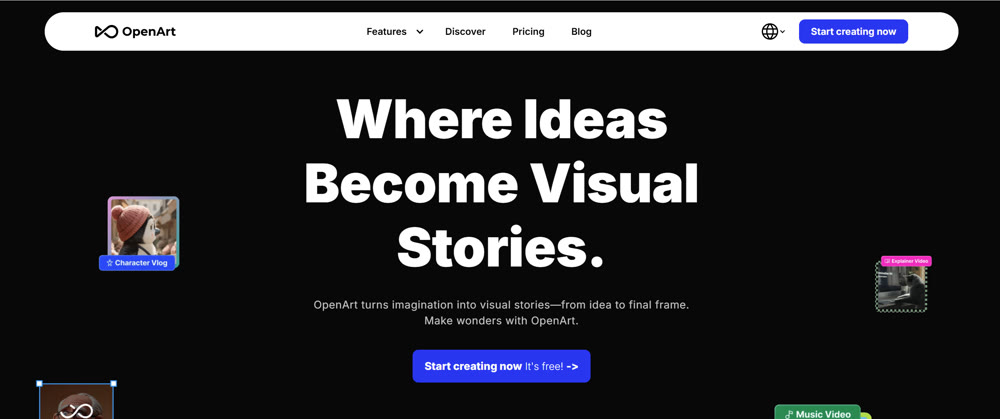
Upon landing on the homepage, the interface presents two primary modes: "Image" for visual creation and editing, and "Storytelling" for developing consistent characters and narrative sequences. Focusing on still imagery, I delved into the text-to-image features to assess their power and versatility.
A Practical Walkthrough: From Prompt to Polished Artwork
A tool's true value is revealed through practical application. I conducted several tests to gauge its ability to interpret prompts and deliver nuanced, high-quality visuals.
Test Case 1: Creating a Hyper-Detailed Product Shot
Using the default Flux (dev) model, I attempted to generate a premium-style commercial product image with the following prompt:
hyper detailed product photography of a {vintage wristwatch}, placed on a marble surface, reflective highlights, 50mm macro lens, f11, ultra-sharp details, metallic reflections, soft diffused studio lighting, high-end commercial style
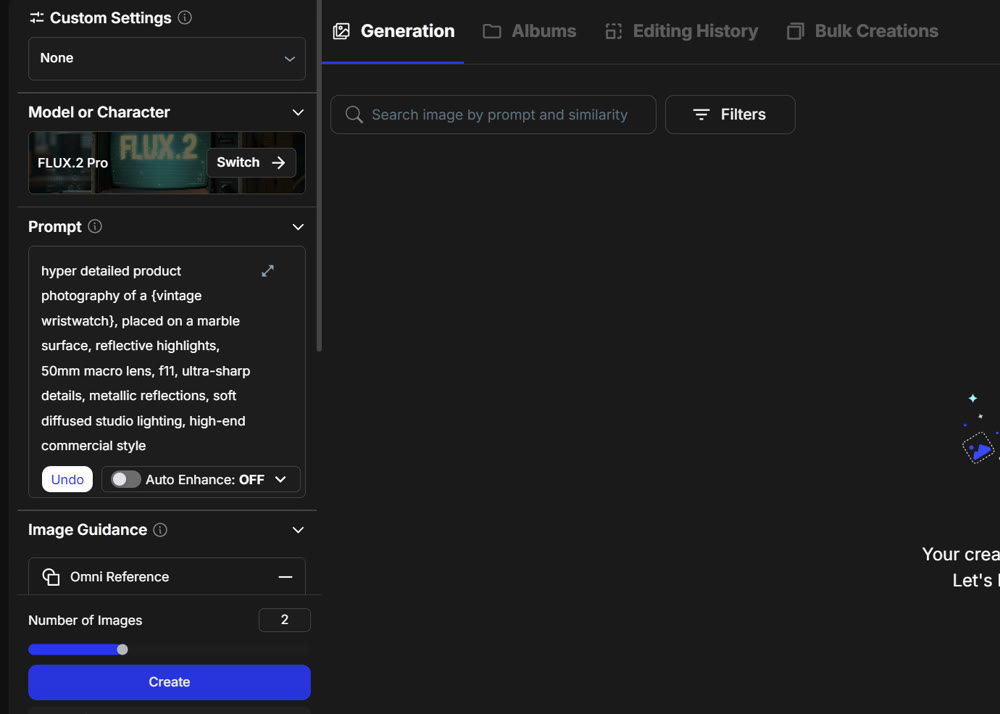
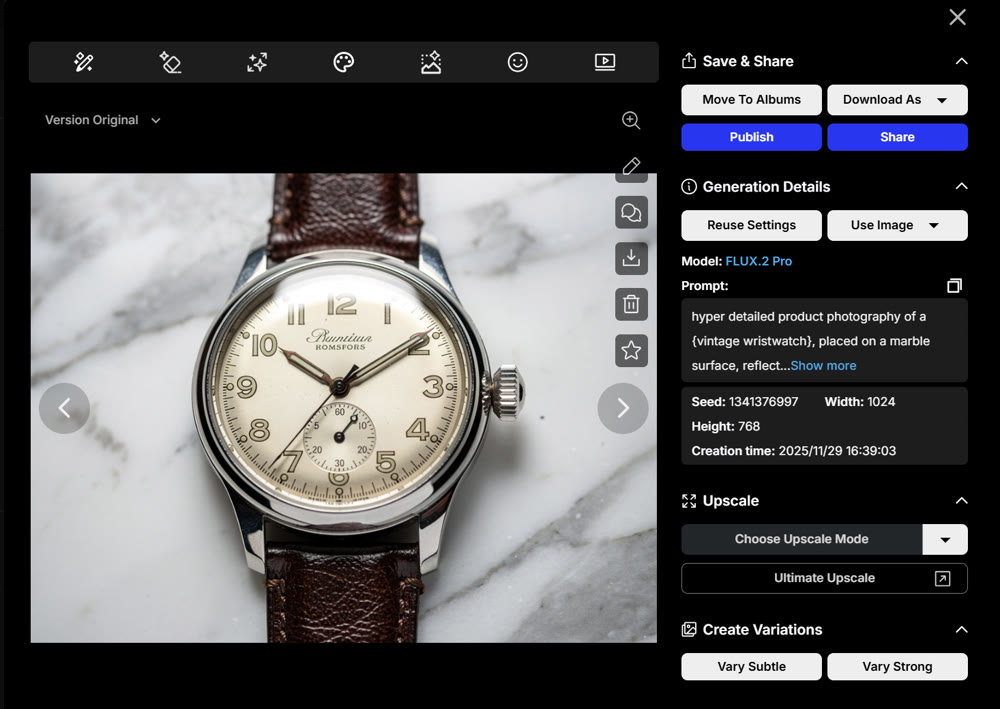
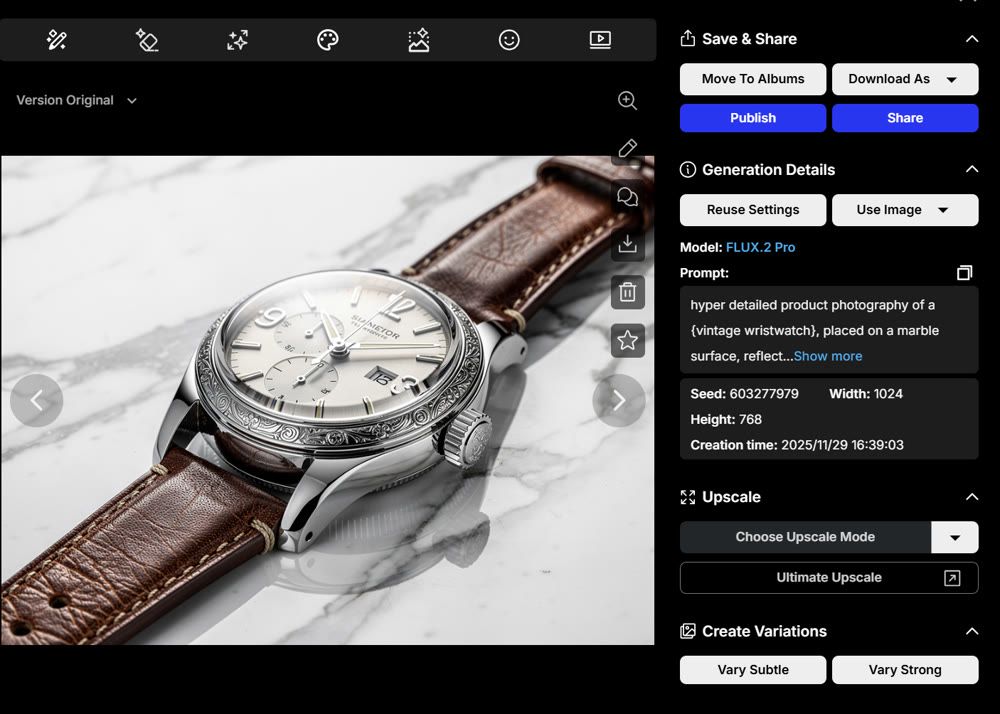
Multiple outputs were generated, each visually appealing but with distinct traits.
 |
 |
The left image showed slightly uneven reflections on the metal bezel, giving the texture a softer, almost matte look. While acceptable, it lacked the crispness typically seen in luxury product ads.
The right image, however, displayed clearer micro-reflections on the dial and body, especially around the crown and engraved indices. The lighting felt more intentional, with controlled specular highlights that enhanced the premium feel. Overall, the second output achieved greater clarity and commercial polish.
Test Case 2: Using a Style Template for Atmospheric Environments
I then tested one of the built-in style templates, opting for the “environment concept art” template, which structured the prompt as follows:
vast open landscape of {ancient ruins}, with towering {stone guardians}, early morning atmosphere, light mist, wide-angle perspective, cinematic mood, concept art style, inspired by Simon Stålenhag, detailed environmental lighting
The results included two concept-art renderings with noticeably different moods.
The first image embraced a brighter palette, with soft morning light illuminating the ruins and creating a sense of calm discovery. The mist was gentle, giving the scene an airy, welcoming tone.
The second image leaned into a darker, more dramatic interpretation—denser fog, deeper shadows, and colder hues. This version suggested mystery and tension, as if the ruins held untold dangers. The contrast between the two outputs demonstrated the model’s ability to shift atmosphere and narrative direction while following the same structural prompt.
Advanced Refinement and Creative Exploration
High-quality initial outputs are just the start. The real magic for a digital artist lies in the ability to refine and iterate.
✨ Creative Technique: In-Canvas Style Transference
I selected my preferred sunset image and brought it onto the editing canvas. While tools for inpainting and object removal were available, the composition was already strong. Instead, I opted to use the "Stylized" feature to completely transform the image's mood.
The result was a dramatic shift. The warm sunset was replaced by a serene night scene dominated by cool blues and purples. A moon's reflection added compositional balance, and the inclusion of a small, lit cabin introduced a human element, fundamentally changing the narrative. This demonstrates a powerful method for creative iteration that goes far beyond simple filters.
💡 Innovative Approach: Conversational AI-Assisted Edits
To push the boundaries further, I used the integrated AI chatbot (powered by Gemini). I uploaded the new night-scene image with a simple directive: "Turn this into Ghibli studio style."
The chatbot first outlined its creative plan, a testament to its advanced reasoning:
I will [create] an image in the style of Studio Ghibli, depicting a serene mountain landscape... A large, glowing moon will hang in the sky... Pine trees will dot the hillsides... Two small figures will be visible on one of the hills, adding a touch of human presence...
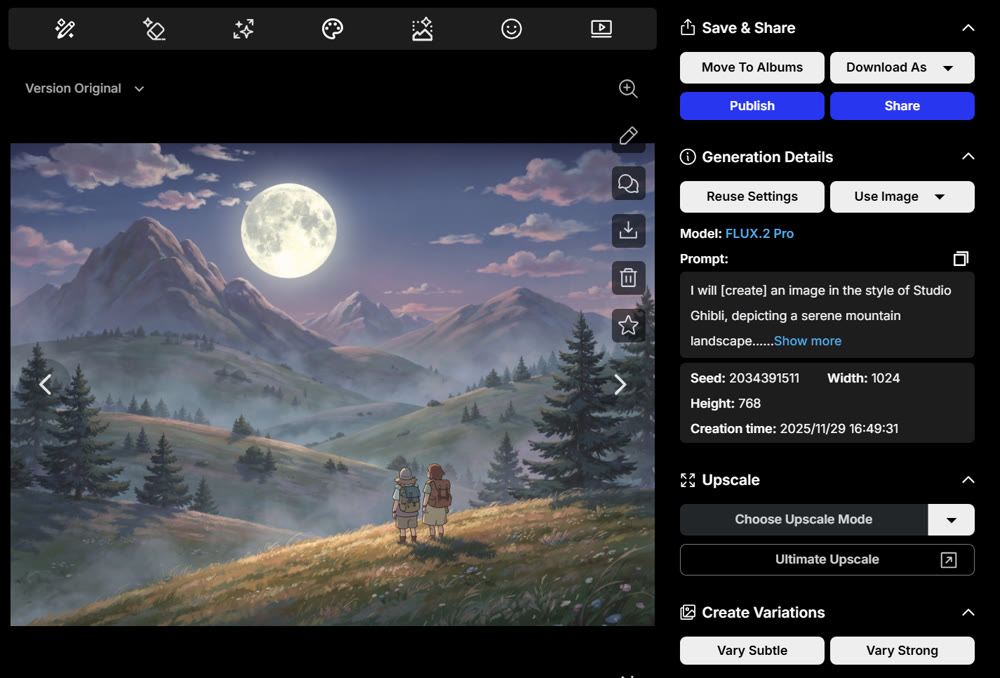
The final image was a beautiful homage to the Ghibli aesthetic. The addition of two small figures and a richer treeline added life and narrative depth, making the landscape feel more inviting and alive. This conversational approach represents a truly novel and intuitive way to guide the creative process.
📌 Best Practices: Training Custom Models
For artists and brands seeking a consistent visual identity, OpenArt offers the ability to train custom models. By feeding the AI a curated set of images, you can create a bespoke model that understands your specific aesthetic, character designs, or product style. While this feature requires a significant credit investment (up to 2000 credits), it is an invaluable tool for large-scale projects and establishing a unique brand identity.
Genmi AI: A Unified Platform for Next-Level Creativity
While specialized tools like OpenArt excel in image composition, a comprehensive creative workflow often requires a seamless transition between different media formats. This need for an integrated ecosystem is where Genmi AI emerges as a powerful, all-in-one creative suite. It consolidates advanced visual and video tools into a single, intuitive platform.
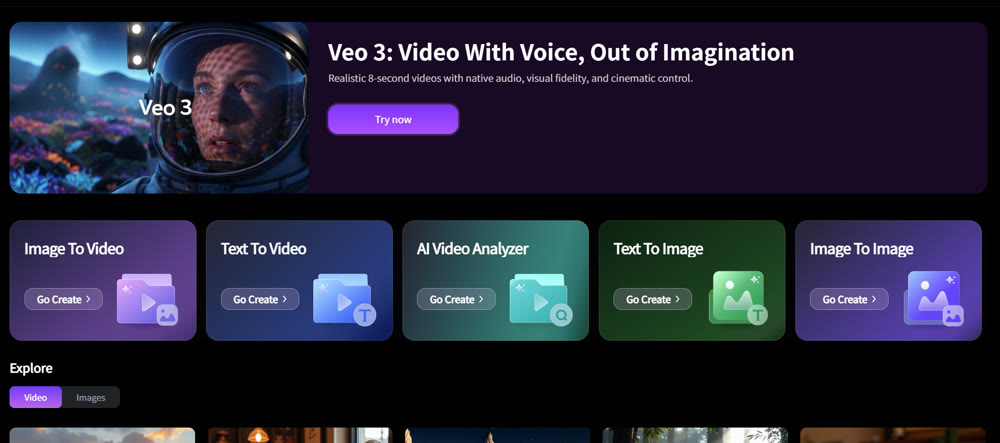
Unlike platforms still developing their motion capabilities, Genmi AI already offers robust text-to-video synthesis and even allows you to animate static pictures with its dynamic image-to-video feature. Its core text-to-image composition tools are powered by leading models like Flux AI and GPT-4o, while its image-to-image transformations provide another layer of deep creative control. With over 80 AI photo effects and templates, Genmi AI serves as a true central hub for ambitious multimedia projects, from crafting Ghibli-style animations to producing professional brand content.
Conclusion
My extensive testing confirms that the OpenArt image creation platform is a formidable tool for digital artists. Its cloud-based architecture removes hardware barriers, while its advanced models can produce a remarkable diversity of styles with impressive detail and narrative depth. The ability to refine visuals with style transference, conversational AI, and even train custom models provides a workflow rich with creative potential.
This deep dive has armed you with a clear, experience-based understanding of the platform's capabilities. You can now confidently assess how its features align with your artistic goals and decide if it's the right choice for your projects. Ultimately, the future of digital art lies in tools that empower, rather than limit, our imagination.
Unlock Your Full Creative Potential
Your creative vision is unique. The key to bringing it to life is finding a platform that doesn't just follow instructions but acts as a true creative partner. For those looking to unify their image and video workflows into one seamless process, exploring a comprehensive suite like Genmi AI could be the next pivotal step in your artistic journey.
---⚡ Instant Results: Draw and see results instantly? Experience our Krea AI review.
Recommended Articles
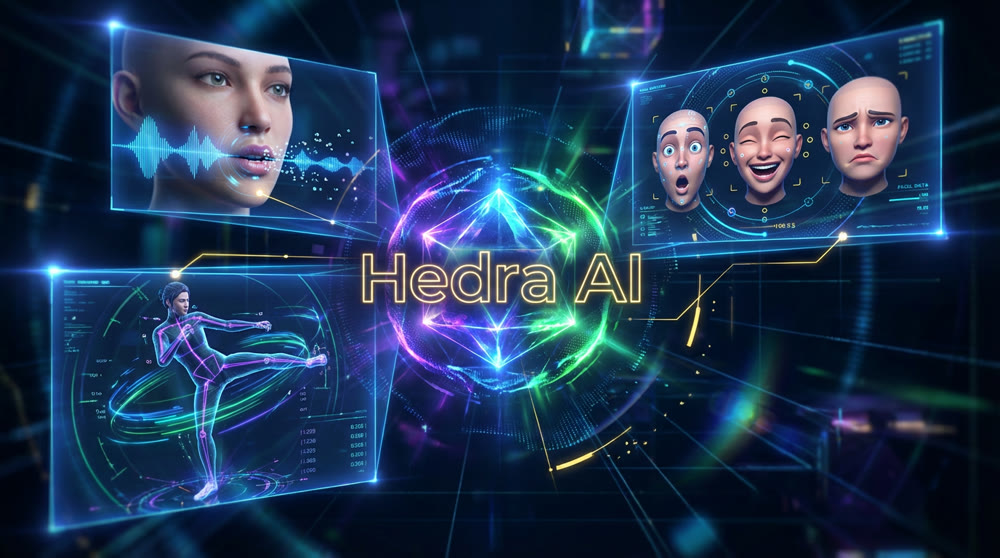
Hedra AI Review: A Hands-On Test of Its Video Performance
Our in-depth Hedra AI review tests its lip sync, character animation, and full-body motion. See our hands-on results and find out if it's right for you.
Top 10 Best AI Video Generators in 2025: A Real Test Review
Our 2025 guide reviews top AI video platforms on quality, features, and price to help you find the best AI video generator for your needs.
OpenAI Sora: A Deep Dive into the AI Video Generator's Capabilities, Limitations, and Future
Discover OpenAI Sora, a groundbreaking text-to-video model. Analyze its strengths, limitations, and the exciting potential of its future version, Sora 2.