


An Expert Review of PicsArt AI: Simple Creations or Professional Powerhouse?
Article Summary: This article provides a professional, hands-on review of the PicsArt AI tool, assessing its ease of use against its performance in creating high-quality, complex images. It offers a clear verdict on its suitability for both beginner and professional creative workflows.

For creatives, the ideal tool is one that is both powerful and intuitive—a difficult balance to strike. PicsArt, a household name in mobile photo editing, has entered the AI art space, promising a user-friendly experience for creating compelling visuals. But can a tool known for simplicity deliver the quality and control required for professional work? This is the core question this picsart ai review aims to answer through a rigorous, hands-on evaluation.
As a lightweight option, ImagineArt AI also offers a very smooth mobile experience for capturing ideas on the go.
This article will provide you with a clear, expert assessment of the PicsArt AI tool's capabilities. We will dissect its performance, from prompt adherence to stylistic flexibility, so you can determine if it's a valuable addition to your creative toolkit or if your projects demand a more advanced solution.
First Impressions: What PicsArt AI Offers
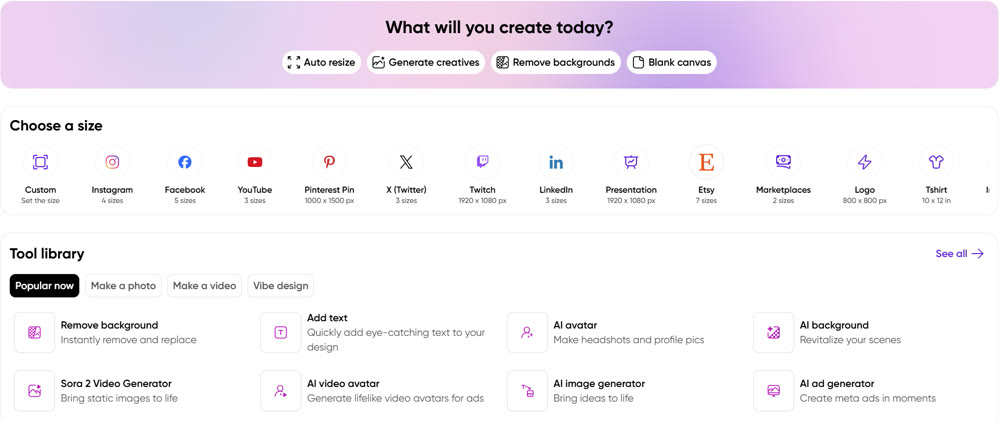
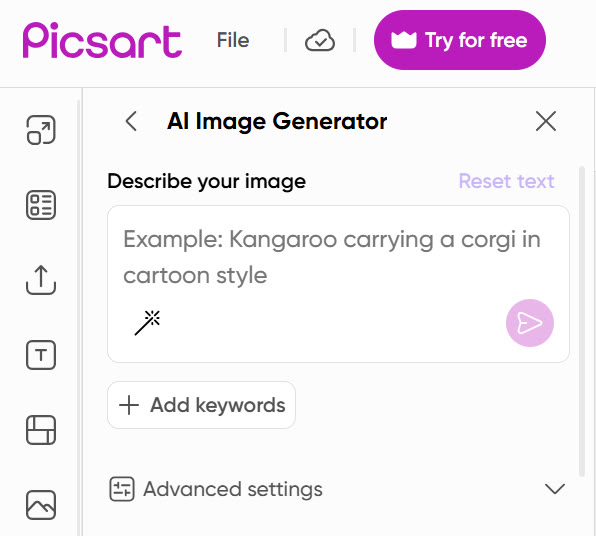
PicsArt's AI tool is seamlessly integrated into its existing photo editing application, making it immediately accessible to its massive user base, especially on mobile devices. The standout feature is its simplicity. The interface is clean, uncluttered, and guides users by suggesting keywords related to style, color, and mood. This is particularly helpful for beginners who may struggle with crafting effective prompts from scratch.
The platform also allows users to choose between different models like Flux and Dall-E, offering a degree of flexibility. However, it's important to note that many of the advanced features and unlimited use are locked behind a paywall, which can be a significant barrier for those wishing to experiment freely.
A Hands-On Performance Analysis
To move beyond the interface and test its core capabilities, I conducted a series of tests with distinct creative objectives.
Test 1: Simple Photorealism
I started with a straightforward prompt to test its grasp of realistic detail and lighting.
Prompt: "A close-up, photorealistic shot of a steaming cup of black coffee on a rustic wooden table, with a few scattered coffee beans beside it. Soft morning light from a window."

The result was quite good. The tool produced a high-resolution image with convincing textures on the wooden table and a realistic steam effect. The lighting was soft and natural, matching the prompt's request. For simple, subject-focused realism, PicsArt delivers a solid performance.
My Rating: ★★★★☆ (4/5 Stars)
Test 2: Stylized Character Concept
Next, I tested its ability to adhere to a specific, non-photorealistic art style, a common task for concept artists and illustrators.
Prompt: "A cyberpunk street samurai in a neon-lit alleyway. He wears a traditional samurai helmet fused with futuristic tech and a long, dark coat. The style is gritty, high-contrast ink illustration."
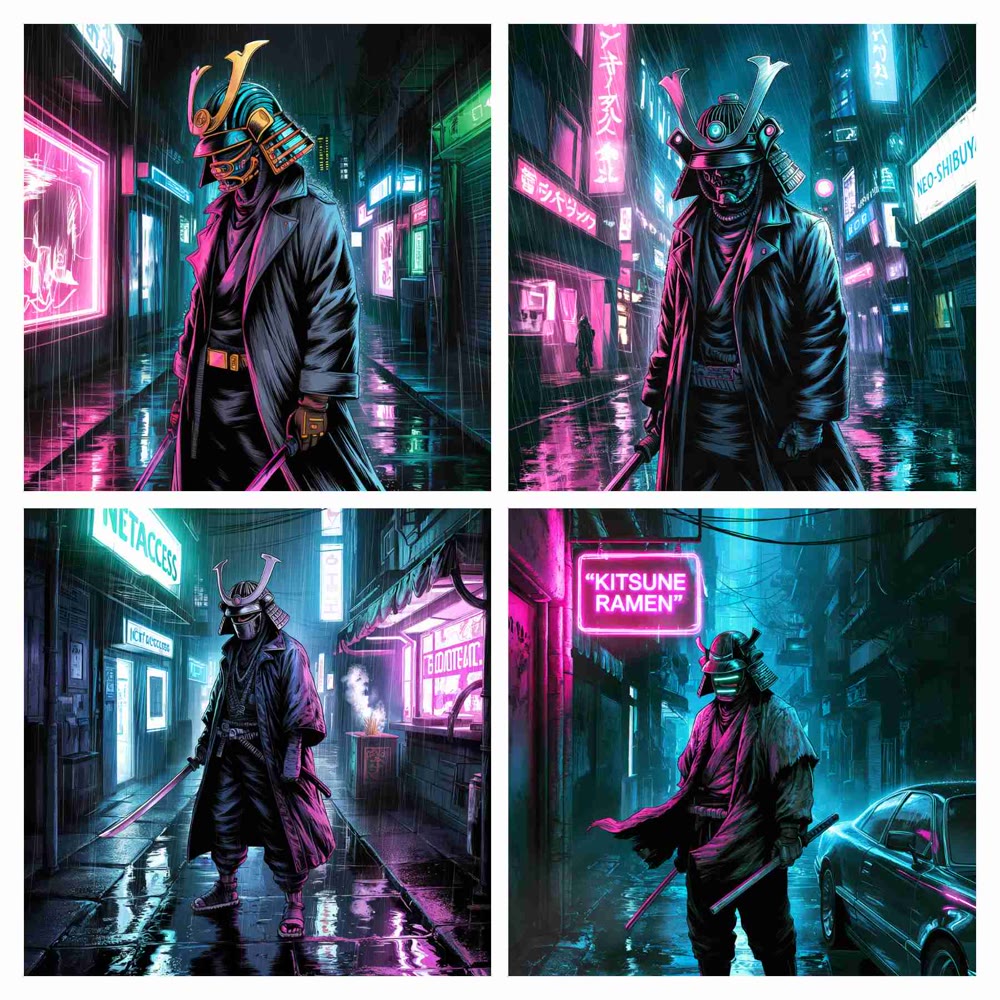
Here, the results were more mixed. While the tool captured the "cyberpunk" and "samurai" themes, the "ink illustration" style was not consistently applied. Some outputs resembled digital paintings more than line art. It followed the core concept but struggled with the specific artistic medium requested.
My Rating: ★★★☆☆ (3/5 Stars)
Test 3: Complex Scene with Multiple Elements
For the final test, I designed a prompt to challenge its ability to handle compositional depth and multiple subjects.
Prompt: "A wide-angle cinematic scene of a Viking longship crashing through a stormy sea. Multiple warriors are on deck, bracing against the waves, with a dramatic, dark sky overhead filled with lightning."
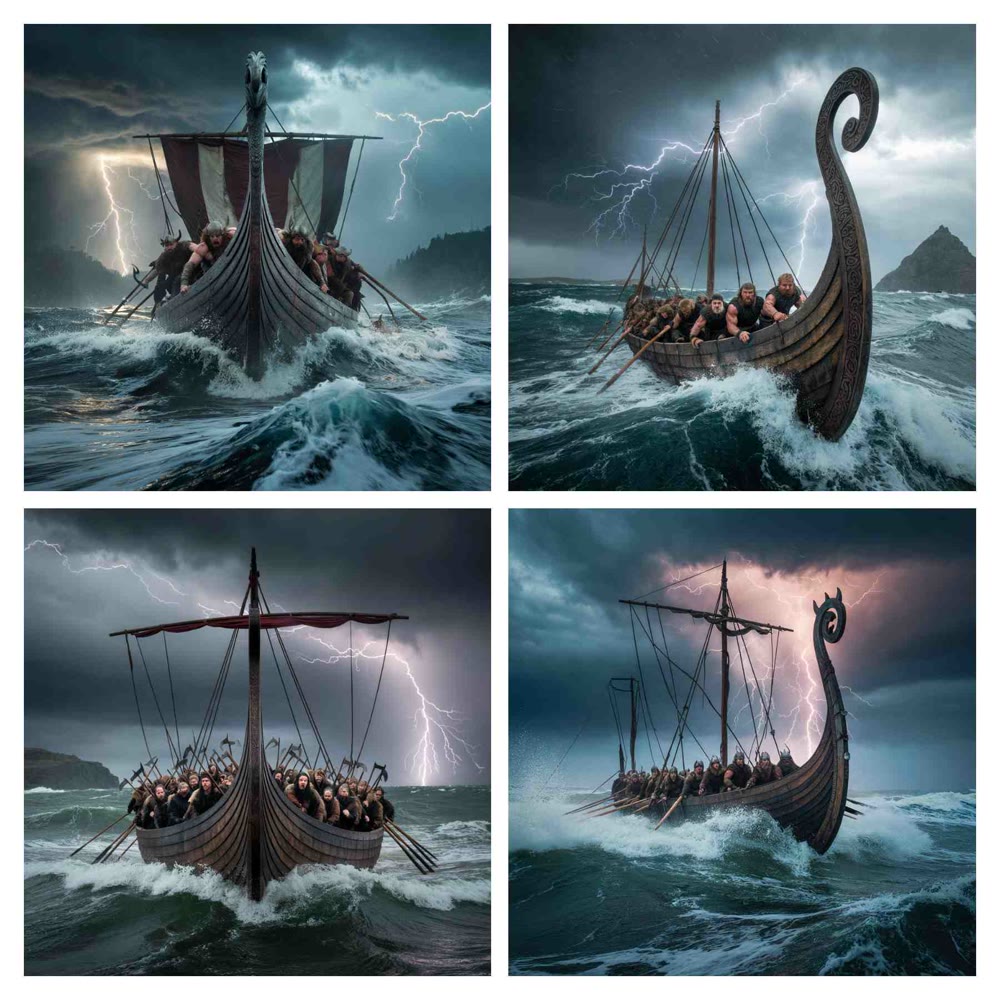
This is where the PicsArt AI tool showed its most significant weakness. The outputs consistently focused on a single Viking or just the ship, failing to render the "multiple warriors" or the "bustling deck" as described. The sense of a wide, chaotic scene was lost, resulting in a composition that felt static and simplified. This detailed picsart ai test confirms that it struggles to manage complex scenes with multiple interacting elements.
My Rating: ★★★☆☆ (3/5 Stars)
Genmi AI: The Professional's Hub for Advanced Content Creation
The inconsistencies and compositional limitations of PicsArt highlight the need for a more robust, versatile platform for professional-grade work. When your projects demand precise control, cinematic depth, and multi-faceted narratives, an integrated ecosystem like Genmi AI is essential. It provides a curated selection of elite AI models, allowing you to choose the perfect engine for any creative task.
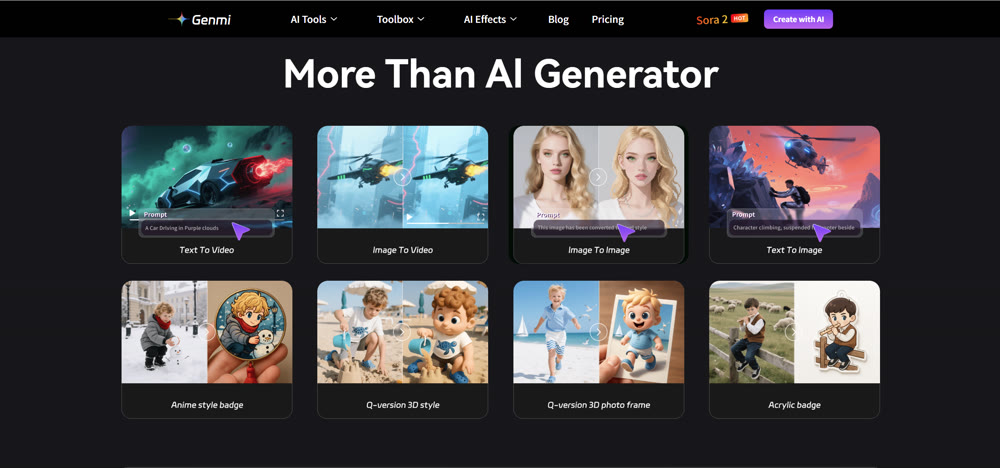
With Genmi, you can move beyond basic images and craft entire visual stories. Its advanced text-to-video capabilities let you bring scripts to life, while the powerful image-to-image tools allow for nuanced visual transformations. The platform offers direct access to groundbreaking models like OpenAI's Sora and the highly anticipated Kling model, ensuring you are always at the forefront of AI technology. For those who demand the best, you can explore the Genmi AI professional suite here.
Conclusion
In conclusion, the PicsArt AI tool is an excellent entry point for beginners, hobbyists, and social media creators. Its simplicity, speed, and helpful keyword suggestions make it easy to produce visually appealing, single-subject images in a variety of popular styles. This review has demonstrated its competence in straightforward tasks.
However, its struggles with prompt adherence, its inability to handle complex scenes, and the heavy restrictions on free use make it unsuitable for professionals who require creative depth and reliability. For high-stakes projects, a more comprehensive and powerful solution is not just an advantage—it's a necessity.
Unleash Your Full Creative Potential
Don't let a tool's limitations define the boundaries of your imagination. When your vision demands more than what a simple tool can offer, it's time to elevate your workflow. Discover the power of a professional-grade creative ecosystem with Genmi AI and start producing the breathtaking content you've always envisioned.
Recommended Articles
How to Use AI for Making Viral YouTube Shorts? A Guide for New Creators
Discover why YouTube Shorts are the best way for new creators to gain traction. Learn how to leverage AIGC tools like Genmi AI to go viral and monetize.

Your Ultimate Guide to Hyper-Realistic AI Video: Mastering the Uncanny
Unlock the secrets to creating photorealistic AI video. Our guide covers advanced prompting, iterative workflows, and the techniques needed for flawless work.
From GB to MB: An Expert Guide on How to Compress a Video on iPhone
This expert guide details free and precise methods to compress your videos on your iPhone, saving space and making them easier to share.