


A Professional Review of Pixlr AI: Balancing Speed with Creative Depth
Article Summary: This article delivers a hands-on, professional review of the Pixlr AI Image Generator, evaluating its user interface, output quality, and performance on complex scenes. It provides creators with a clear verdict on its suitability for various artistic and professional workflows.
In the fast-paced world of digital content, the demand for high-quality visuals is relentless. Creators need tools that are not only fast but also capable of producing compelling, on-brand imagery. The Pixlr AI tool, part of a well-known suite of photo editors, enters this space promising both speed and stylistic diversity. But does it hold up under the scrutiny of a professional workflow?
This article provides a comprehensive, hands-on analysis of the Pixlr AI image creation tool, moving beyond its marketing claims to deliver an expert verdict. You will gain a clear understanding of its performance with simple and complex prompts, its key strengths, its critical limitations, and whether it's the right choice for your specific creative needs.
First Impressions: An Overview of the Pixlr AI Experience
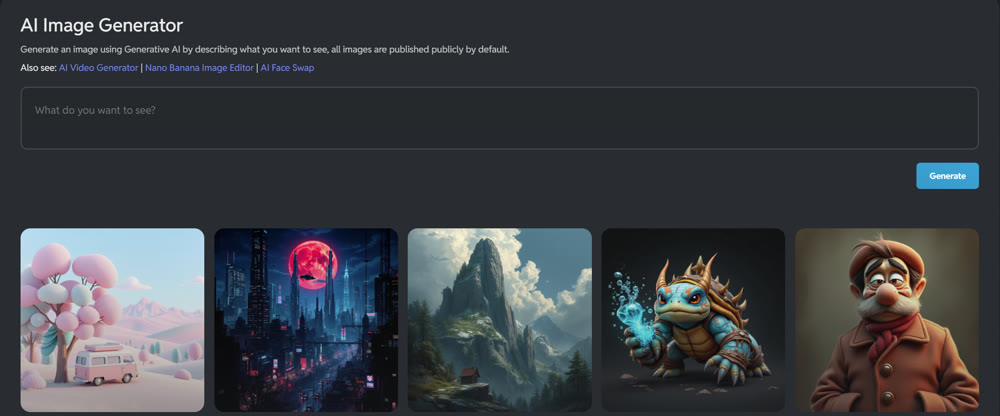
Integrated within the broader Pixlr ecosystem, this AI tool is designed for accessibility. The user interface is clean and immediately intuitive, presenting a range of artistic styles—from cinematic and digital art to 3D models—in a clear, clickable format. Users can select different modes like Fast, Pro, and Ultra, and adjust basic parameters such as composition and lighting.
However, a significant point of friction is the lack of a truly free trial; access requires signing up for a paid plan, which may deter casual or new users from experimenting. The platform feels designed for quick turnarounds, prioritizing user-friendliness over granular control.
A Hands-On Performance Test
To assess its real-world capabilities, I subjected the tool to a series of tests, each designed to evaluate a different aspect of its performance.
Test 1: High-Fidelity Product Realism
I began with a prompt focused on photorealistic detail, a common need for e-commerce and marketing.
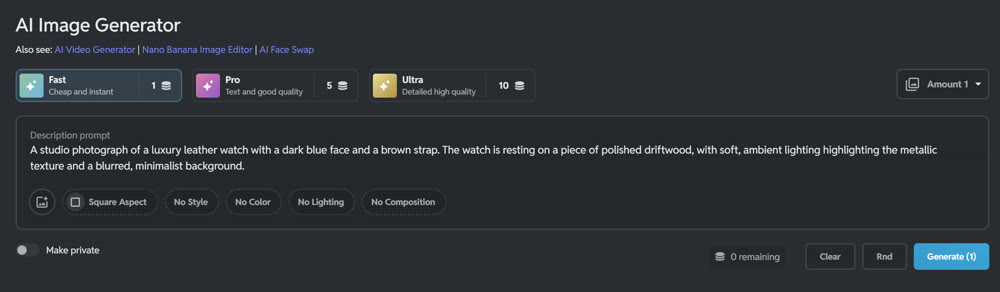
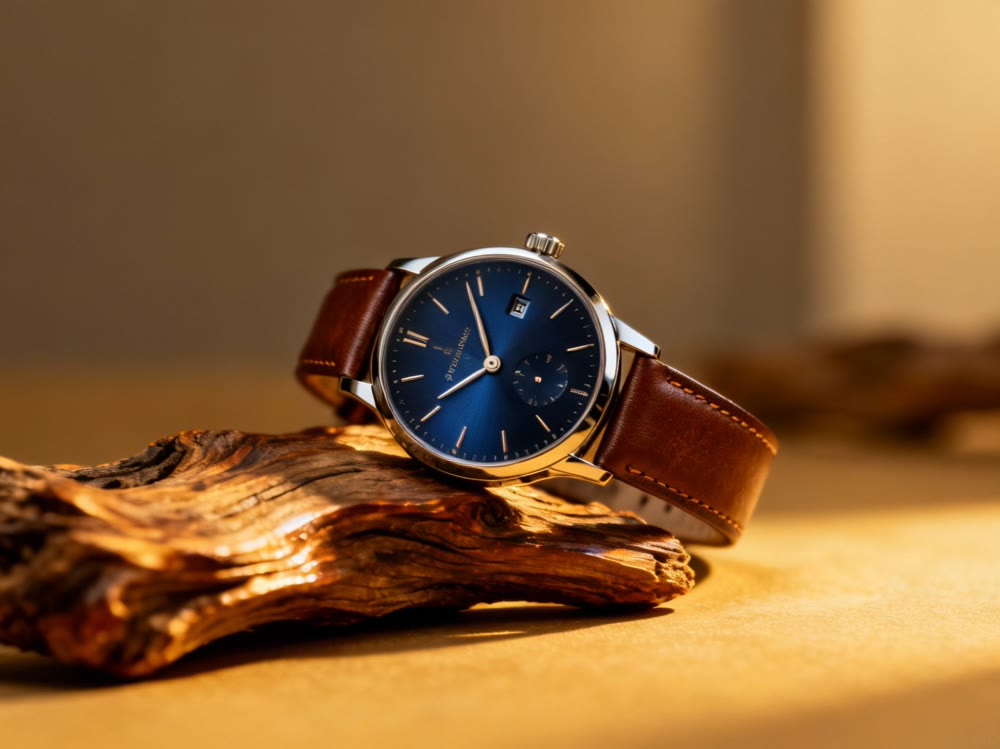
Prompt: "A studio photograph of a luxury leather watch with a dark blue face and a brown strap. The watch is resting on a piece of polished driftwood, with soft, ambient lighting highlighting the metallic texture and a blurred, minimalist background."
The output was impressive in its clarity and lighting. Pixlr delivered a crisp, high-resolution image that captured the textures of the leather and the sheen of the metal quite well. For a straightforward product shot, the result was remarkably effective and could be used with minimal touch-ups.
My Rating: ★★★★☆ (4/5 Stars) - Excellent for clear, subject-focused realism.
Test 2: Stylized Character Art
Next, I tested its ability to adhere to a specific, non-photorealistic art style.
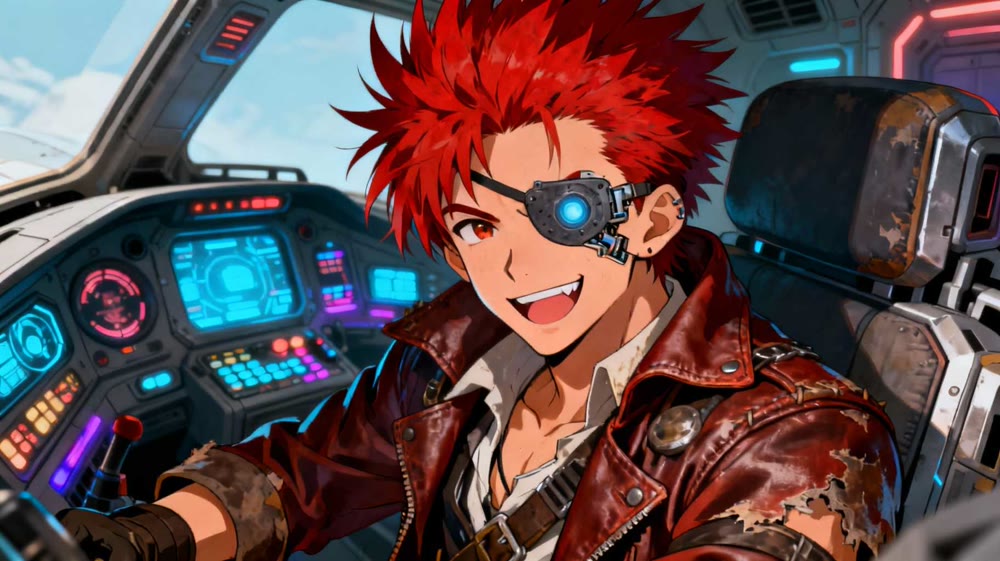
Prompt: "A vibrant, anime-style character portrait of a space pirate with a cybernetic eye patch and a mischievous grin. He has spiky red hair and is wearing a worn leather coat. The background is the interior of a futuristic spaceship cockpit."
Again, Pixlr performed admirably. The image was visually appealing, adhering closely to the requested anime aesthetic. The colors were vibrant, and the character design was consistent with the prompt. The tool clearly has a strong grasp of popular artistic styles.
My Rating: ★★★★☆ (4/as Stars) - Strong performance in popular art styles.
Test 3: Complex Narrative Scene
For the final test, I created a prompt with multiple subjects and a complex compositional request to test its deeper understanding.
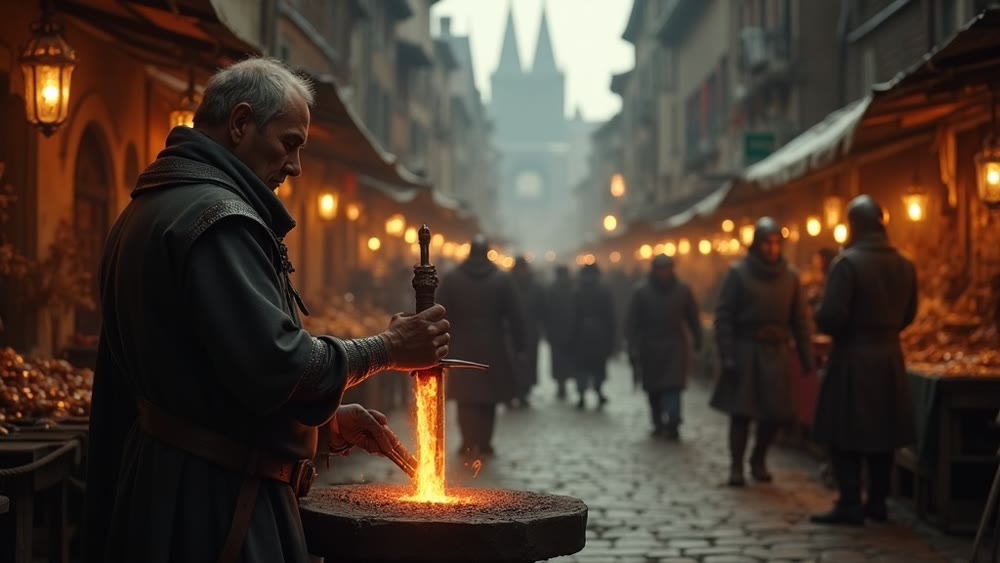
Prompt: "A cinematic wide-angle shot of a medieval marketplace. In the foreground, a blacksmith is hammering a glowing sword. In the background, merchants are bartering at their stalls, and guards are patrolling the crowded street. Dynamic, bustling atmosphere, shot on an anamorphic lens."
This is where the Pixlr AI Image Generator began to struggle. While the image was detailed, it failed to interpret the compositional hierarchy. The blacksmith in the foreground was clear, but the background activity was a muddled, indistinct blur. The "wide-angle" request was ignored, resulting in a flat composition that lacked the intended cinematic depth. The tool appears to prioritize the primary subject at the expense of a coherent, multi-layered scene.
My Rating: ★★☆☆☆ (2/5 Stars) - Lacks the ability to handle complex compositions.
Genmi AI: The Professional's Choice for Unrestricted Creativity
The limitations of Pixlr in handling complex prompts highlight the need for a more powerful and versatile platform for professional use. When your vision requires more than a simple subject, you need a tool built for advanced creative control. Genmi AI provides a unified, professional-grade ecosystem that integrates a suite of elite AI models.
With Genmi, you are not limited to a single engine. You can seamlessly switch between top-tier models like Kling for dynamic video or leverage the advanced artistry of Flux. The platform offers a robust text-to-image suite for crafting perfect still compositions and a powerful AI video creation tool for bringing narratives to life. By providing access to specialized models like WAN, Genmi ensures you always have the right tool for the job. For those ready to move beyond basic art and into professional content creation, you can start your journey with Genmi AI.
Conclusion
In summary, the Pixlr AI tool is a fast, simple, and effective solution for creating high-quality, single-subject images. Its user-friendly interface makes it ideal for beginners or for projects that require quick, visually appealing results without complex narrative elements. This review has shown that it excels in clarity and style adherence for straightforward tasks.
However, its inability to accurately interpret and render complex, multi-element scenes makes it unsuitable for professional workflows that demand deep creative control and cinematic composition. For those projects, a more advanced and versatile platform is not just recommended—it's essential.
Don't let a tool's limitations dictate the scope of your creativity. When your ideas are too big for a simple interface, it's time to upgrade your workflow. Explore the comprehensive and powerful ecosystem of Genmi AI to unlock the full potential of your creative vision with professional-grade precision.
---🎭 Consistent Characters: Making a series? Read our AI Character Consistency Masterclass.
Recommended Articles
From Chaos to System: How to Engineer a Scalable Content Production SOP for YouTube Shorts
Transform your YouTube Shorts creation from manual work to a scalable, data-driven factory. Learn the SOP for AI-powered content production and go viral.

Mastering AI Image Prompts: Your Definitive Guide to Crafting Stunning Visuals
Unlock the full potential of AI art. Learn to write effective AI image prompts to create breathtaking visuals.
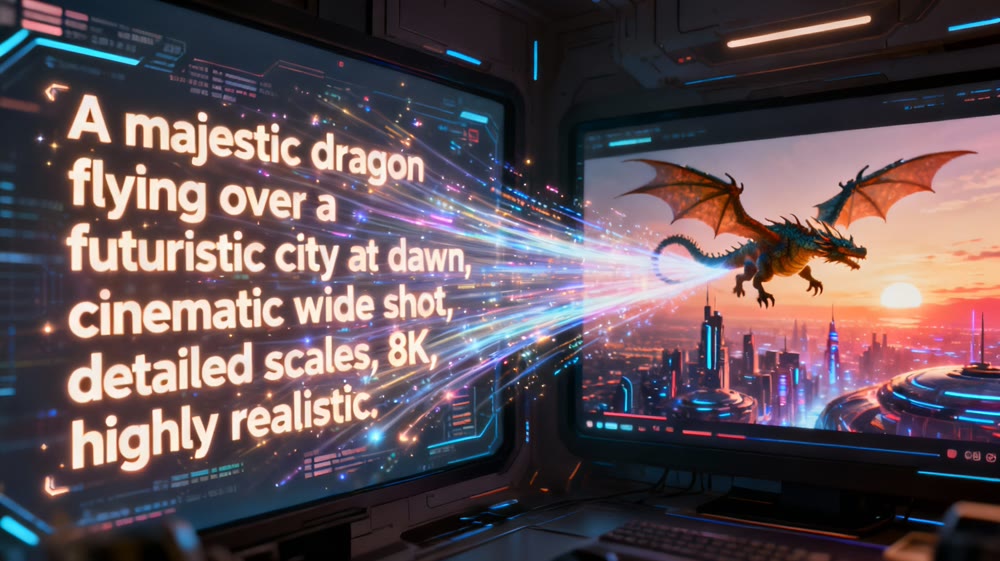
AI Video Making: A Practical Guide to Creating Your First Moving Scene
Unlock the power of AI video making. This guide walks you through the steps to create stunning moving scenes from text, even if you're a complete beginner.