


7 Best AI Video to Video Generators in 2026: Master Video Style Transfer
Article Summary: This comprehensive guide reviews the top 7 AI video-to-video generators for 2026, ranking them based on consistency, features, and pros/cons. It provides expert strategies for style transfer, helping creators choose between tools like Genmi AI, Luma Labs, and DomoAI for professional content transformation.
In the rapidly evolving landscape of digital content creation, the ability to repurpose and transform existing footage is the new frontier. We have moved beyond simple filters. Today, creators, filmmakers, and marketers are looking for tools that can completely reimagine the visual identity of a clip—turning a rough phone video into a cinematic anime scene, or a stock clip into a claymation masterpiece—all while maintaining the original movement and structure.
Finding the Best AI video to video generator is no longer just about novelty; it is about workflow efficiency and unlocking new creative dimensions. Whether you are aiming for high-fidelity style transfer, consistent character animation, or simply upscaling low-res footage, the market is flooded with options. This guide cuts through the noise, analyzing the top 7 tools that are defining the standard for "Video-to-Video" (V2V) synthesis in 2026, helping you choose the right engine for your creative pipeline.
Understanding the Mechanics: What Makes a Tool "The Best"?
Before diving into the reviews, it is crucial to understand the metrics of quality in this niche. The "Holy Grail" of V2V is Temporal Consistency. This refers to the AI's ability to keep the style stable across time. Poor tools result in "flickering" (where the background or face changes randomly between frames). The best tools use advanced diffusion models and guidance parameters (like structure weight) to ensure the output flows smoothly.
💡 Practical Techniques: Optimizing Your Input
To get the best results from any of the tools below, follow these input strategies:
- High Contrast Lighting: AI reads shapes better when the subject is clearly separated from the background.
- Steady Motion: Shaky handheld footage often confuses the AI, leading to warped geometry. Use a tripod or software stabilization before processing.
- Clear Subject: Avoid crowded scenes unless you want chaotic, abstract results.
Top 7 AI Video to Video Generators Reviewed
We have tested and analyzed the leading platforms based on render speed, stylistic flexibility, temporal stability, and cost-effectiveness.
1. Genmi AI
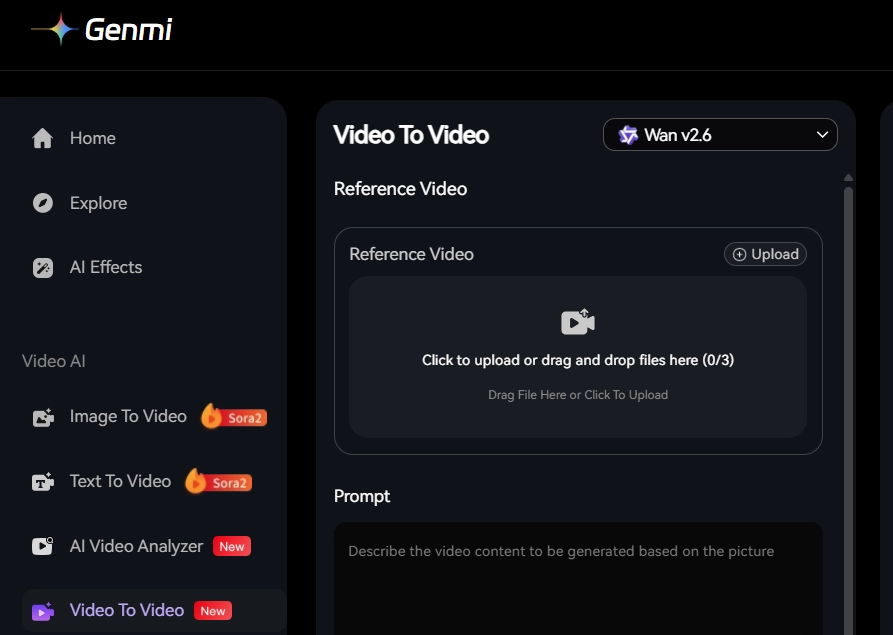
Genmi AI has rapidly positioned itself as the industry leader by offering a holistic creative suite that balances professional control with user-friendly interfaces. It is currently the most robust platform for creators who need high-fidelity style transfer without the technical headache of local Stable Diffusion installations.
Review: Genmi stands out because it integrates the latest foundation models, including the powerful Wan 2.6 model, which is renowned for its superior motion understanding and lack of "jitters." Unlike competitors that force you into a specific "look," Genmi offers vast stylistic versatility. You can upload a reference video and transform it into anything from 3D Pixar-style animation to gritty cyberpunk realism. The platform’s AI Video to Video tool allows for granular control over "denoising strength," meaning you decide how much the AI should deviate from the original footage. It is particularly strong at preserving character identity, making it a favorite for narrative storytellers.
Pros:
- integrates cutting-edge models like Wan 2.6 for superior temporal consistency.
- High customization of style intensity and motion scales.
- Fast cloud rendering reduces the need for expensive local GPUs.
Cons:
- As a cloud-based tool, it requires a stable internet connection for uploads.
2. Luma Labs (Dream Machine)
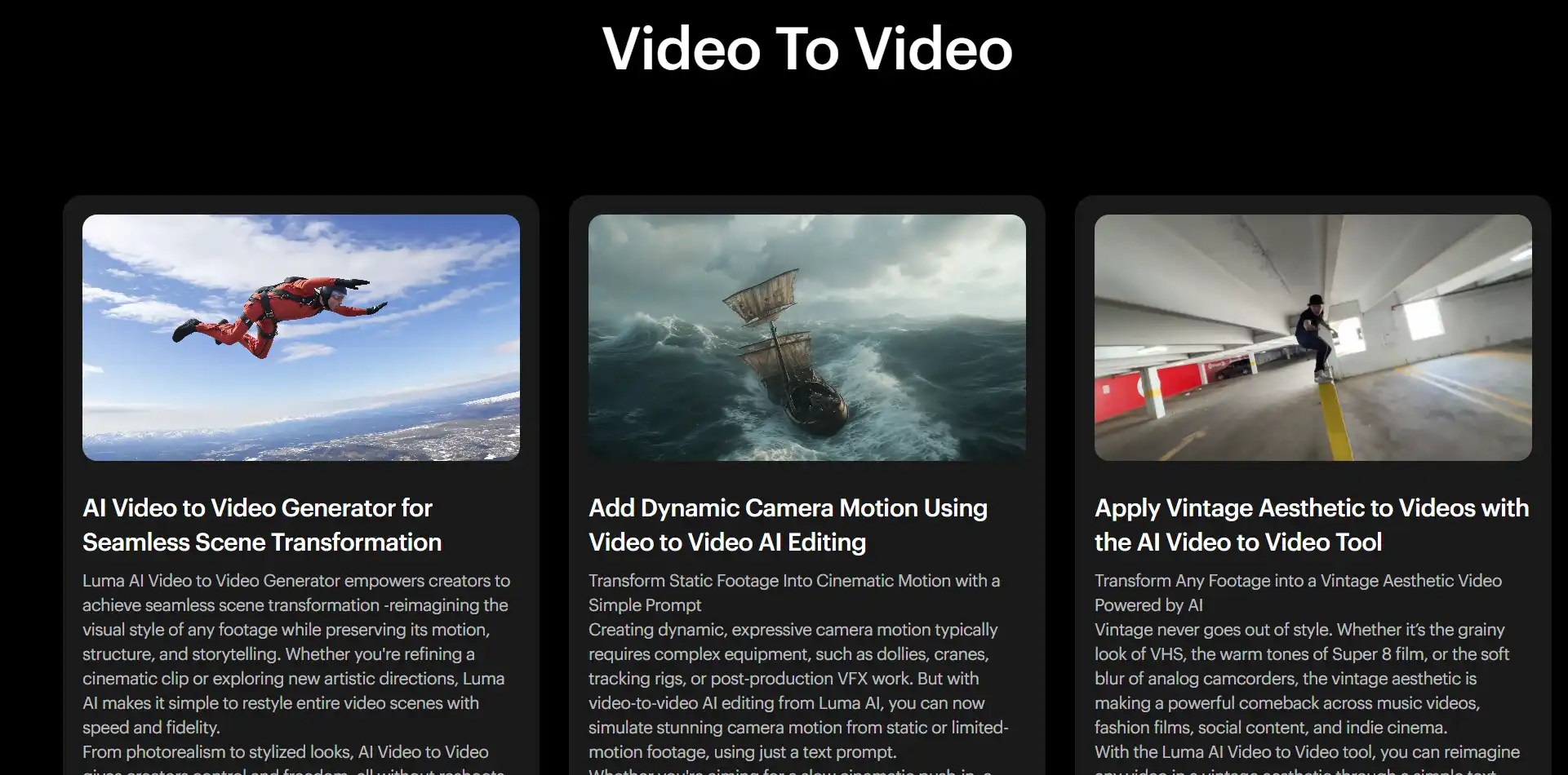
Luma Labs made waves with its "Dream Machine," primarily known for text-to-video, but its video-to-video capabilities are equally impressive, focusing heavily on photorealism and physics.
Review: Luma Labs takes a "physics-first" approach. If you are trying to extend a shot or change the environment of a car chase, Luma excels because it understands 3D space better than most 2D-based diffusion models. Its V2V feature allows creators to provide start and end keyframes, guiding the AI to morph a video from one state to another. While the interface is minimalist, the backend power is immense. It is excellent for VFX artists needing to blend CGI elements with real footage, though it can sometimes struggle with highly stylized, non-photorealistic requests (like 2D anime) compared to Genmi or Domo.
Pros:
- Exceptional understanding of 3D geometry and lighting.
- High-quality motion prediction that creates smooth transitions.
Cons:
- Can be resource-intensive and expensive for longer clips.
- Less control over specific artistic style transfers (e.g., watercolor).
3. Easemate AI
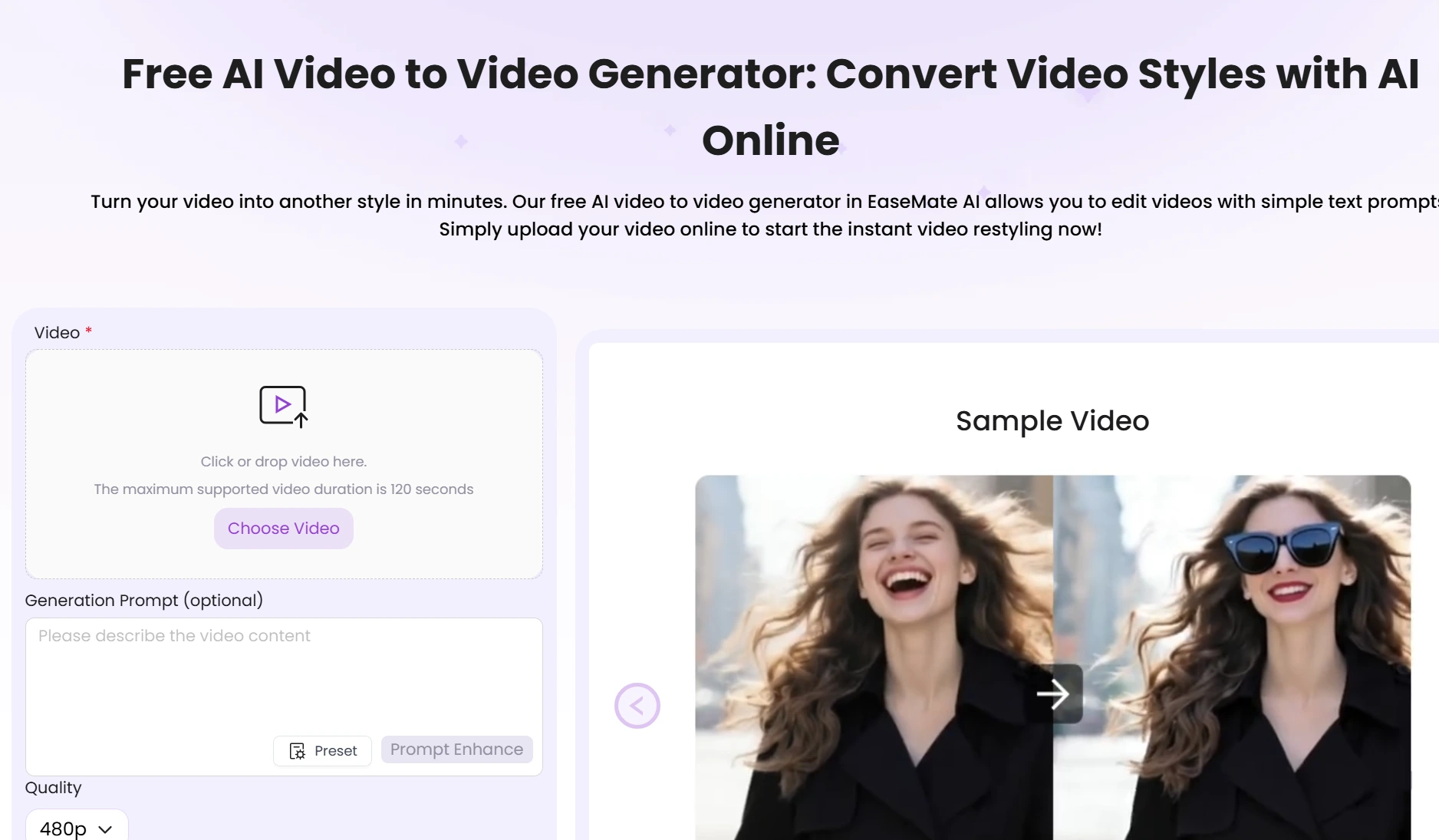
Easemate positions itself as the accessibility king, designed for marketers and social media managers who need quick turnarounds without tweaking a hundred settings.
Review: As the name suggests, Easemate is about friction-less creation. It simplifies the V2V process into a three-step workflow: Upload, Select Style, Generate. It comes pre-loaded with trending social media styles (e.g., GTA style, filter effects). While it lacks the deep parameter controls of professional tools, its speed is unmatched. It is the perfect tool for a TikTok creator who wants to hop on a trend in minutes. The output is generally stable, though complex movements can sometimes result in artifacts.
Pros:
- Extremely shallow learning curve; great for beginners.
- Fast processing times ideal for social media deadlines.
Cons:
- Limited customization for professional editors.
- Style presets can feel repetitive after a while.
4. Deevid
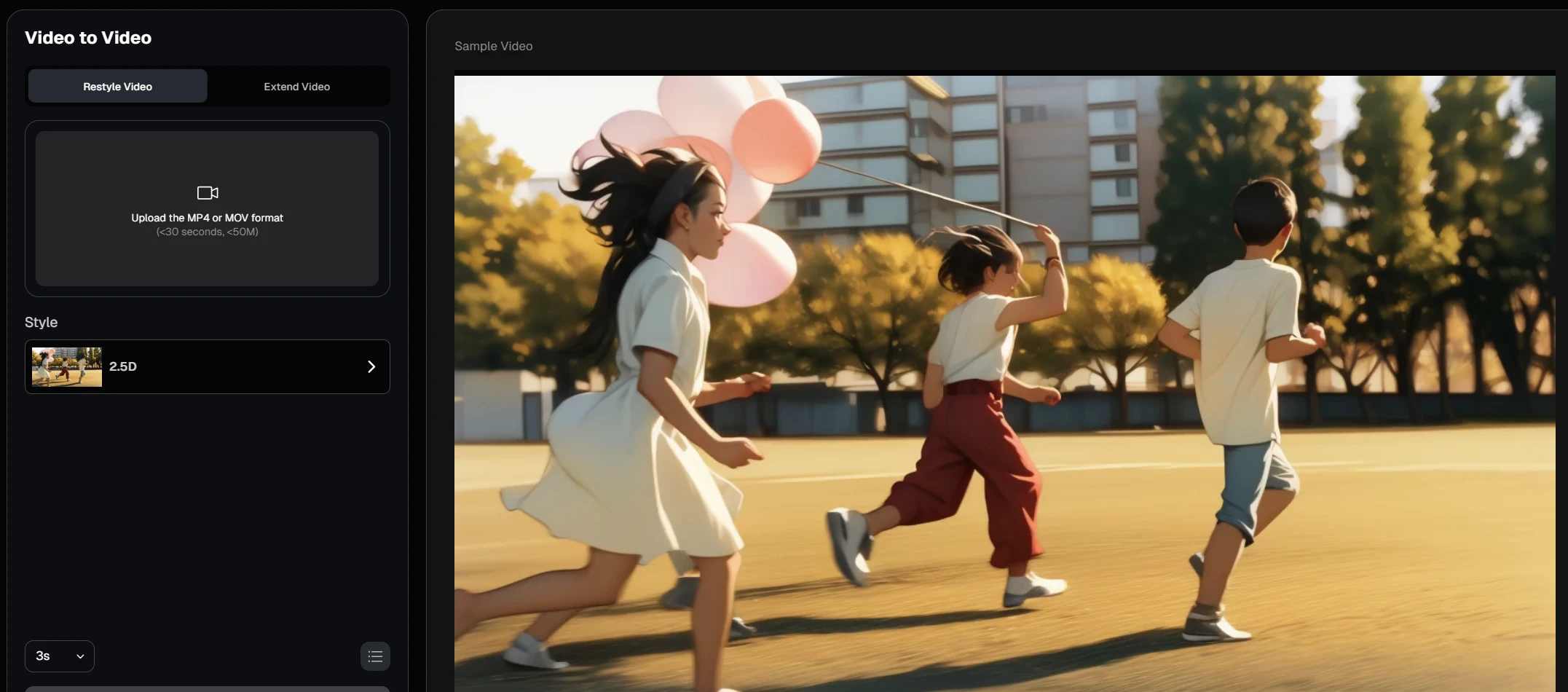
Deevid is a specialized tool that has gained traction specifically for virtual influencer creation and "faceless" channel content.
Review: Deevid focuses heavily on avatar consistency. Its video-to-video engine is tuned to track facial landmarks rigorously. If you upload a video of yourself talking, Deevid can swap your character into a 3D avatar or an anime character while keeping the lip-sync and eye movements almost perfect. This makes it a niche but powerful tool. It is less about changing the environment and more about changing the subject. If your goal is narrative storytelling with consistent characters, Deevid is a strong contender.
Pros:
- Best-in-class facial landmark tracking and lip-sync retention.
- Great for creating consistent virtual avatars.
Cons:
- Struggles with wide shots or complex background transformations.
- The aesthetic is heavily leaned towards avatar/character styles.
5. GoEnhance
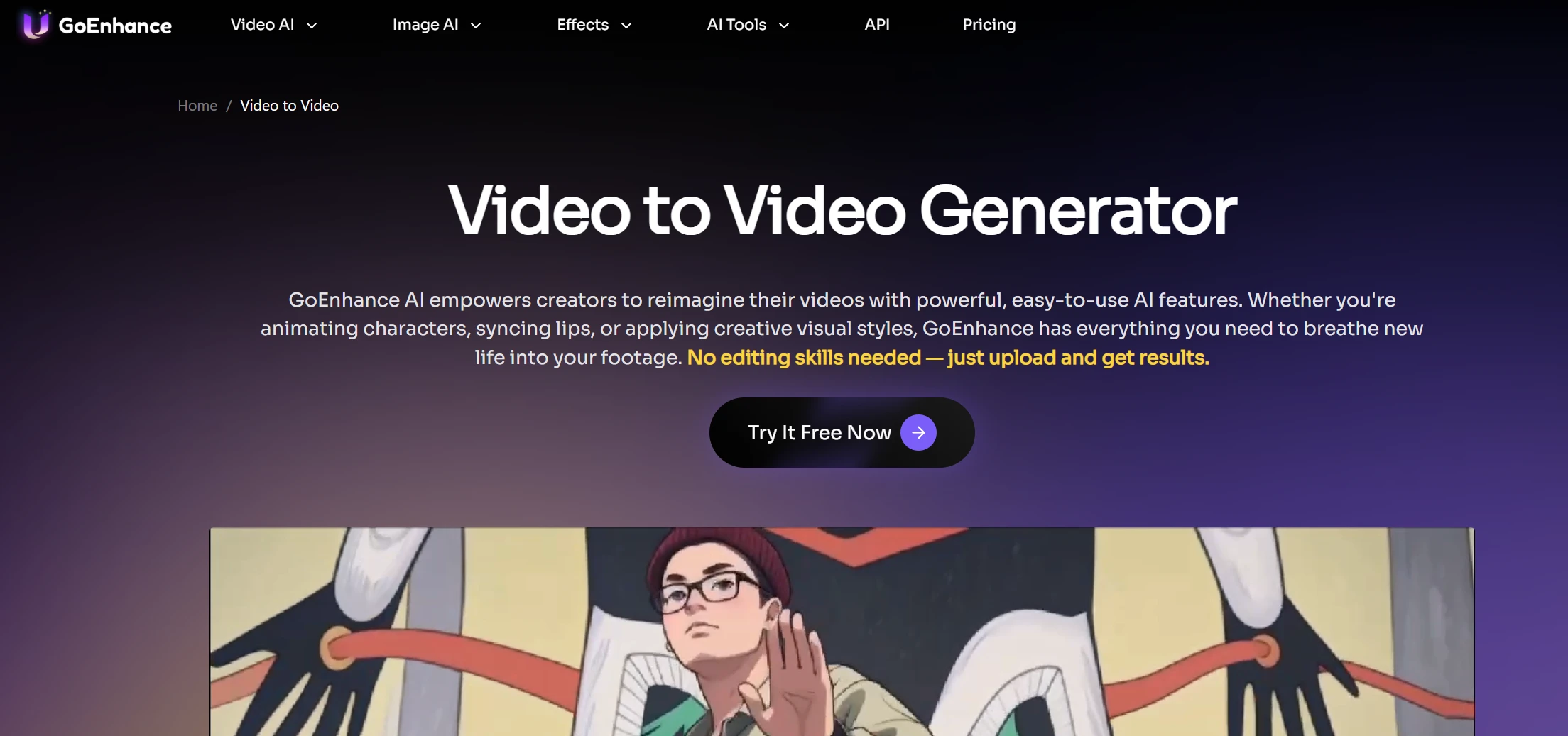
GoEnhance started as an upscaler but has evolved into a comprehensive generative video platform, merging quality enhancement with style transfer.
Review: GoEnhance offers a unique value proposition: it tries to improve your video while changing it. Its V2V capabilities are paired with robust upscaling technology. This means you can take a grainy 720p clip, apply a "Claymation" style, and output it in crisp 4K. It offers a wide variety of presets, similar to DomoAI, but with a focus on higher resolution outputs. It is a solid middle-ground choice for creators who care about pixel fidelity but don't want to get too technical.
Pros:
- Built-in upscaling ensures high-resolution final outputs.
- Good variety of pre-set styles (Anime, Clay, Illustration).
Cons:
- Render times can be slower due to the simultaneous upscaling process.
- Sometimes "over-smooths" textures, losing organic detail.
6. Pollo AI
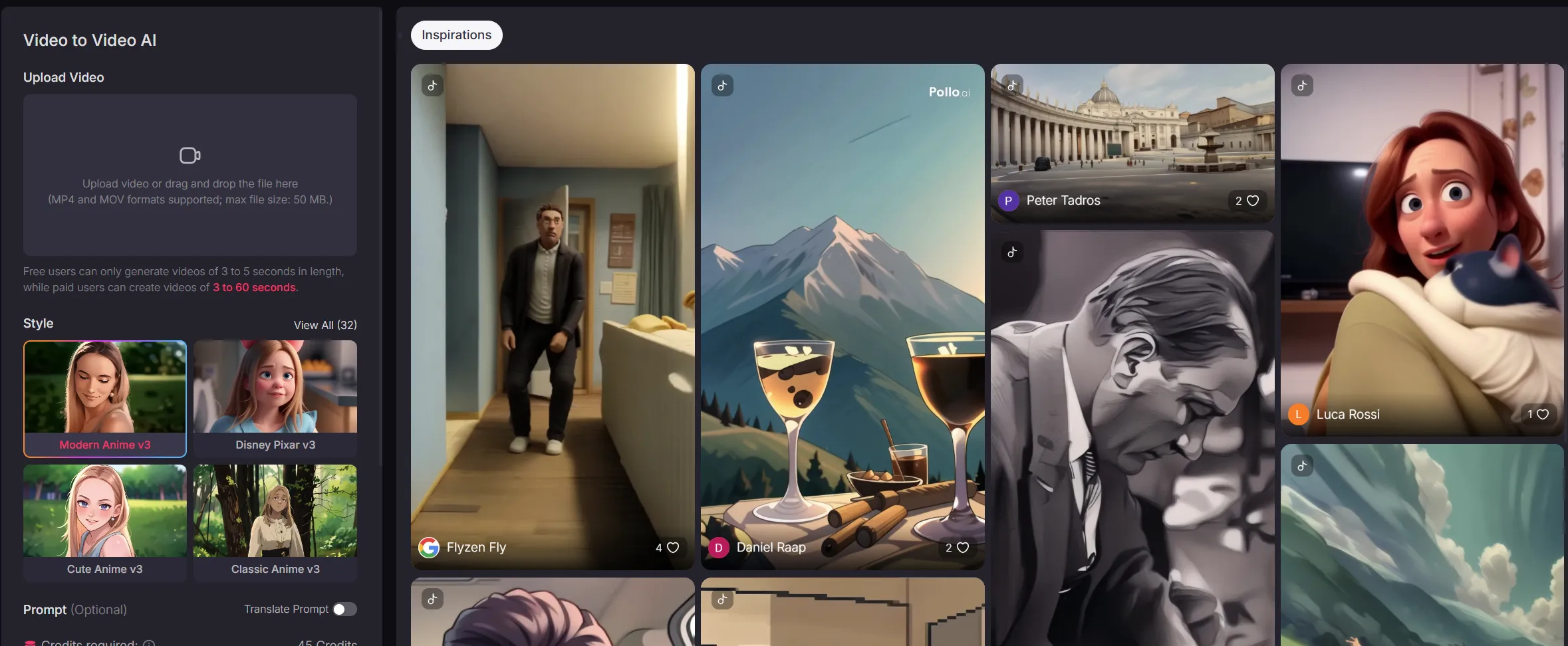
Pollo AI is a vibrant player in the generative video space, focusing heavily on community-driven styles and short-form entertainment.
Review: Pollo AI feels like a playground for visual experimentation. It has a strong community aspect where users share prompts and settings. Its video-to-video feature is particularly good at "trippy" and surreal transitions. It captures the energy of the prompt well, making it suitable for music videos and artistic visualizers. While it may not offer the rigid consistency required for a feature film, its "chaos factor" is often a creative plus for music and art content.
Pros:
- Creative, expressive results ideal for music videos and art.
- Strong community library of prompts and styles.
Cons:
- Temporal consistency can be hit-or-miss (flickering is common).
- Free tier limits resolution and adds watermarks.
7. DomoAI

DomoAI took the internet by storm with its specific ability to turn dance videos into high-quality anime, utilizing a Discord-based interface.
Review: If your primary goal is the "Video to Anime" pipeline, DomoAI is a heavyweight. It uses specialized models that are incredibly good at interpreting human dance moves and translating them into 2D cel-shaded animation styles. It offers different "flat" and "3D" anime modes. However, the reliance on Discord can be a barrier for users who prefer a traditional web dashboard. It is highly specialized; it does one thing (turning people into animated characters) extremely well.
Pros:
- Industry favorite for dance-to-anime conversions.
- Excellent "Flat Color" anime aesthetic that looks hand-drawn.
Cons:
- Discord-based interface is clunky for professional workflows.
- Limited versatility outside of the anime/animation aesthetic.
📊 Quick Comparison: Choosing Your Engine
| Tool | Best For | Learning Curve | Cost Tier |
|---|---|---|---|
| Genmi AI | Overall Professional & Creative Use | Medium | Freemium/Pro |
| Luma | Photorealism & VFX | Medium | Credit Based |
| Easemate | Quick Social Media Posts | Low | Subscription |
| Deevid | Virtual Avatars & Talking Heads | Medium | Subscription |
| GoEnhance | High-Res Stylization | Medium | Credit Based |
| Pollo AI | Artistic/Music Video Visuals | Low | Freemium |
| DomoAI | Dance-to-Anime Conversion | High (Discord) | Subscription |
Advanced Strategies for Consistent Results
Once you have selected the Best AI video to video generator for your project, the magic lies in how you use it. One common mistake is relying solely on the video input.
✨ Key Tips for Workflow Integration
- The Hybrid Approach: Don't just rely on V2V. Sometimes, it is better to generate a static asset first. You can use Genmi's creative suite to generate a perfect style reference image, and then use that image to guide the video generation process.
- Prompt Weighting: If the AI is ignoring your video's movement, lower the "Prompt Strength" (or increase "Image/Video Weight"). If the style isn't showing up enough, do the opposite.
- Static to Dynamic: If you lack good source footage, consider creating the movement from scratch. You can take a still photo and use an image-to-video generator to create a 4-second clip, which you can then run through a V2V filter for added texture.
Case Example: The "Claymation" Commercial
Challenge: A brand wanted a stop-motion clay commercial but had no budget for a physical set.
Solution:
- Step 1: Shot the actors performing the skit against a plain wall using an iPhone.
- Step 2: Uploaded footage to Genmi AI.
- Step 3: Prompt: "Stop motion clay animation, plasticine texture, thumbprints visible, 12fps frame rate."
- Result: The AI transformed the smooth video into a choppy, textured claymation style, saving thousands of dollars in production costs.
Conclusion
The technology behind video-to-video synthesis is moving at breakneck speed. What was impossible in 2024 is standard practice in 2026.
For most creators, Genmi AI represents the best balance of power and usability, especially with the integration of advanced models like Wan 2.1 that solve the age-old problem of temporal consistency. However, niche tools like DomoAI (for anime) and Luma (for physics) have their specific place in a toolkit.
The key is to start experimenting. These tools are not here to replace the creative eye, but to act as a multiplier for your imagination, allowing you to visualize concepts that previously required a dedicated VFX studio.
Recommended Articles
Stable Video Diffusion Review: An Artist’s Deep Dive on Its Enduring Relevance
A digital artist's hands-on review of Stable Video Diffusion. Learn its strengths, weaknesses, and how it holds up against modern AI video tools.

An In-Depth GoEnhance AI Review: Rapid Creation vs. Production Quality
An in-depth GoEnhance AI review testing its text-to-video and other features. Discover its pros, cons, and features.
OpenAI Sora: A Deep Dive into the AI Video Generator's Capabilities, Limitations, and Future
Discover OpenAI Sora, a groundbreaking text-to-video model. Analyze its strengths, limitations, and the exciting potential of its future version, Sora 2.