


Wan 2.6 Review: Why it is the Director's New Choice for Narrative Video
Article Summary: A professional Creative Director reviews Wan 2.6, focusing on its multi-shot storytelling, character consistency, and video reference capabilities. The article provides a hands-on workflow and explains how these features enable professional-grade cinematic production for modern creators.
As a Creative Director who has spent over a decade navigating the transition from analog film to digital synthesis, I have grown weary of the "flashy clip" era of artificial intelligence. We've all seen the hyper-realistic 3-second GIFs that look stunning but lack the soul of a story. However, the release of wan 2.6 represents a fundamental shift in this landscape. For the first time, I am seeing a tool that prioritizes directorial intent over random pixel fabrication, offering a glimpse into a future where narrative arcs are rendered, not just prompted.
Prompt Used: "A hyper-realistic, cinematic medium shot of a blonde woman walking down a city street during daytime. She looks natural and confident, speaking casually to the camera while walking. Soft natural sunlight, realistic skin texture, subtle facial expressions, shallow depth of field, handheld camera feel. 4K, cinematic realism, 24fps."
My team and I have spent the last month stress-testing this model to see if it could handle the rigors of professional previsualization and short-form storytelling. In this review, I'll share why this latest iteration from the Alibaba team has become a staple in our studio. If you are eager to experience this level of control yourself, you can explore the Genmi AI ecosystem to access these advanced capabilities without the need for high-end local hardware.
The End of the "One-Shot" Limitation
The most significant bottleneck in AI video production has always been the single-angle constraint. Most models lock you into a fixed perspective, forcing you to stitch disparate clips together in post-production, which often leads to jarring shifts in lighting or character appearance.
💡 Practical Techniques: Mastering the Multi-Shot Sequence
The architecture behind wan 2.6 effectively solves this by introducing native multi-shot control. This allows me to script a 15-second sequence that includes an establishing wide shot, a medium character introduction, and a tight close-up—all within a single continuous render. The temporal consistency is remarkable; the neon reflections on a character's jacket in shot one remain identical in shot three.
Prompt Used: "[Shot 1: Wide establishing shot] A futuristic laboratory filled with holographic data screens and white clean surfaces. [Shot 2: Medium shot] A female scientist in a white coat turns around to look at a glowing blue orb. [Shot 3: Extreme close-up] Her iris reflects the flickering data from the orb. Coherent lighting and character consistency across all shots, 15 seconds."
From a directorial standpoint, this is a game-changer. It allows for the creation of "mini-movies" that possess a professional rhythm. Instead of a chaotic "jump-cut" feel, the transitions between shots feel like they were executed by a human camera crew.
Directing Through Video References
Prompt engineering is an art, but it has its limits when you need specific choreography. This is where the wan 2.6 ai video generator capabilities truly shine through its "Video-to-Video" reference feature. This function allows you to separate motion from style, using one video as a blueprint for movement and a text prompt to define the new visual aesthetic.
📌 Best Practices for Reference-Based Creation:
- Extracting Style: I often upload a 5-second clip from a classic noir film to "teach" the AI the specific lighting and grain I want.
- Mirroring Motion: If I have a rough smartphone recording of a specific camera move, I use it as a motion template. The model then skins that movement with my desired sci-fi or fantasy environment.
- Rhythm and Audio: The engine can even pull rhythmic cues from a reference, ensuring that the movement in the resulting video aligns with the intended pacing.
[Placeholder for Video Showcase 3: Side-by-Side Motion Mirroring Demo]
To demonstrate this, I conducted a two-step test. First, I created a simple source video. Then, I used a detailed prompt to transform it.
Step 1: The Reference Video (Source Motion)
Description of the source video: "A short, 5-second, first-person POV video shot on a smartphone. The camera walks steadily down a plain, brightly lit office hallway. The movement is slightly shaky, mimicking a natural handheld feel."
Step 2: The AI Synthesis Prompt (New Visuals)
Prompt Used: "Use the provided video as a motion reference. A first-person POV shot moving through a dark, narrow corridor of a derelict spaceship. Wires hang from the ceiling, emergency red lights flicker, and steam vents from pipes on the metallic walls. Gritty, sci-fi horror atmosphere, cinematic lighting, 4K, style of the movie 'Alien'."
Leveraging wan 2.6 in this manner has reduced our iteration time by nearly 60%. We no longer spend hours fighting with text descriptions to get a "slow dolly zoom"; we simply show the AI what we want.
Many users struggle with the "AI look," but there are specific techniques to create hyper-realistic AI video that looks authentic.
Step-by-Step Workflow: Creating Your Narrative
To achieve professional-grade results, I recommend following this structured workflow:
1. Define Your Foundation
Select your primary model and set the duration. For narrative beats, always aim for the maximum 15-second window.
2. Script Your Shots
Instead of one long prompt, use shot descriptors. Break your prompt into "Shot 1: [Description]... Shot 2: [Description]..." to guide the multi-angle logic. Expert Tip: Using cinematic terms like "Establishing Shot" and "Extreme Close-Up" helps the model better understand your directorial intent.
3. Upload References
Attach your motion or style reference video. This provides the "visual DNA" that the AI will use to maintain consistency.
4. Review and Refine
Analyze the motion. If the physics feel off, adjust the "motion intensity" parameter and re-render. Professional Tip: For high-motion scenes, use negative prompts like "deformed faces, flickering, blurry" to improve stability.
Narrative Cohesion Score: ★★★★☆ (9.5/10 Stars)
In my professional estimation, the temporal stability and directorial control offered here are currently top-of-class. While it doesn't replace a $100,000 Arri Alexa rig, it is the most capable tool I've used for storyboard-to-screen production.
Integrating Advanced Synthesis into a Professional Pipeline
While the technical achievements of individual models are impressive, the real power lies in how they are integrated into a holistic creative environment. For my studio, having a single hub that aggregates the world's most powerful synthesis engines is vital for maintaining a fast-paced delivery schedule.
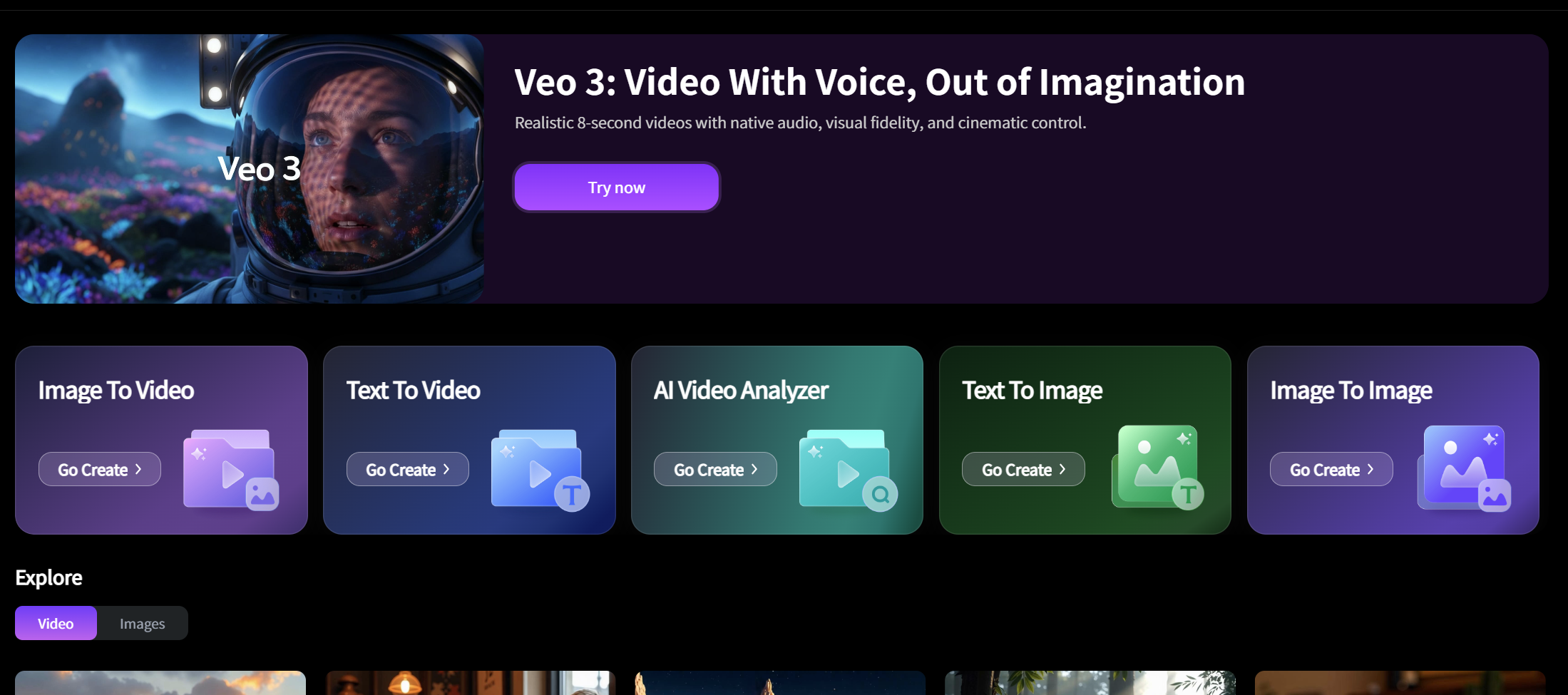
One of the most effective ways to access the text-to-video engine or the comprehensive AI video suite is through a unified platform. This allows my team to experiment with diverse visual languages without managing ten different subscriptions.
Beyond just video, our workflow often requires deconstructing successful content. We frequently use the AI Video Analyzer to break down viral trends into actionable prompts. For those needing high-end visual fidelity, we integrate models like Nano Banana Pro or Sora to ensure every frame meets our quality standards. We even use specialized AI visual effects to add that final layer of polish that separates amateur content from professional assets.
Conclusion
Wan 2.6 is not just another incremental update; it is a tool that understands the language of cinema. By prioritizing shot consistency, extending video length to 15 seconds, and allowing for precise video referencing, it empowers creators to act as directors rather than just prompt-givers.
The primary value you gain from this technology is the ability to prototype complex visual narratives at a fraction of the traditional cost and time. Whether you are building a concept trailer or a high-end social media campaign, these capabilities provide a professional edge that was previously inaccessible to independent creators.
Empower Your Narrative Vision
The bridge between imagination and cinematic reality has never been shorter. Start exploring how these next-generation models can redefine your production standards and bring your scripts to life with professional synthesis today.
While there are more advanced tools now, Craiyon (formerly DALL-E Mini) is still a fun, free way to test out quick concepts.
Recommended Articles
AIEASE AI Review: Is This Free Image Creator Worth Your Time?
Is AIEASE AI the right tool for you? We tested its ability to create stylish images from text, analyzing its strengths, weaknesses, and best use cases.
Higgsfield AI Review 2025: Unpacking Its Cinematic Power and Realism
Is Higgsfield AI the right creative tool for you? My review tests its photorealistic images, unique camera controls, and character motion quality.
PixVerse AI Video Generator Review: An Honest Look at Its Quality in 2025
Is PixVerse the right AI video tool for you? Our in-depth 2025 review tests its features, quality, and speed to help you decide if it's worth the hype.