


Top 10 AI Video Extender Tools to Expand Your Footage in 2026
Article Summary: This guide provides an in-depth analysis of AI video extension technology, reviewing 10 leading tools with pros and cons. It offers practical strategies for filmmakers and creators to achieve seamless temporal outpainting, fix short footage, and enhance storytelling workflows using generative AI.
Have you ever captured the perfect cinematic shot, only to realize in post-production that it cuts off two seconds too early? Or perhaps you have a static image that needs to evolve into a flowing narrative? In the past, this meant reshooting or awkwardly slowing down footage. Today, an ai video extender is the game-changing solution that allows creators to seamlessly lengthen clips, generate new frames, and maintain temporal consistency without lifting a camera.
As video content demands explode across platforms like TikTok, YouTube, and professional filmmaking, the ability to manipulate video length via Generative AI is no longer a novelty—it is a necessity. This guide will explore the mechanics behind this technology, compare the top tools on the market, and provide expert strategies to help you achieve seamless video continuity.
Understanding AI Video Extension Technology
Before diving into the tools, it is crucial to understand the "how." AI video extension, often referred to as "temporal outpainting," utilizes diffusion models to predict and generate future frames based on the pixel data and motion vectors of the last few frames of your original clip.
Unlike simple cross-dissolves or slowing down footage (which reduces frame rate), AI generates new data. It understands the context of the scene—lighting, texture, and physics—to create a plausible continuation.
💡 Practical Techniques: When to Use Extensions
- Fixing "Too Short" B-Roll: Extending a 2-second clip to 5 seconds to fit a voiceover gap.
- Loop Creation: Generating frames that blend the end of a video back to the start for seamless website backgrounds.
- Story Evolution: Using a text prompt to change the narrative direction of an existing clip.
Top 10 Best AI Video Extenders Reviewed (2026 Edition)
We have researched and tested the market to bring you a comprehensive list of the best ai video extenders available today. These tools are evaluated based on render quality, coherence, control features, and pricing.
1. Genmi AI
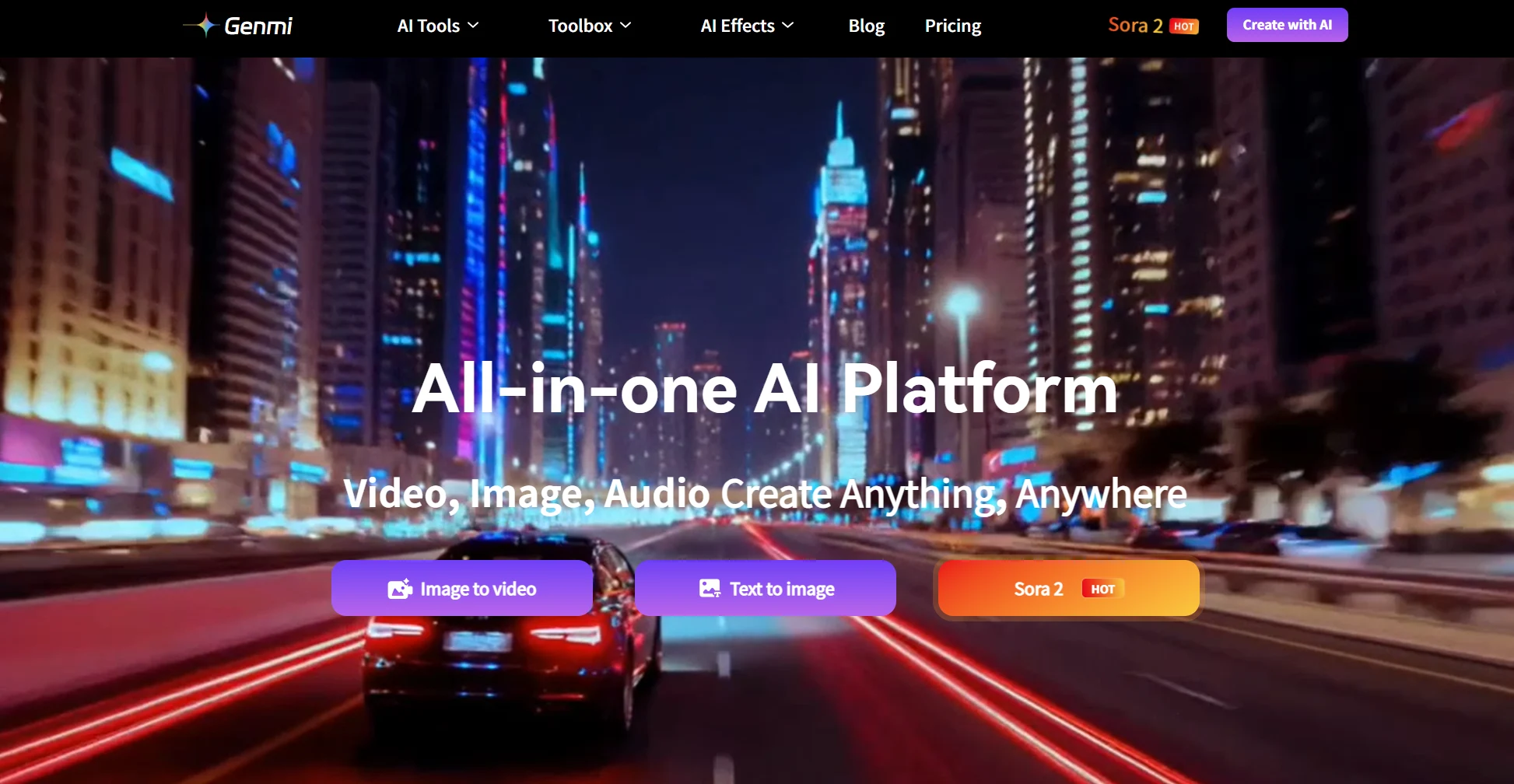
Genmi AI has rapidly emerged as a powerhouse for creators looking for an intuitive, all-in-one generative video solution. It excels in understanding complex motion and maintaining high fidelity during extensions, making it our top pick for versatility.
- Deep Dive: Genmi distinguishes itself with a multi-modal approach. It doesn't just extend; it understands the semantic context of your footage. Whether you are starting from scratch or extending an existing clip, the engine analyzes the "intent" of the scene. It is particularly strong at preserving character identity across extended frames, a common pain point in other models.
- Key Features:
- Context-Aware Extension: Analyzes the last 2-3 seconds to predict natural movement flow.
- Multi-Modal Input: Seamlessly switch between Text to Video prompts to guide the extension's narrative direction.
- High Resolution: Supports up to 4K upscaling natively within the platform.
- Pricing: Freemium model; Pro plans start at approx. $15/mo for faster rendering and commercial rights.
- Pros:
- High temporal consistency (minimal flickering).
- User-friendly interface suitable for both beginners and pros.
- Excellent for transforming static assets via Image to Video technology before extending them.
- Cons:
- Cloud-based rendering requires a stable internet connection.
2. Runway (Gen-3 Alpha)
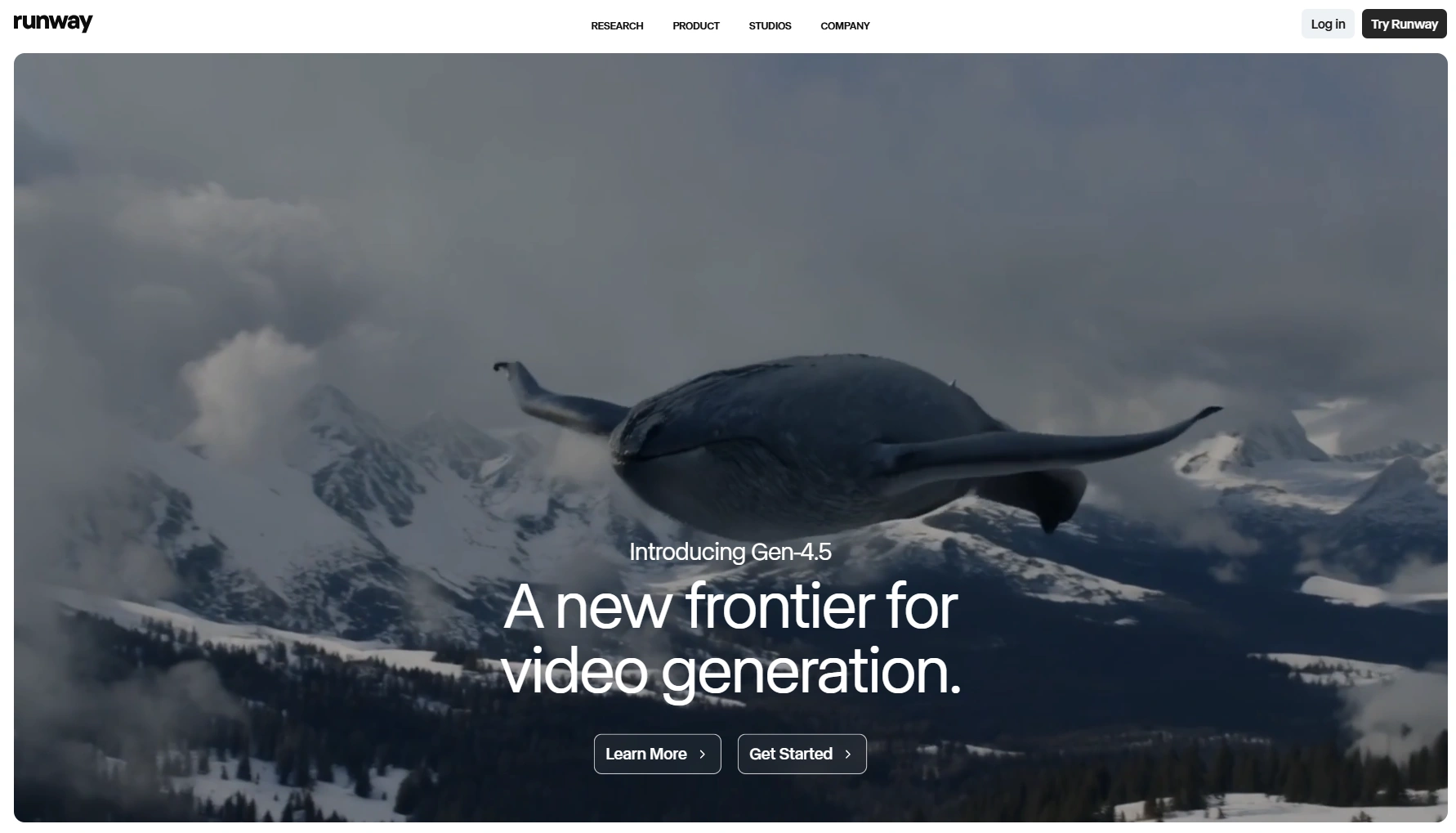
Runway remains a favorite among professional filmmakers and VFX artists due to its granular control over the generation process.
- Deep Dive: Runway's Gen-3 Alpha model offers the "Motion Brush" tool, which allows you to paint over specific areas of a video to tell the AI exactly where to move. If you need to extend a clip where a cloud moves left but a car moves right, this is the tool for you.
- Key Features:
- Motion Brush: Precision control over movement direction.
- Camera Controls: Define zoom, pan, and tilt during the extension.
- Director Mode: Advanced camera moves.
- Pricing: Credit-based system; Standard plan ~$12/mo per user.
- Pros:
- Industry-leading control over camera movement.
- High-resolution output suitable for broadcast.
- Cons:
- Steep learning curve for beginners.
- Credit consumption can be high for trial and error.
3. Luma Dream Machine

Known for its high realism, Luma is excellent for creating photorealistic extensions that obey the laws of physics.
- Deep Dive: Luma’s "Ray 2" model is built on a transformer architecture that mimics real-world physics. This makes it the best tool for extending shots involving liquids, fire, or complex vehicle motion where gravity and momentum matter. It generates 5-second extensions very quickly.
- Key Features:
- Physics Engine: Accurate lighting and gravity simulation.
- Fast Generation: One of the fastest render times in the market.
- Loop Mode: Specifically designed to create seamless video loops.
- Pricing: Free tier available; Paid plans start at ~$29/mo for commercial use.
- Pros:
- Incredible photorealism.
- Very simple "one-click" extension interface.
- Cons:
- Limited control over specific element manipulation compared to Runway.
- Character consistency can sometimes drift in long extensions.
4. Pika Labs (Pika 1.5)
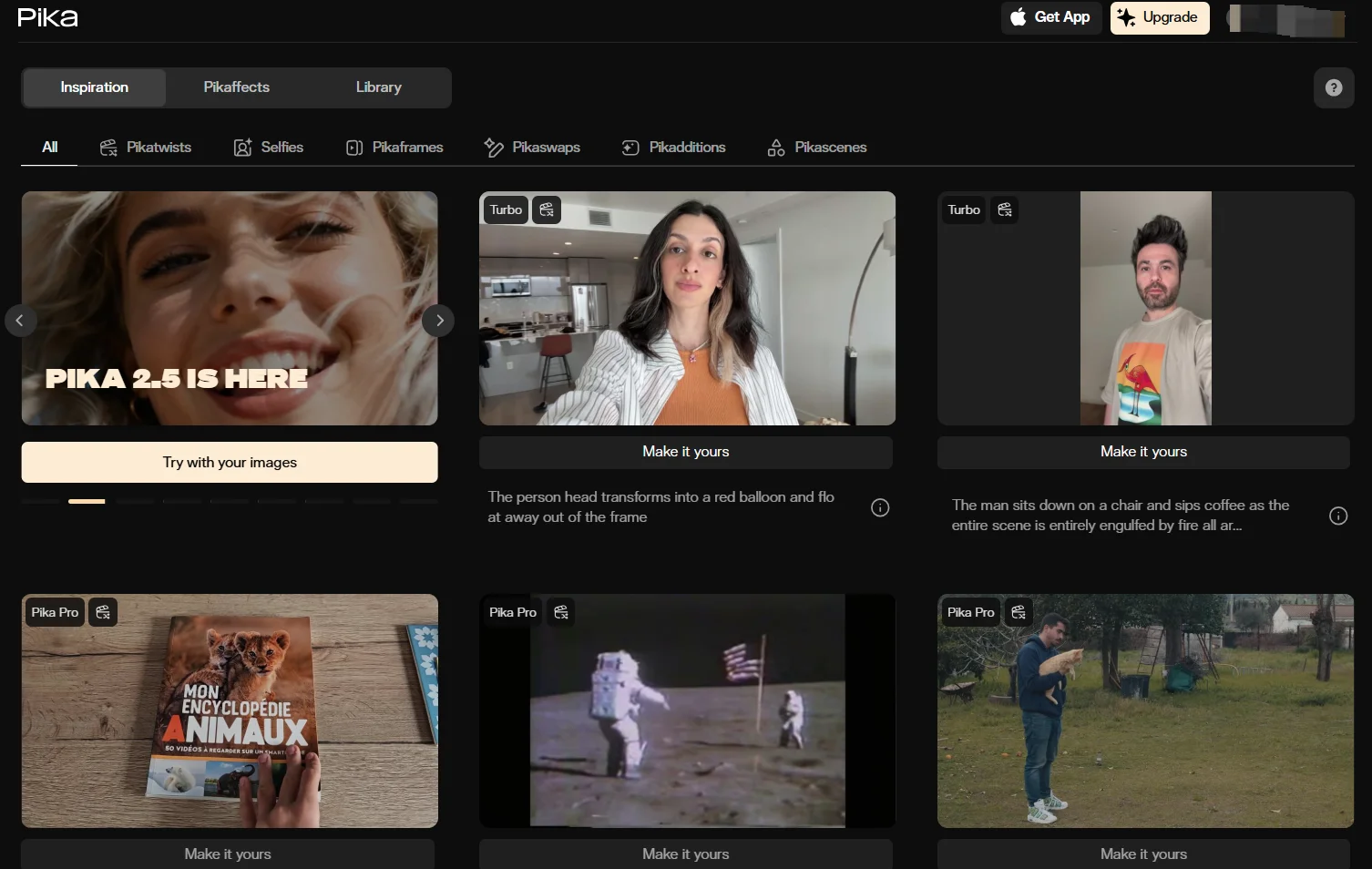
Pika has carved a niche in the "creative effects" space. It is famous for its ability to animate specific regions and add fun, stylized distortions.
- Deep Dive: Pika isn't just about extending; it's about morphing. Its "Pikaffects" (like Melt, Explode, or Inflate) can be applied during an extension to change the nature of the object. For standard extensions, it offers a "Modify Region" tool to fix specific glitches in a frame while extending the length.
- Key Features:
- Lip Sync: Can add lip-syncing to characters during generation.
- Canvas Expansion: Expands the aspect ratio (outpainting) as well as time.
- Sound Effects: Generates SFX to match the extended video.
- Pricing: Free Discord access; Web subscription starts at $10/mo.
- Pros:
- Excellent community support and creative effects.
- Great for social media content creators.
- Cons:
- Output resolution is often 720p/1080p and may need external upscaling.
- Style can sometimes lean too "cartoony" for corporate work.
5. Kling AI
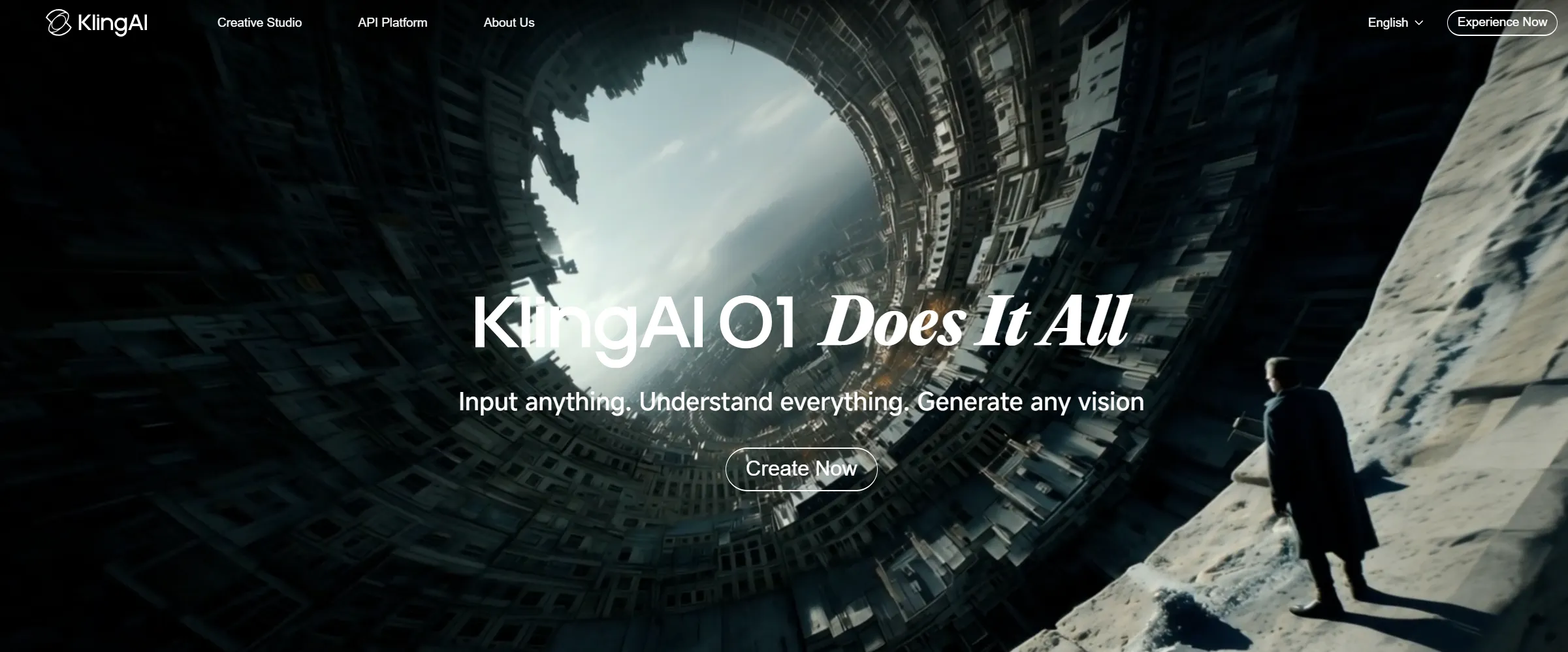
A newer entrant making waves with its ability to generate longer sequences with high motion fidelity.
- Deep Dive: Kling AI (Pro version) supports generating videos up to 10 seconds in a single pass, which is double the industry standard of 5 seconds. This reduces the need to "extend" multiple times, preserving quality. It excels at complex human motion, such as dancing or running.
- Key Features:
- Long Duration: Generates up to 10s clips (Pro mode).
- High Performance Mode: Sacrifices some detail for rapid ideation.
- Camera Control: flexible camera movement settings.
- Pricing: Credit-based; Professional tiers start around $10-20/mo equivalent.
- Pros:
- Handles complex human body mechanics better than most.
- Longer base clips mean fewer extensions needed.
- Cons:
- Interface can be cluttered and translation issues occasionally occur.
- High demand often leads to server wait times.
6. Adobe Firefly (Premiere Pro Integration)
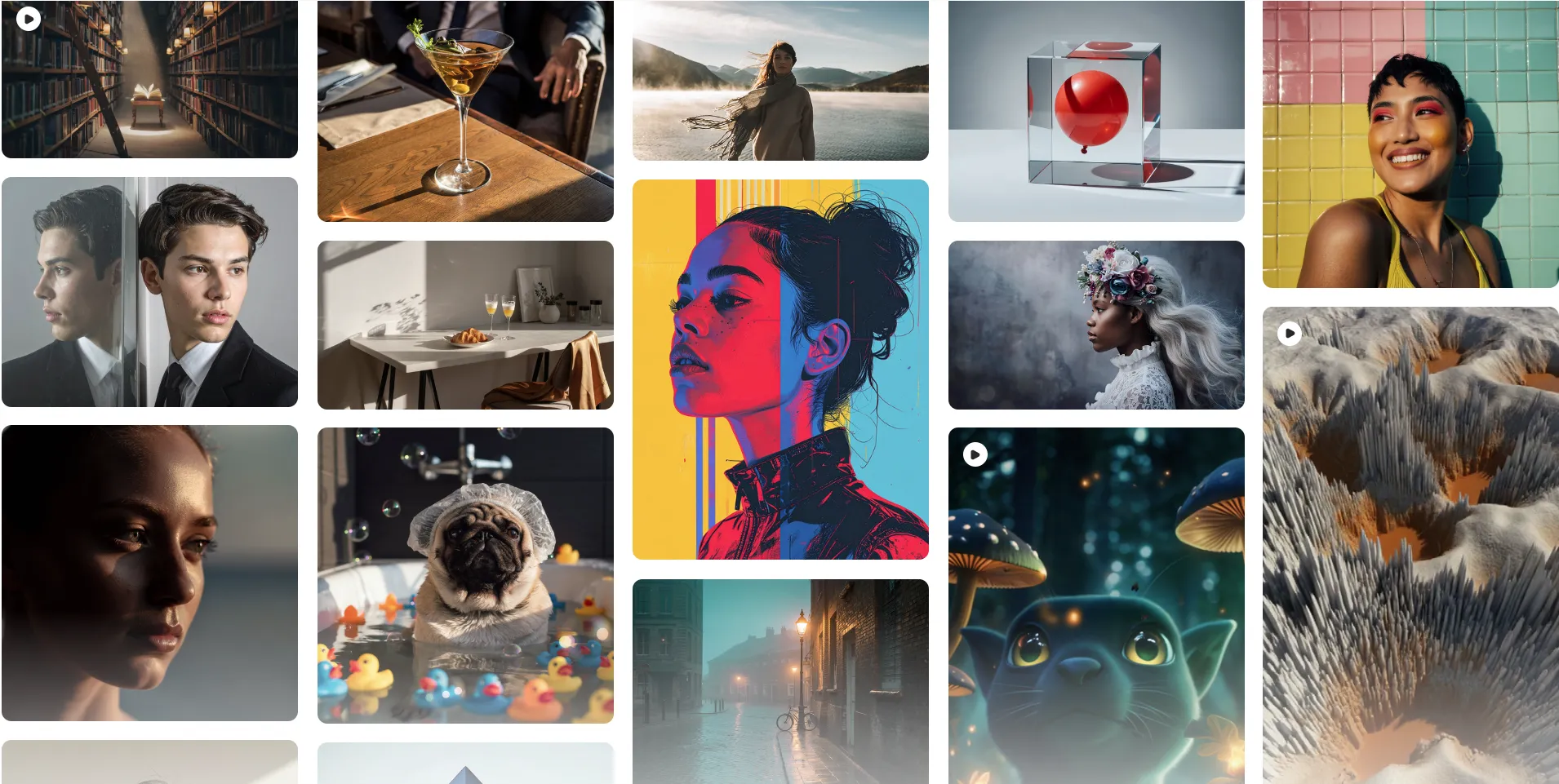
Adobe is integrating "Generative Extend" directly into the NLE timeline, making it the workflow king for traditional video editors.
- Deep Dive: This is the only tool on the list that lives inside your editing software. You literally use the "Ripple Edit" tool to drag the end of a clip, and Adobe Firefly generates the new frames. Crucially, it also extends audio (ambient noise/room tone) alongside the video.
- Key Features:
- Timeline Integration: No need to export/import clips.
- Audio Extension: Extends background sound to match the video.
- Privacy Safe: Trained on Adobe Stock, making it safe for commercial work.
- Pricing: Included in Adobe Creative Cloud subscription.
- Pros:
- Unmatched workflow efficiency.
- Commercially safe for enterprise clients.
- Cons:
- Still in Beta; extension length is currently limited to 2 seconds per drag.
- Not suitable for changing the narrative, only extending existing action.
7. Stable Video Diffusion (SVD)
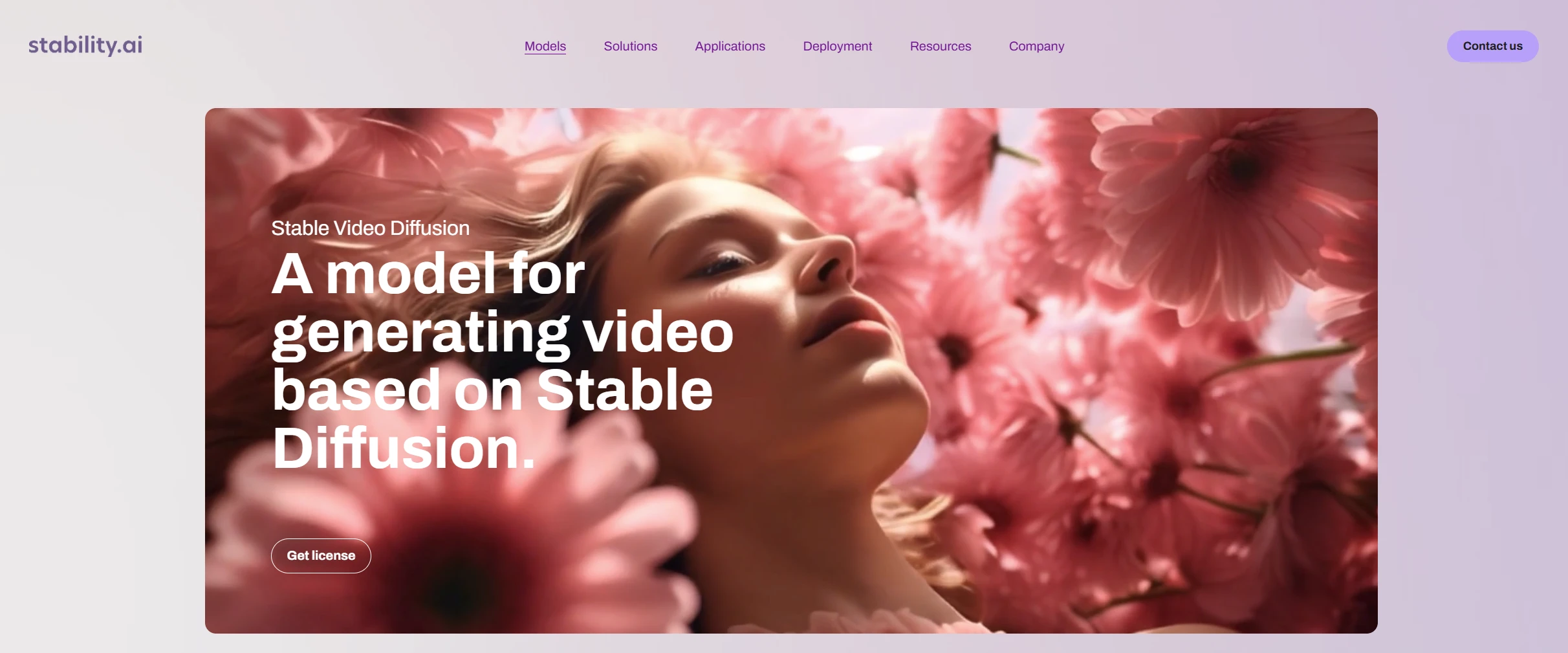
For the tech-savvy, this open-source model by Stability AI allows for local hosting and infinite customization.
- Deep Dive: SVD is for those who want total control and privacy. You can run it locally via ComfyUI or Automatic1111. It allows you to tweak parameters like "motion bucket ID" and "augmentation level" to fine-tune exactly how much movement occurs in the extension.
- Key Features:
- Local Hosting: Runs on your own GPU (no cloud costs).
- Customizable Nodes: Integrate with ControlNet for precise guidance.
- Img2Video: Strong image-to-video foundation.
- Pricing: Free (Open Source), but requires expensive hardware (NVIDIA GPU).
- Pros:
- Free and private.
- Maximum control for technical users.
- Cons:
- Extremely steep technical learning curve.
- Requires powerful hardware (minimum 16GB VRAM recommended).
8. Kaiber
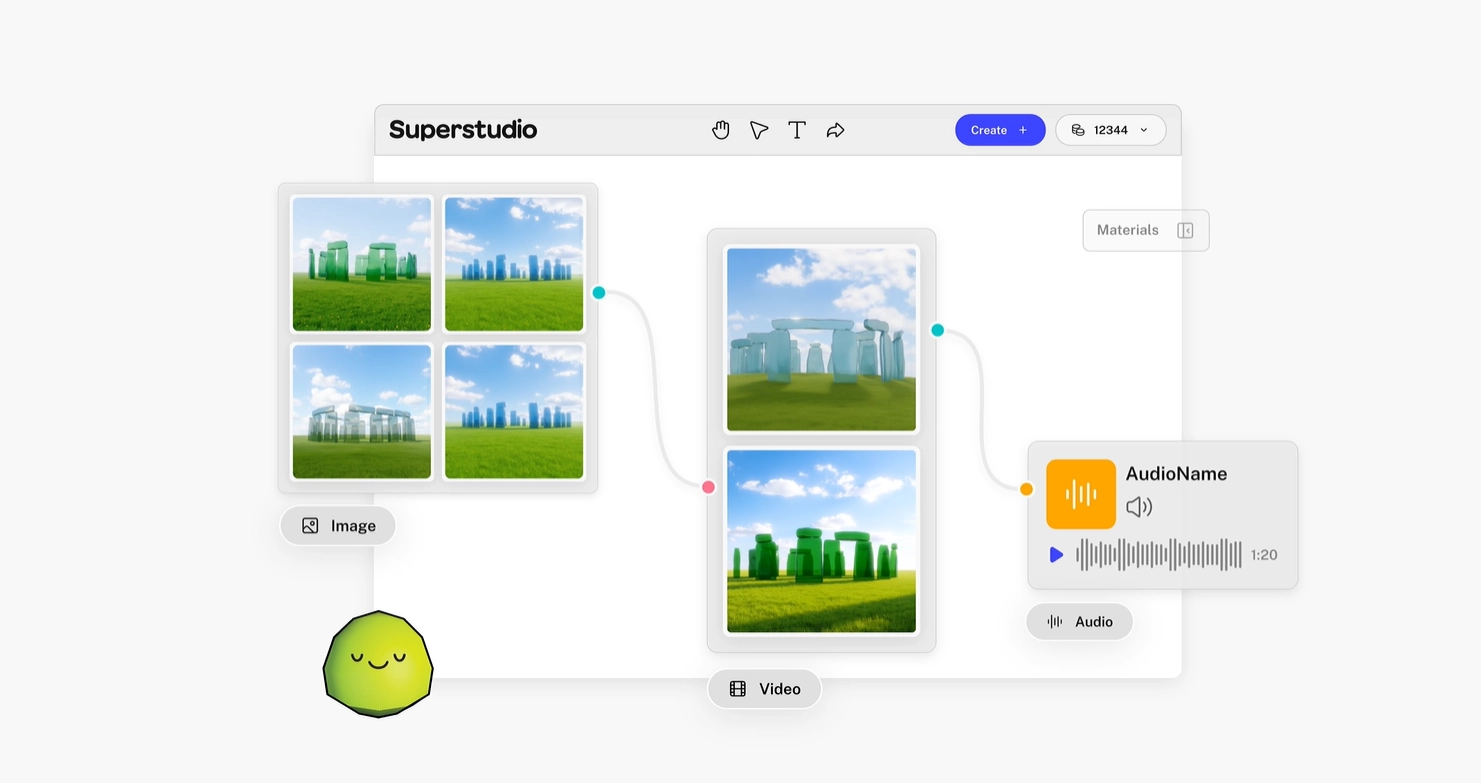
Kaiber focuses on artistic and stylized video extensions, perfect for music videos and abstract content.
- Deep Dive: Kaiber is less about realism and more about "vibe." Its unique selling point is Audio Reactivity. You can upload a song, and the video extension will pulsate and shift in time with the beat. It offers "Flipbook" (frame-by-frame style) and "Motion" (smoother) modes.
- Key Features:
- Audio Reactivity: Video moves to the beat of your music.
- Style Transfer: Easily apply anime, oil painting, or cyberpunk styles.
- Camera Movement: simple pans and zooms.
- Pricing: Starts at $5/mo for basic credits.
- Pros:
- Best tool for musicians and abstract artists.
- Unique artistic styles not found elsewhere.
- Cons:
- Less suitable for photorealistic corporate or documentary work.
- Temporal consistency can be "jittery" (by design).
9. Leonardo.ai
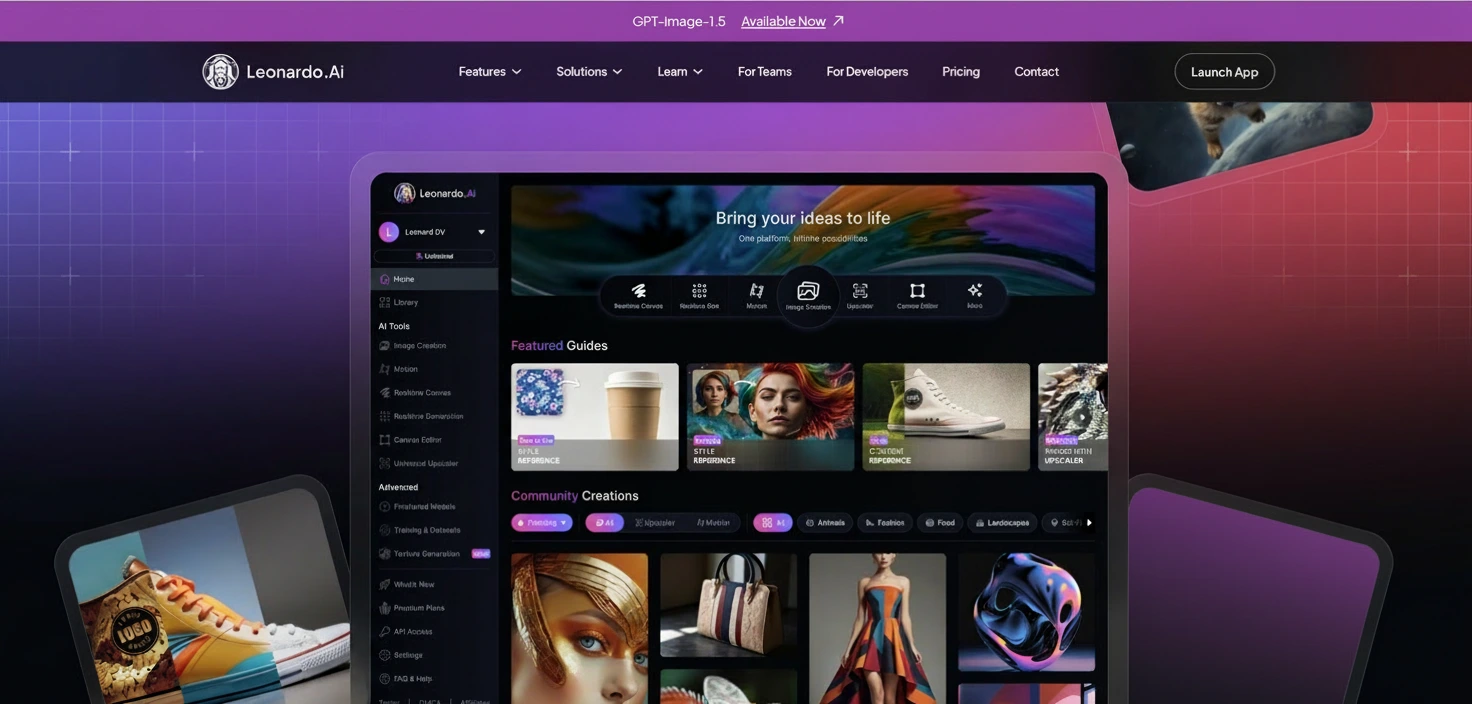
Originally an image generator, Leonardo AI now offers motion capabilities that allow you to extend the "life" of an image.
- Deep Dive: Leonardo’s "Motion 2.0" is fantastic for illustrators. You can take a generated image and extend it into a 4-second video loop. It allows you to control the "Motion Strength," determining whether the extension is a subtle wind breeze or a rapid camera pan.
- Key Features:
- Motion Strength Slider: Control the intensity of movement.
- Fine-tuned Models: Use specific artistic models (e.g., RPG, Anime) for the video generation.
- Upscaling: Built-in "Alchemy" upscaler for crisp details.
- Pricing: Freemium; Paid plans start at $10/mo.
- Pros:
- Excellent artistic control; high-quality aesthetics.
- Seamless transition from image generation to video.
- Cons:
- Video duration is generally shorter per generation than dedicated video models like Genmi.
10. Veed.io
A cloud-based video editor that has added AI stock and extension features for social media creators.
- Deep Dive: Veed is an editor first, AI tool second. Its "Magic Cut" and AI stock generation features are designed for speed. If you are making a TikTok and need 2 extra seconds of a generic "office background," Veed generates it instantly and places it on the timeline with subtitles.
- Key Features:
- Magic Cut: Removes silences automatically.
- AI Avatars: Can generate presenters to extend your content.
- Stock Generation: Creates filler footage on the fly.
- Pricing: Free (watermarked); Pro plans ~$18/mo.
- Pros:
- Great for adding subtitles and quick edits alongside AI features.
- Very easy to use for non-editors.
- Cons:
- AI generation is less advanced/realistic than dedicated models like Runway or Luma.
📊 Comparison: Choosing the Right Tool
| Tool | Best Use Case | Pricing Model | Key Advantage |
|---|---|---|---|
| Genmi AI | Versatility & Workflow | Freemium / Sub | Explore the Genmi Platform for high consistency. |
| Runway | Professional VFX | Credit-based | Motion Brush Control |
| Luma | Photorealism | Free / Sub | Physics Accuracy |
| Adobe | Corporate Editing | Creative Cloud | Audio + Video Extension |
| Pika | Social Media | Subscription | Creative Effects & Lip Sync |
Strategies for Seamless Video Extension
Merely pressing a button isn't always enough. To achieve professional results that pass the "uncanny valley" test, you need to apply specific strategies.
✨ Key Tips for Prompting
When extending a video, the AI needs to know what happens next.
- Describe the Motion: Instead of "a man walking," use "a man continues walking forward into a foggy forest, camera pans slightly right."
- Maintain Style: Use the same style keywords (e.g., "cinematic lighting," "4k," "shot on 35mm") used to generate the original clip.
- Leverage Scripts: If you are building a story from scratch, using a dedicated AI to analyze your script first works wonders. Many pros use Genmi's ecosystem to ensuring the narrative flows logically.
📌 Best Practices for Workflow
- Overlap Frames: Some tools work best if you provide the last 1-2 seconds of the previous clip as context (Input Video).
- Upscale Last: Do not upscale your video to 4K until after you have finished extending it. Extending lower-resolution files is faster and often produces fewer artifacts.
- Post-Processing: Always add a touch of "Film Grain" or color grading over the entire extended clip (original + extension) to unify the visual texture and hide the "seam."
Case Study: The "Infinite" Product Shot
Scenario: A marketing agency had a 3-second drone shot of a luxury car, but the client wanted a 10-second slow-motion intro.
Solution:
- Input: The last frame of the 3-second clip was used as an anchor.
- Prompt: "Drone camera continues pulling back, revealing winding mountain road, sunset lighting."
- Result: The AI generated 7 additional seconds of the road and scenery.
- Polish: The editor applied a slight speed ramp to smooth the transition between the real footage and the AI extension.
Conclusion
The evolution of the ai video extender represents a massive leap forward in digital storytelling. It empowers creators to salvage unusable footage, expand narratives, and break free from the constraints of physical filming time.
Whether you are a social media manager needing to lengthen a short clip for an Instagram Story, or a filmmaker bridging a gap in your B-roll, tools like Genmi, Runway, and Luma offer distinct advantages. The key lies in selecting the tool that aligns with your workflow—be it the granular control of Runway or the versatile, context-aware power of Genmi.
As we move forward into late 2026, we expect these tools to become faster and more integrated into standard editing software, making "running out of footage" a problem of the past.
Recommended Articles
A Technical Review of Tencent's Hunyuan AI: Unlocking Cinematic Potential
A deep dive into Tencent's Hunyuan AI. We analyze its 13B parameter architecture, hardware requirements, and how it compares to other video synthesis tools.
Hailuo vs Kling vs Runway: The Ultimate AI Video Model Comparison
An in-depth analysis of Hailuo vs Kling vs Runway. Discover which AI video model excels in realism, physics, and creative control to find the best fit.
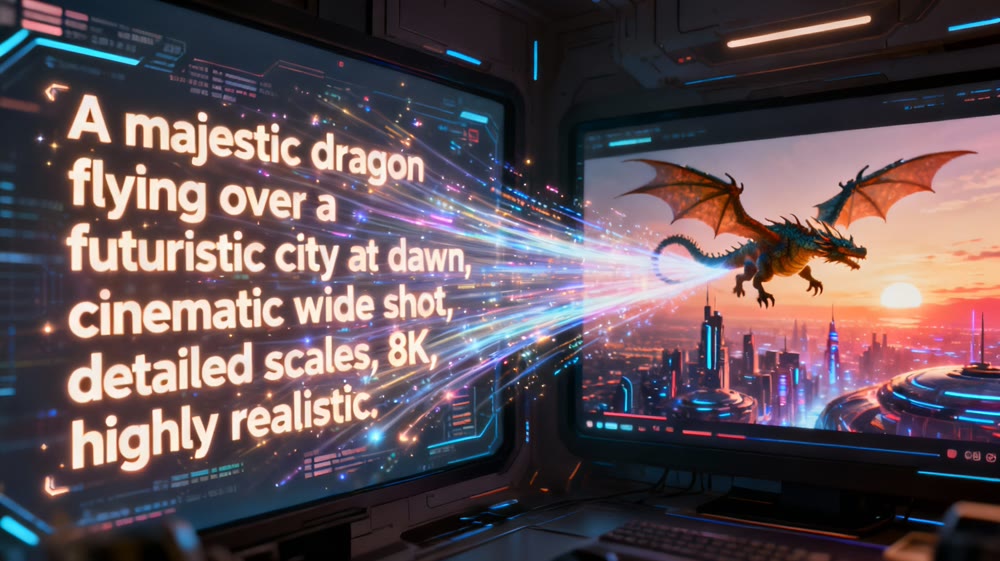
AI Video Making: A Practical Guide to Creating Your First Moving Scene
Unlock the power of AI video making. This guide walks you through the steps to create stunning moving scenes from text, even if you're a complete beginner.