


My Top 12 PixVerse AI Alternatives for Professional Motion Synthesis (2026)
Article Summary: This professional guide explores 12 leading alternatives to PixVerse AI for 2025. Written by a motion graphics lead, it covers high-fidelity tools like Genmi AI, Runway, and Kling, focusing on workflow, realism, and creative control for video professionals.
In the rapidly evolving landscape of creative technology, relying on a single tool is a bottleneck I cannot afford. While I have used PixVerse AI for various projects, the demands of high-end storytelling—consistency, physics, and cinematic fidelity—often require a broader toolkit. As we move deeper into 2025, the gap between simple clip creation and genuine cinematic synthesis is widening.
For creators looking to elevate their visual narrative, finding the right PixVerse AI alternatives is no longer just about variety; it is about finding the specific engine that matches your creative intent. Whether you are a filmmaker needing granular control over camera movement or a marketer seeking high-fidelity avatars, the tools I have curated below represent the current pinnacle of AI motion synthesis.
Below, I break down my top 12 picks, starting with the platform that has recently reshaped my entire workflow.
1. Genmi AI – The New Standard for Creative Control
My Top Pick for Professional Synthesis
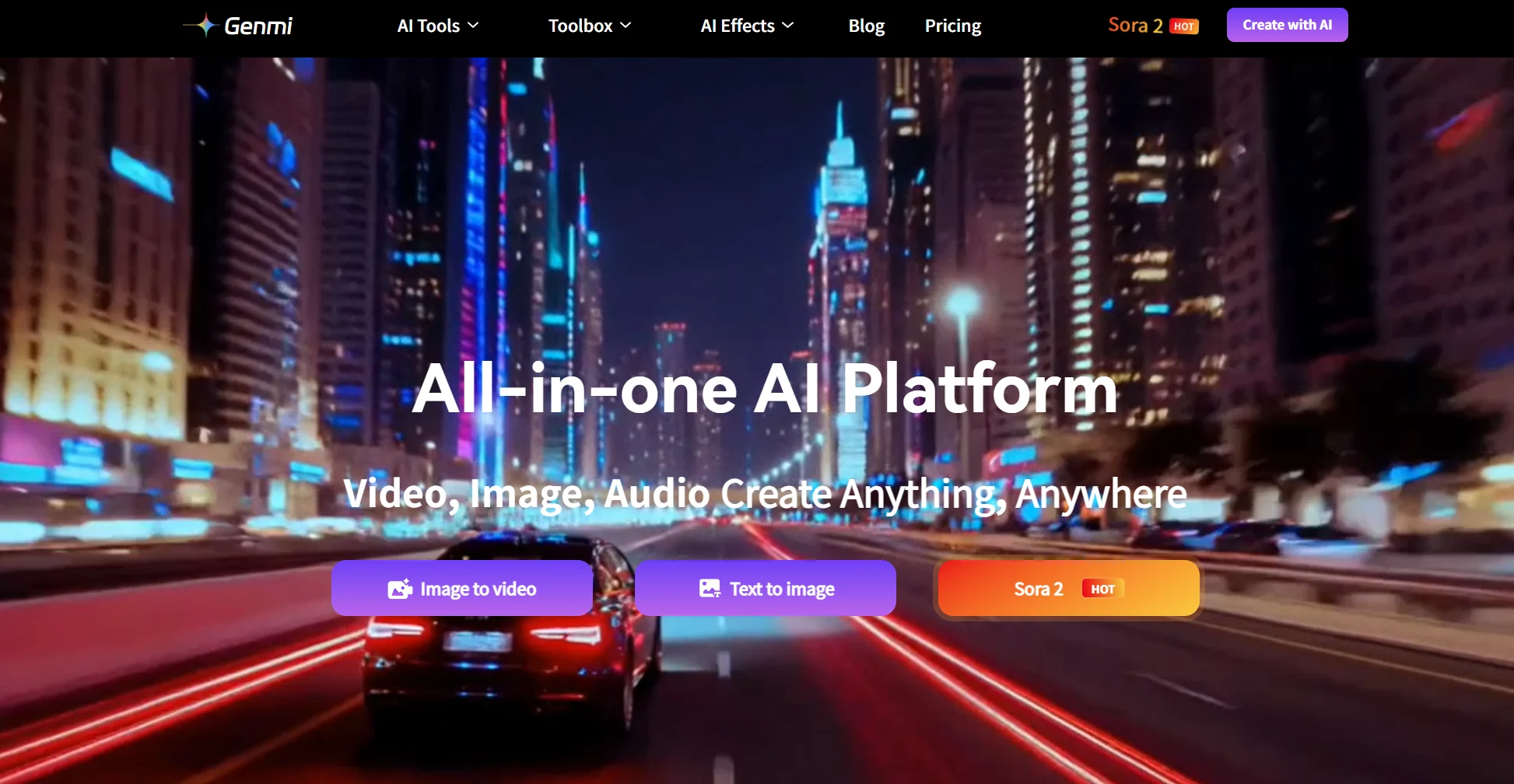
When I first integrated Genmi AI into my pipeline, the difference in workflow fluidity was immediate. Unlike many competitors that feel like "slot machines" (where you hope for a good result), Genmi feels like a genuine creative suite. It bridges the gap between static imagery and fluid motion with remarkable precision.
What impresses me most is the Nano Banana Pro model. It handles complex lighting and texture consistency in a way that feels physically accurate rather than hallucinated. For projects requiring high-temporal stability, this is my default engine.
✨ Key Features:
- Nano Banana Pro: Delivers exceptional detail retention during motion. Check out the model capabilities here.
- Image-to-Image Synthesis: This feature allows for style transfer and motion application without losing the essence of the original visual. I use the Image-to-Image tool frequently for storyboarding.
- Veo Integration: For those needing cutting-edge architecture, the inclusion of Veo models pushes the boundaries of resolution and duration.
⚖️ Pros & Cons
Pros:
- Physical Accuracy: Superior handling of lighting and texture physics compared to PixVerse.
- Workflow Integration: The interface is designed for professionals, not just casual users.
- Model Variety: Access to cutting-edge models like Veo and Nano Banana Pro in one place.
Cons:
- Learning Curve: Because it offers more control, it may take a few sessions to master all settings.
- Tiered Access: The most powerful models require a subscription plan (though worth it for pro work).
💡 Practical Application
I recently used Genmi to synthesize a 15-second commercial spot. The ability to maintain character identity across multiple shots was superior to PixVerse.
Creative Potential Score: ⚡⚡⚡⚡⚡ (5/5)
2. Runway – The Editor’s Powerhouse
Best for Granular Control and In-Post Adjustments
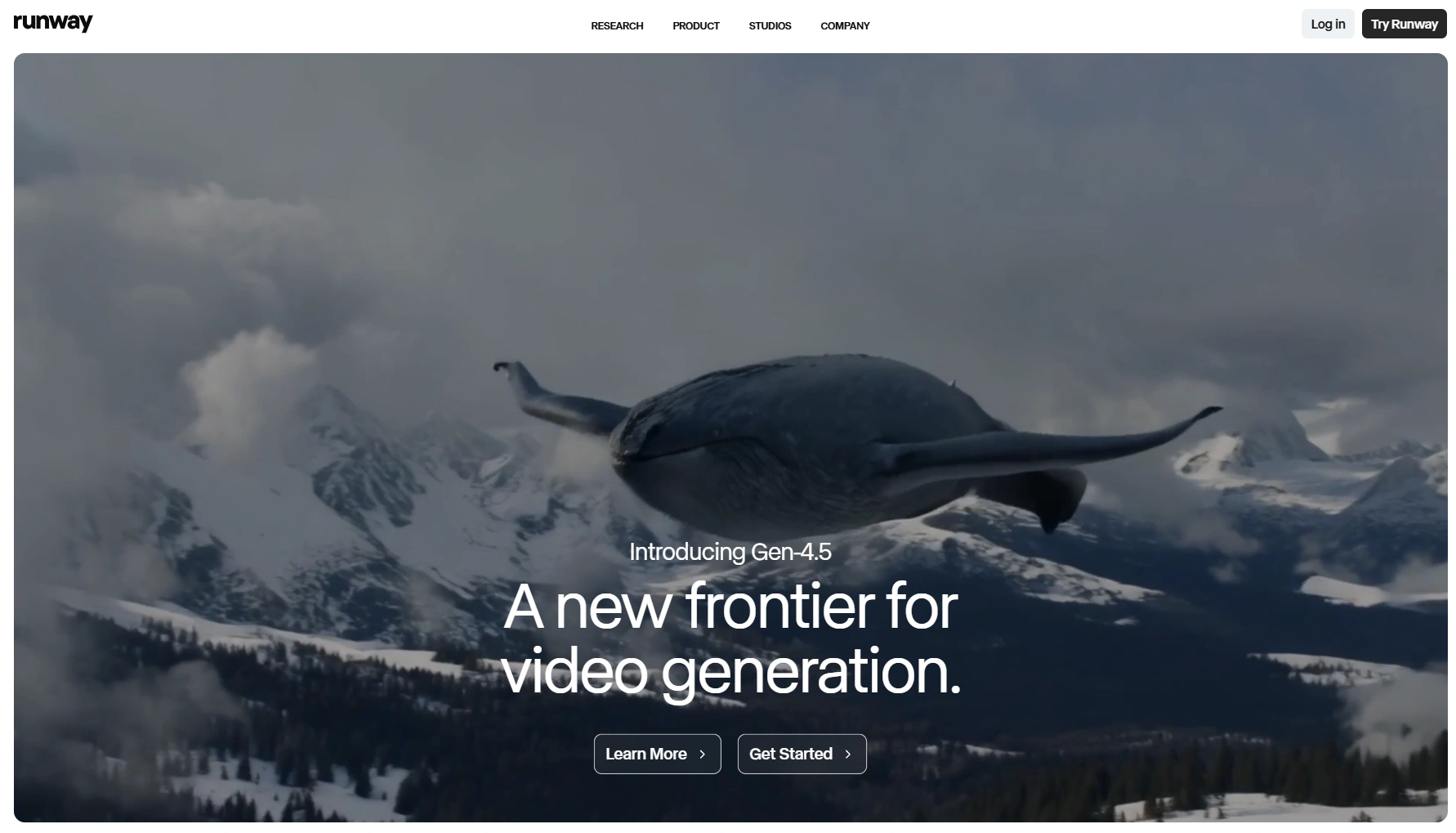
Runway remains a heavyweight champion in the industry. It isn't just about creating a clip; it's about the ecosystem of editing tools that surround the synthesis engine. Their "Motion Brush" feature revolutionized how I direct movement within a still image.
However, keeping up with their updates is crucial. Their latest models have significantly reduced artifacts. For a deep dive into their newest capabilities, I recommend reading this Runway Gen-4/4.5 Expert Guide, which breaks down the nuances of their updated physics engine.
⚖️ Pros & Cons
Pros:
- Motion Brush: Unmatched control over specific areas of movement (e.g., making water flow while the background stays static).
- Ecosystem: Seamlessly moves from generation to editing/removing objects.
- Web-Based: No heavy hardware required.
Cons:
- Pricey for High Res: High-resolution upscaling burns through credits quickly.
- Texture Morphing: Occasional texture flickering in complex scenes.
Creative Potential Score: ⚡⚡⚡⚡⚡ (4.8/5)
3. Kling AI – The Master of Realism
Best for Photorealistic Human Motion
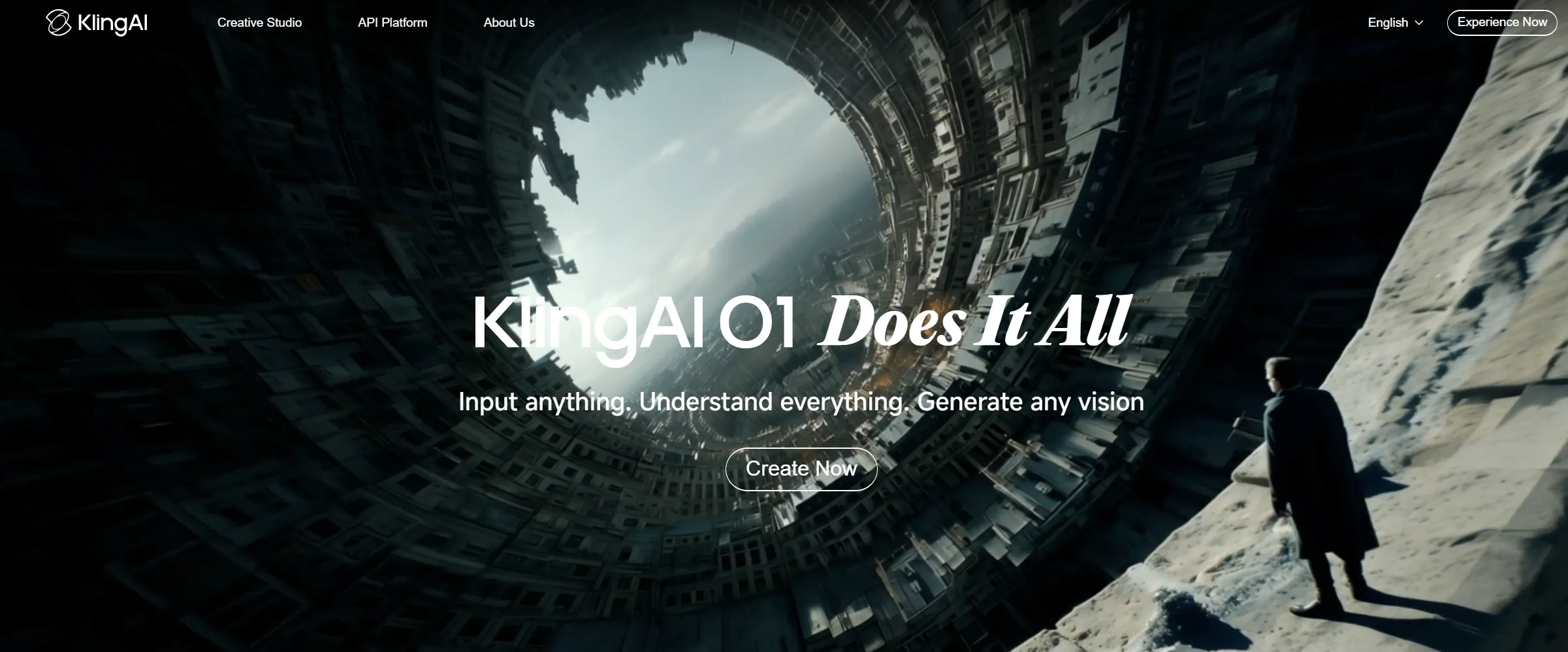
If your project involves human subjects, Kling AI is a formidable contender. Coming from Kuaishou, this tool shocked the market with its ability to handle complex limb movements—something that plagues many AI tools.
I utilize Kling when I need "stock footage" quality that looks indistinguishable from camera-captured media. The motion blur and depth of field are cinematic right out of the box.
- Deep Dive: For a full breakdown of their version 2.6 capabilities, see this Kling 2.6 Review.
- Try it: Explore the Kling AI Model.
⚖️ Pros & Cons
Pros:
- Human Anatomy: One of the few tools that gets hands and walking gaits right most of the time.
- Cinematic Look: Natural depth of field and motion blur.
- Duration: Capable of generating longer coherent clips (5s+) than many competitors.
Cons:
- Server Load: Wait times can be long during peak hours.
- Interface: The UX can sometimes feel cluttered compared to Western counterparts.
Creative Potential Score: ⚡⚡⚡⚡ (4.5/5)
4. Luma Dream Machine – The Physics Simulator
Best for Dynamic Environments
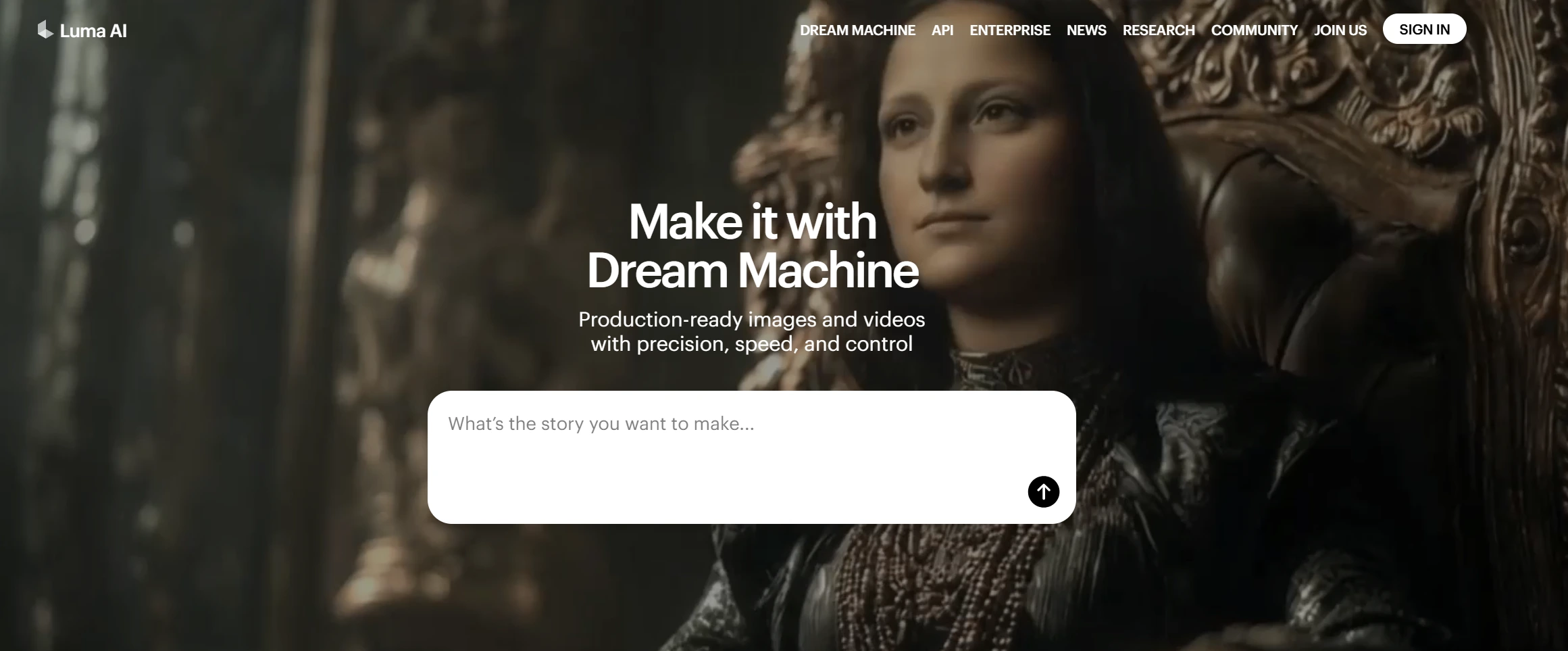
Luma has carved a niche for itself by understanding 3D space better than most. While PixVerse is great, Luma’s "Dream Machine" understands object permanence. If a car drives behind a tree, Luma remembers what the car looks like when it emerges on the other side.
For VFX pre-visualization, Luma is indispensable. It synthesizes 120 frames incredibly fast, allowing for rapid iteration on dynamic scenes like explosions or fluid simulations.
⚖️ Pros & Cons
Pros:
- Object Permanence: Objects don't disappear when obscured; the AI "remembers" them.
- Speed: Generates 120 frames very quickly, great for rapid prototyping.
- 3D Understanding: Excellent for drone shots and camera fly-throughs.
Cons:
- Morphing: Can struggle with character consistency in very long shots.
- Stylization: Sometimes leans too heavily towards a "CGI" look rather than pure photorealism.
Creative Potential Score: ⚡⚡⚡⚡ (4.2/5)
5. Hailuo AI – The Consistency King
Best for Long-Form Narrative Continuity
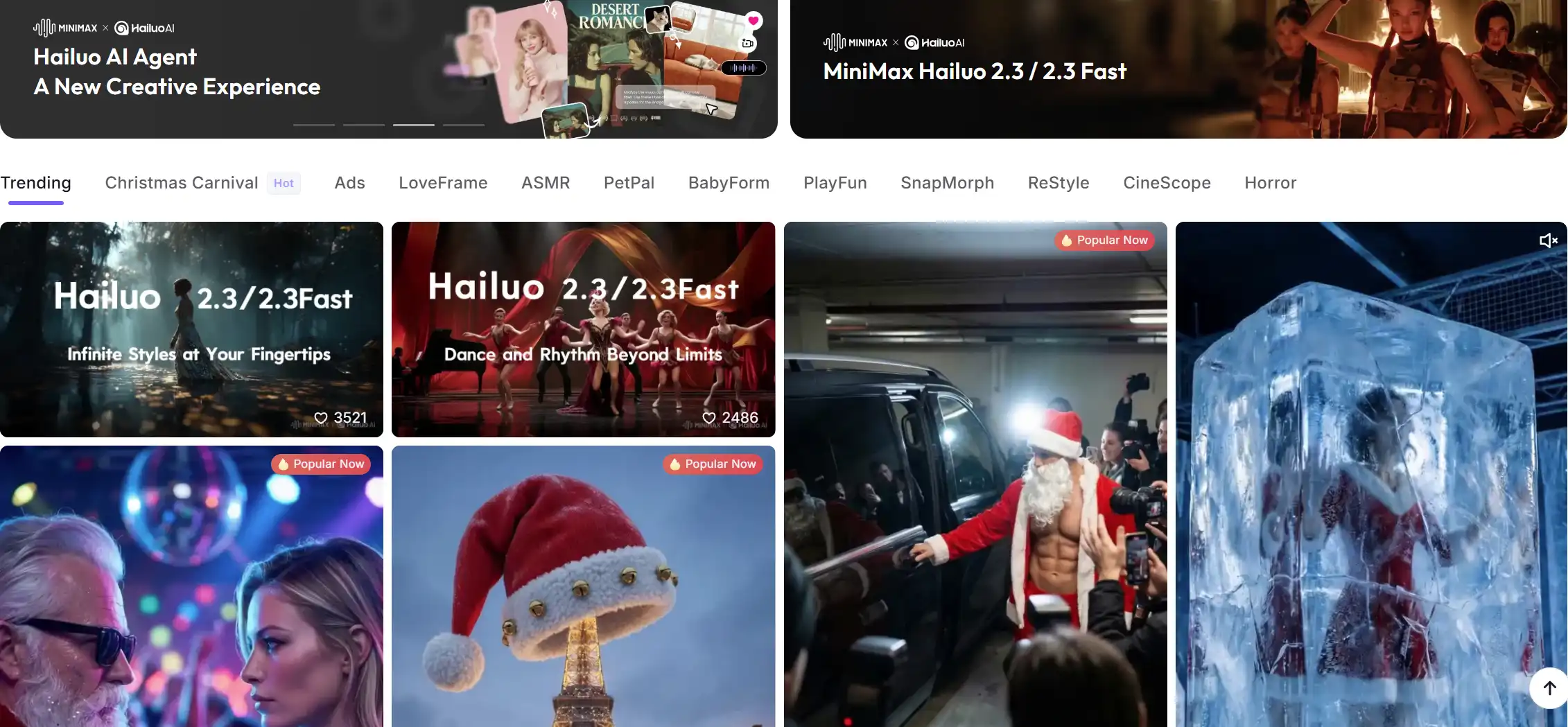
Minimax's Hailuo AI (Video-01) is the sleeper hit of the year. Its strength lies in "instruction following." If I type a complex prompt involving specific camera angles and lighting changes, Hailuo tends to adhere to the script more strictly than others.
For creators frustrated by AI ignoring parts of their prompt, Hailuo is the solution.
- Learn more: Check the Hailuo AI Model specs.
⚖️ Pros & Cons
Pros:
- Instruction Following: Follows complex prompt logic better than almost any other tool.
- High Coherence: Less "dream-like" shifting; scenes stay stable.
- Video Quality: Produces very clean, noise-free footage.
Cons:
- Motion Control: Less manual control (like brushes) than Runway.
- Availability: Access can sometimes be restricted depending on server load.
Creative Potential Score: ⚡⚡⚡⚡ (4.3/5)
6. Pika – The Animation Specialist
Best for Lip-Sync and Stylized Motion
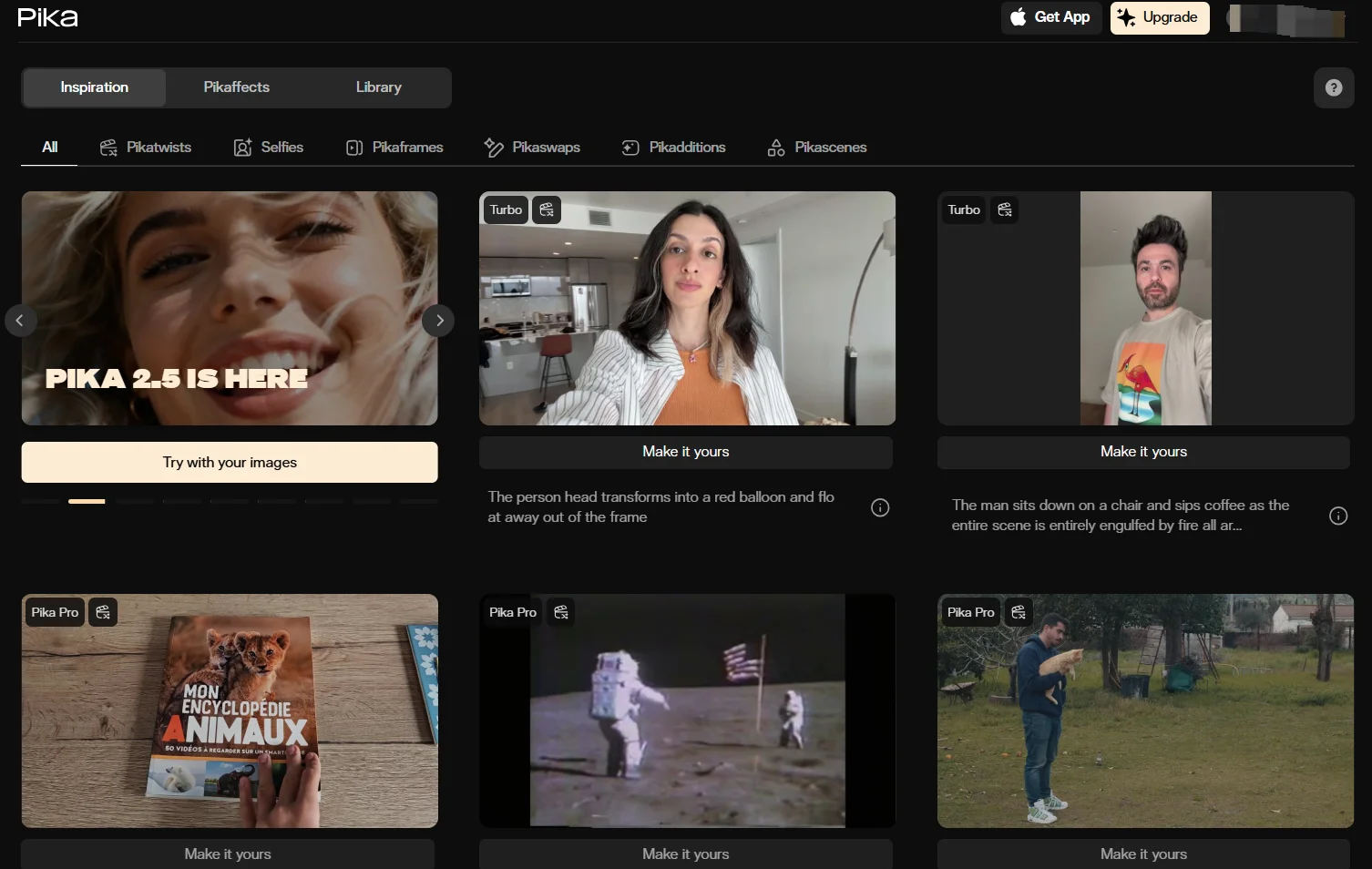
Pika Labs has focused heavily on making characters talk and emote. Their "Pika Art" platform offers specific tools for modifying regions of a video (inpainting), which saves me from synthesizing a whole new clip just to fix a weird hand.
While it excels at anime and 3D styles, the realism is catching up. The ease of use makes it a favorite for quick social media content.
- Read the analysis: Pika AI Review.
⚖️ Pros & Cons
Pros:
- Lip-Sync: Built-in tools to make characters speak are a game changer.
- Region Modification: Ability to fix small parts of the video without regenerating the whole thing.
- Sound Effects: Auto-generates sound effects to match the video.
Cons:
- Realism: Still slightly behind Kling and Genmi for pure photorealism.
- Resolution: Lower tiers have resolution caps and watermarks.
Creative Potential Score: ⚡⚡⚡⚡ (4.0/5)
For creators who need to produce content at scale, the final output quality matters most. By using a reliable free ai video generator without watermark, you ensure that your audience focuses on your message, not on distracting platform branding.
7. Sora – The High-Definition Benchmark
Best for Text-to-Video Conceptualization
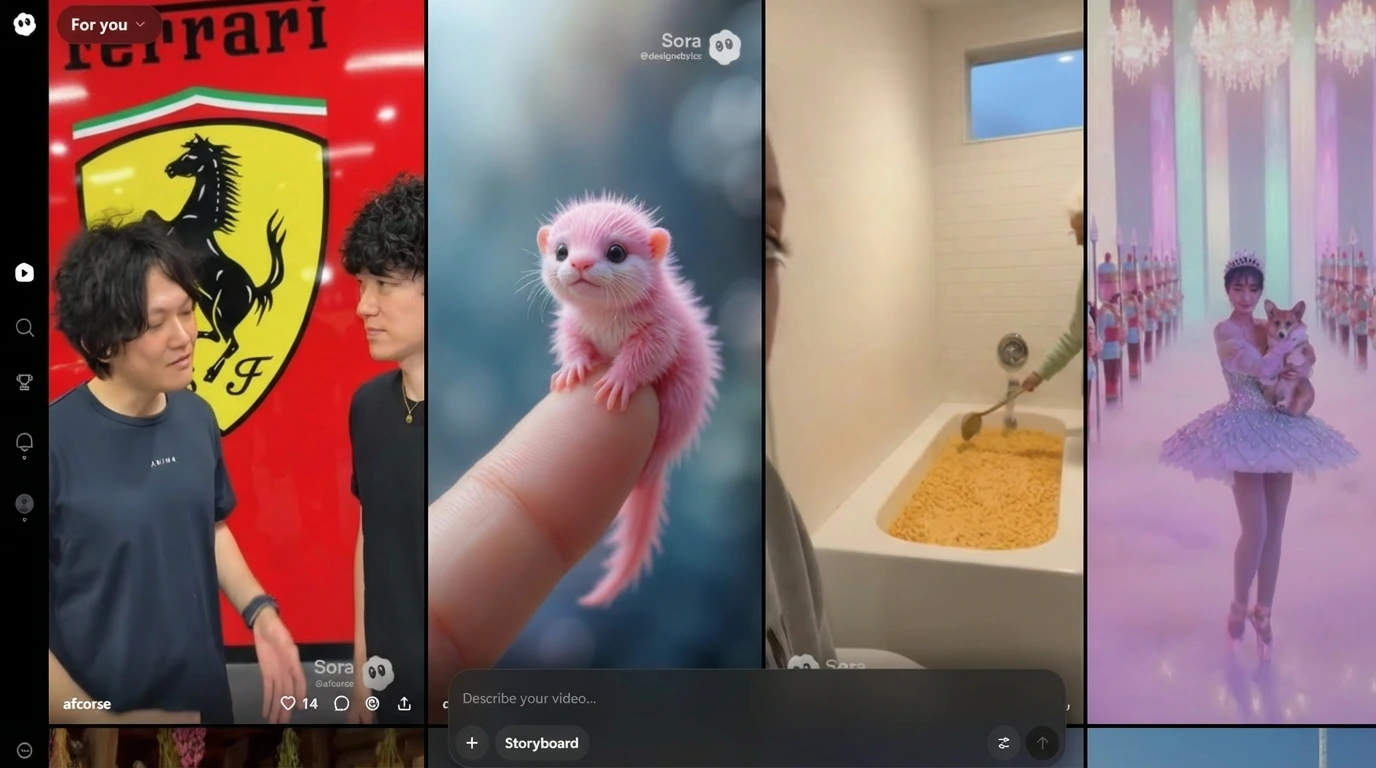
OpenAI’s Sora remains a benchmark for visual fidelity. The way it handles complex textures—like fur, water, and skin pores—is breathtaking. It acts almost like a physics engine, simulating the real world rather than just animating pixels.
However, access and pricing remain hurdles for many indie creators. It is the tool I reach for when budget is not an issue and client "wow factor" is the priority.
- Explore: Sora AI Model details.
⚖️ Pros & Cons
Pros:
- Visual Fidelity: Unmatched texture details and lighting simulations.
- Duration: Can create up to 60-second clips, which is industry-leading.
- Multi-Shot Consistency: Can generate videos with multiple camera angles in a single take.
Cons:
- Price: High barrier to entry (requires expensive Pro subscriptions).
- Safety Filters: Strict content filters can sometimes block creative prompts.
Creative Potential Score: ⚡⚡⚡⚡⚡ (4.9/5)
8. Vidu AI – The Rapid Prototyper
Best for Fast Turnaround and Image Merging
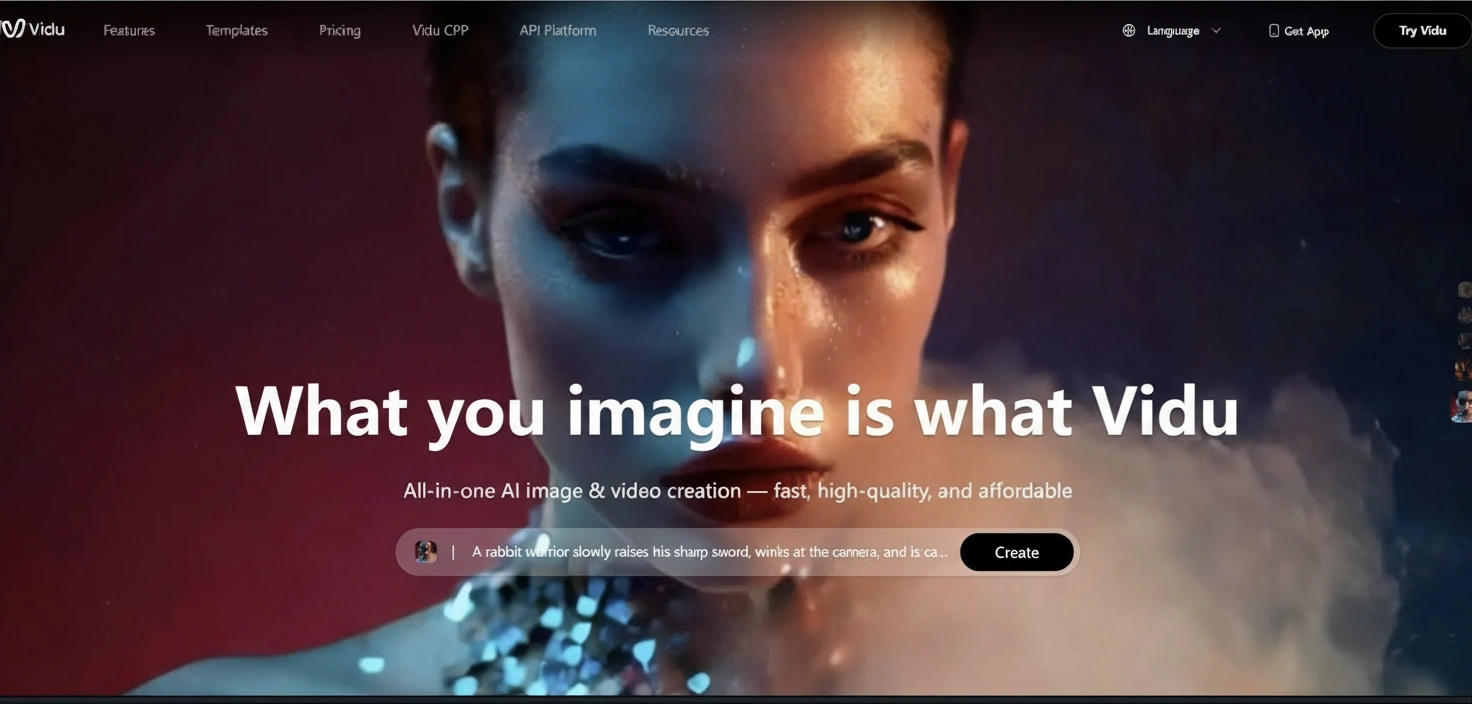
Vidu, from Shengshu Technology, is all about speed and flexibility. One unique feature I love is the ability to merge start and end frames, allowing for controlled transitions that are difficult to achieve elsewhere.
It is arguably one of the strongest PixVerse AI alternatives when you need to iterate quickly on a concept before committing to a final render.
- Discover: Vidu AI Model capabilities.
⚖️ Pros & Cons
Pros:
- Start/End Frame Control: Allows you to define exactly how a clip starts and ends.
- Speed: Very fast generation times.
- Anime/Style Strength: particularly strong at stylized content.
Cons:
- Resolution: Output resolution can vary and sometimes needs upscaling.
- Consistency: Occasional hallucinations in complex photorealistic scenes.
Creative Potential Score: ⚡⚡⚡⚡ (4.1/5)
📌 Best Practices: Optimizing Your Workflow
To get the most out of these engines, I follow a strict prompting protocol. Here is a comparison of how different tools handle specific demands:
| Feature | Genmi AI | Runway | Kling AI | Luma |
|---|---|---|---|---|
| Motion Smoothness | Ultra-Fluid | Customizable | Realistic | Dynamic |
| Prompt Adherence | High | Medium-High | High | Medium |
| Render Speed | Fast | Moderate | Moderate | Fast |
| Best Use Case | Commercial/Pro | Editing/VFX | Human Realism | 3D/Action |
9. Leonardo.ai – The Artistic Visionary
Best for Stylized and Artistic Motion

While known primarily for static image synthesis, Leonardo’s "Motion" feature is underrated. It allows you to dial in the amount of motion (from 1 to 10). I use this extensively for "Cinemagraphs"—adding subtle movement to a beautiful painting or concept art without turning it into a chaotic video. It gives you incredible control over the aesthetic.
⚖️ Pros & Cons
Pros:
- Aesthetic Quality: Built on top of incredibly artistic image models.
- Motion Strength: Simple slider control to dictate how much movement occurs.
- Community: Massive library of assets and styles to draw inspiration from.
Cons:
- Limited Duration: Short clips only (usually <4 seconds).
- Not a Video Editor: Lack of advanced camera controls compared to Luma.
Creative Potential Score: ⚡⚡⚡⚡ (4.0/5)
10. Hedra – The Character Actor
Best for Audio-Driven Narrative
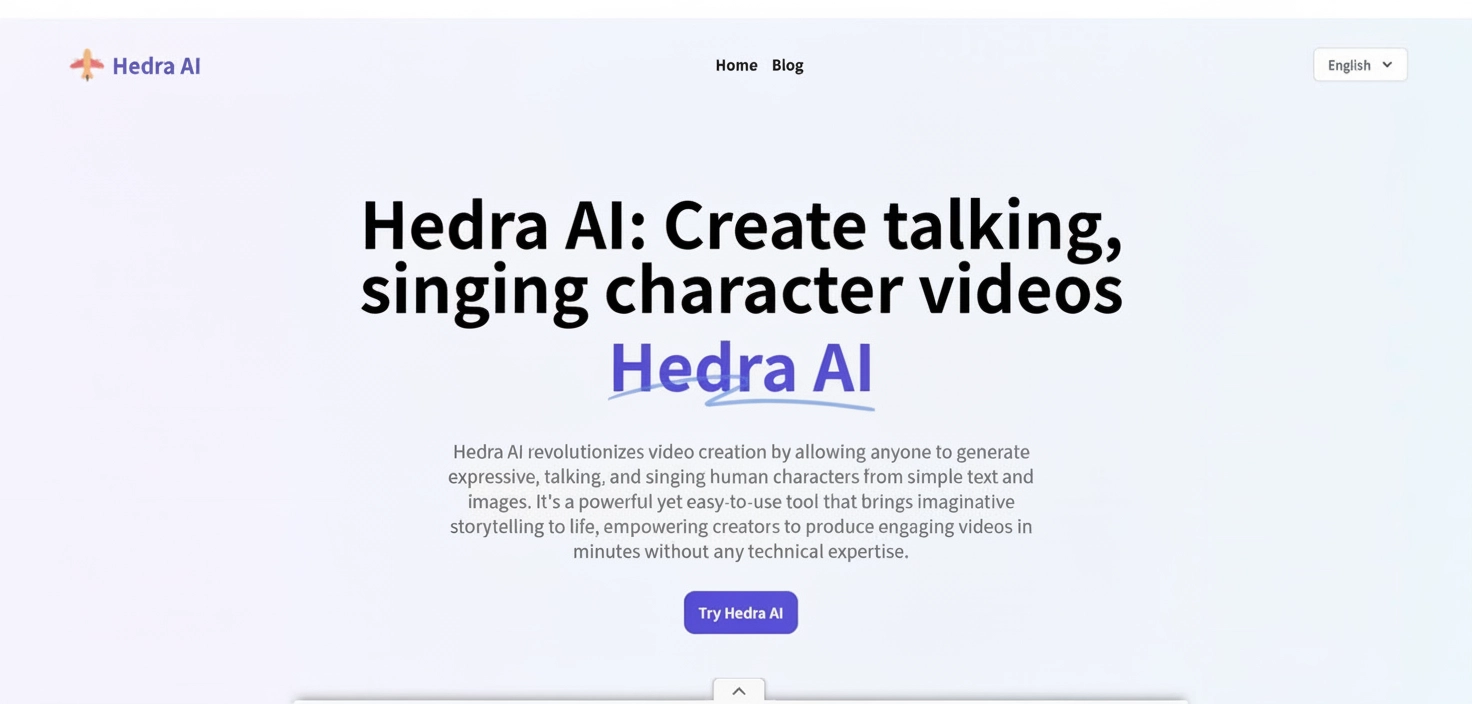
Hedra (formerly known in research circles under various character-focused projects) creates video purely from audio and a static face. Unlike standard lip-sync tools, Hedra synthesizes full head movement and facial micro-expressions derived from the tone of the voice.
For creating narrative-driven content where a character needs to deliver a monologue, Hedra is unmatched in emotional resonance.
⚖️ Pros & Cons
Pros:
- Expressiveness: Captures emotional nuance from audio better than any other tool.
- Simplicity: Just needs an image and an audio file.
- Real-time Potential: Fast generation suitable for quick content.
Cons:
- Restricted Format: Only really works for "talking heads"; cannot do full-body action.
- Static Backgrounds: The background usually remains frozen.
Creative Potential Score: ⚡⚡⚡ (3.8/5)
11. Kaiber – The Music Video Machine
Best for Audio-Reactive Visuals
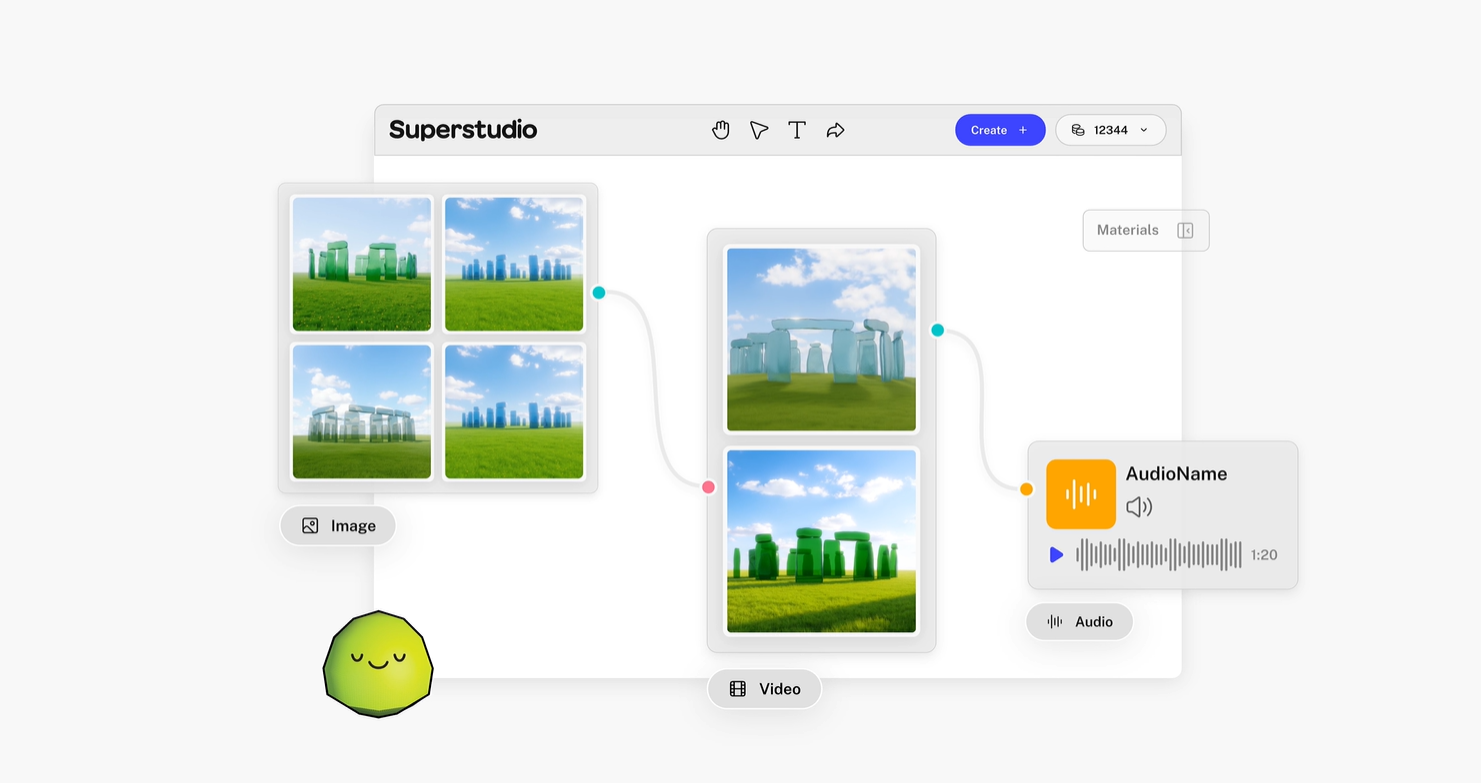
If you are working with music, Kaiber is essential. It specializes in "audio reactivity," where the visuals pulse, shift, and morph in sync with the beat. It creates a very specific "AI dream" aesthetic that is perfect for lyric videos and Spotify canvases. It is less about realism and more about vibe.
⚖️ Pros & Cons
Pros:
- Audio Reactivity: Automatically syncs visual pulse to music beats.
- Style: Creates a unique, artistic "frame-by-frame" animation look.
- Transformations: Great for morphing one object into another.
Cons:
- Flicker: The video style is inherently jittery (not good if you want stability).
- Niche Use: Hard to use for narrative storytelling; better for abstract visuals.
Creative Potential Score: ⚡⚡⚡⚡ (4.2/5)
12. Stability AI (Stable Video Diffusion) – The Open Source Giant
Best for Technical Customization
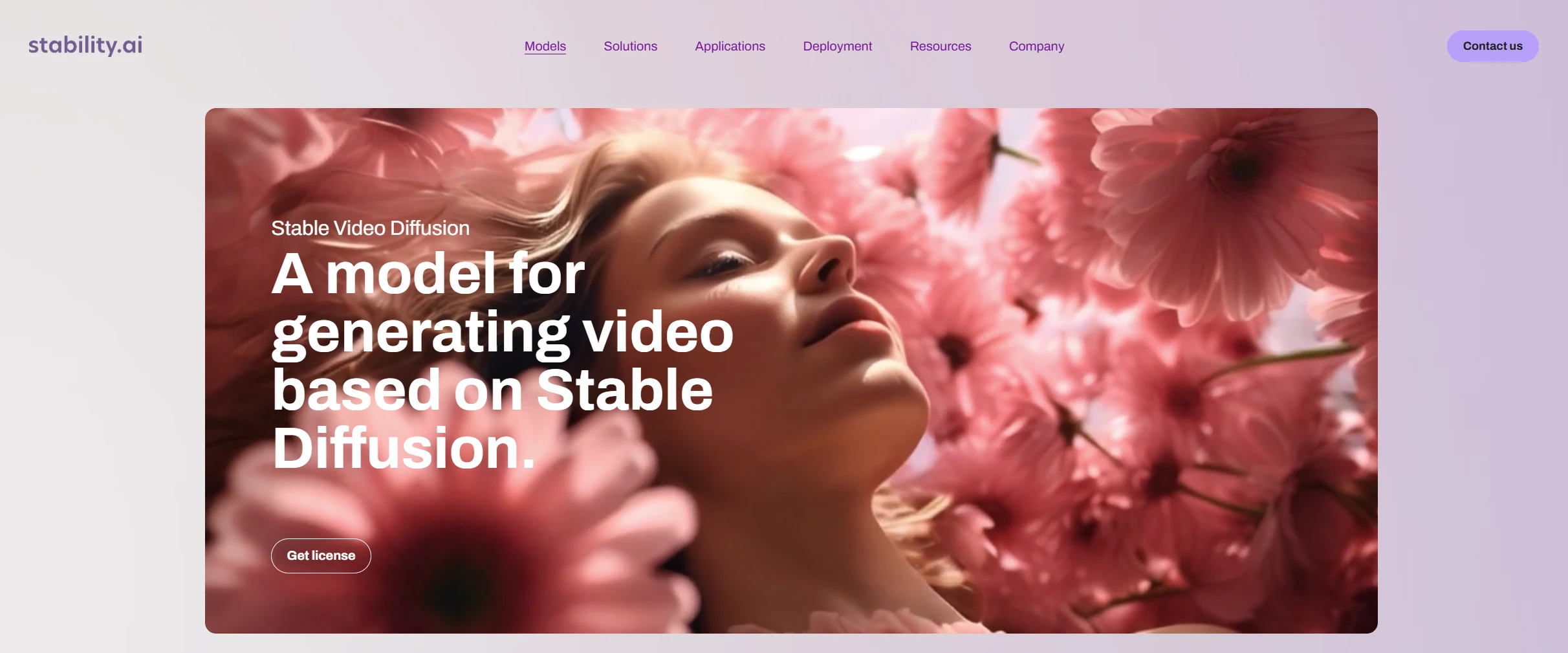
For those who are tech-savvy, SVD (Stable Video Diffusion) offers a playground of possibilities. It serves as the backbone for many other tools, but using it directly (often via local installation or platforms like Forge) gives you raw control over parameters like seed, motion bucket id, and augmentation levels.
- Reference: For a deeper understanding of the underlying tech, the Stability AI research paper on Arxiv is a must-read for technical leads.
⚖️ Pros & Cons
Pros:
- Cost: Free if you have the hardware to run it locally.
- Control: Absolute control over technical parameters (seed, steps, cfg).
- Privacy: Can run offline without uploading data to the cloud.
Cons:
- Difficulty: High technical barrier (requires coding knowledge or complex UI installation).
- Hardware: Requires powerful GPUs (NVIDIA RTX series) to run effectively.
Creative Potential Score: ⚡⚡⚡⚡ (4.4/5)
💡 Tutorial: How to Achieve Cinematic Continuity
Achieving consistent characters across shots is the "Holy Grail" of AI video. Here is my simplified workflow using Genmi AI.
Step 1: Base Character Creation
Upload a high-res reference image of your character. Ensure the background is simple to avoid bleeding into the subject.
![Placeholder: Screenshot of Genmi AI interface showing the image upload section with a character portrait]
Upload your reference image to the Image-to-Video module.
Step 2: Prompt Engineering for Camera Angles
Do not just describe the action. Describe the lens.
- Prompt: "Low angle shot, 35mm lens, cinematic lighting, [Character Name] walking towards the camera, determined expression."
Step 3: Motion Setting Adjustment
Set the "Motion Integrity" or equivalent slider to High. This restricts the AI from morphing the face too much during movement.
![Placeholder: Screenshot of the settings panel highlighting a slider for Motion Strength or Integrity set to 'High']
Adjust settings to prioritize character likeness over chaotic movement.
Step 4: Iterative Synthesis
Produce 3-4 variations. AI is probabilistic; the first result is rarely the best. Pick the one with the best lighting match.
Conclusion
Navigating the world of AI video synthesis can be overwhelming, but the key is to match the tool to the task. While PixVerse AI is a solid entry point, exploring these alternatives opens up a new dimension of storytelling.
For sheer realism, Kling and Sora are pushing boundaries. For editing control, Runway remains robust. However, for an all-encompassing professional workflow that balances ease of use with high-fidelity output, Genmi AI is my current daily driver. Its ability to respect the integrity of my original vision while adding fluid, cinematic motion is unmatched in the current market.
As we move forward, the technology will only get better. I encourage you to test these tools, find the one that fits your creative rhythm, and start producing stories that were previously impossible to tell.
Ready to Transform Your Visuals?
Don't just watch the revolution happen—direct it. Whether you are creating high-end commercials or indie films, the right tool makes all the difference. I highly recommend starting your journey with the tool that balances power and intuitive design best.
Start Creating with Genmi AI Today
Recommended Articles
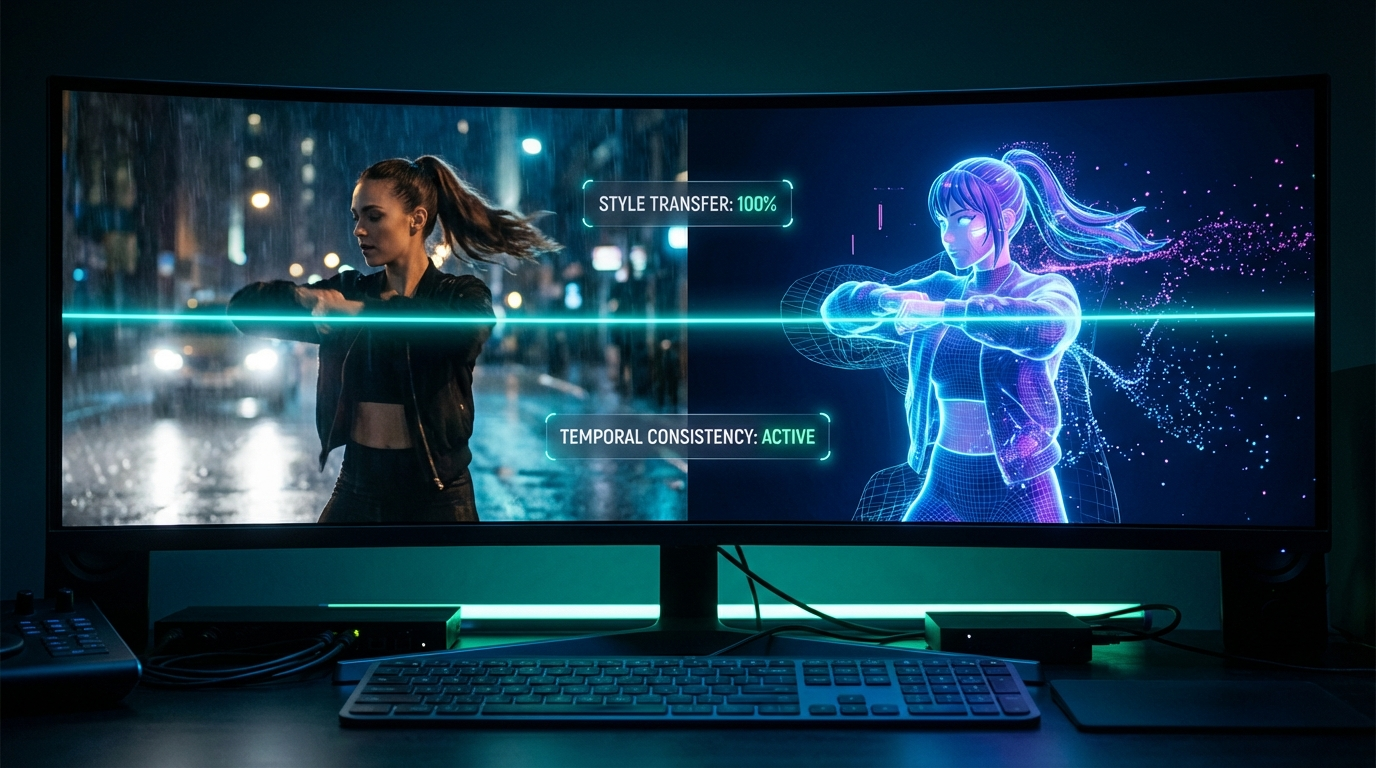
7 Best AI Video to Video Generators in 2026: Master Video Style Transfer
Discover the best AI video to video generators in 2026. We review Genmi, Luma, DomoAI, and more to help you master AI style transfer and restyling.
An In-Depth Media.io Review: A One-Stop Shop or A Master of None?
A hands-on Media.io review testing its AI video, image, and music tools. Discover its pros, cons, and see if a powerful Media.io alternative is better for you.

Top 10 Best AI Video Generators in 2025: A Real Test Review
Our 2025 guide reviews top AI video platforms on quality, features, and price to help you find the best AI video generator for your needs.